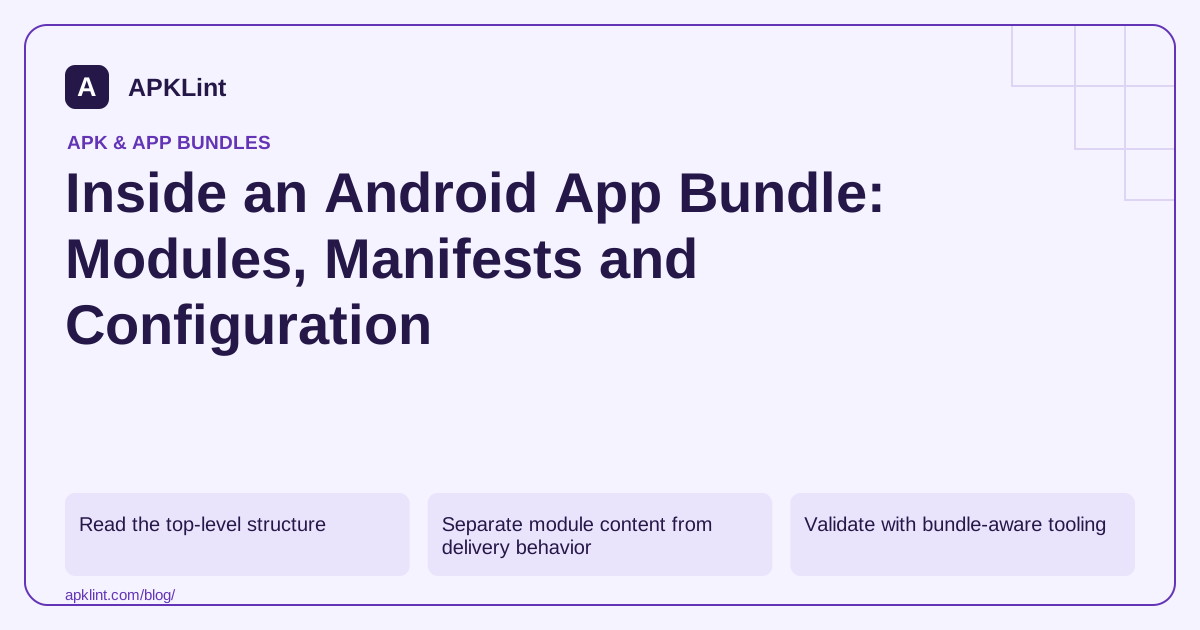
Read the top-level structure
A bundle commonly contains a base/ module, additional feature-module directories, BundleConfig.pb and bundle metadata. Within a module, code, resources, native libraries and the manifest have defined locations. The manifest representation in a bundle is not simply the same binary XML stored in a built APK. Bundle format.
Start by listing module names and identifying the base module. Then note which components belong to optional modules instead of assuming every class or asset ships to every device immediately.
Separate module content from delivery behavior
| Area | Question to ask |
|---|---|
| Base manifest | What identity, SDK floor and core components are declared? |
| Feature modules | Which features are installed initially or on demand? |
| Native libraries | Which ABIs are available in each relevant module? |
| Resources | What device configurations can influence generated splits? |
| Bundle configuration | What generation and packaging settings apply? |
A file's presence somewhere in the AAB does not prove that it is present in a particular installed package set. Conversely, a missing file in the base APK may be available in a delivered feature.
Validate with bundle-aware tooling
Use bundletool's validation and APK-generation workflows rather than attempting to install the AAB. For a local structural check:
java -jar bundletool.jar validate --bundle=app-release.aab
A successful validation checks the bundle against the tool's rules. It does not establish Google Play policy compliance, correct backend behavior or safety of every included SDK. bundletool.
Investigate incomplete analysis honestly
An analyzer may decode only the base manifest or provide aggregate counts without every module's resource inventory. Check its documented scope before concluding that a permission, component or asset is absent from the entire application.
For APKLint's AAB Analyzer, use the module and base-manifest information as a starting point. Continue with bundletool and the project when a feature-specific question requires deeper inspection.
Keep a delivery-aware release record
Record module names, delivery modes, target test devices and generated APK sets. Test a fresh installation and a subsequent feature download, including failure and retry behavior if the app uses optional delivery.
This record is more useful than a single “AAB passed” label. It explains which part of the publishing artifact was inspected and which part of actual user delivery was exercised.
Audit one optional module end to end
Suppose a bundle has a base module and an optional scanner module. Begin with a small table linking each module name to its feature owner and expected delivery condition. Inspect the scanner's manifest and native library inventory separately from the base. A camera-related declaration in that feature should be explained by its operation; an unrelated service deserves a trace back to the dependency or manifest input that introduced it.
Generate the APK set for a selected test configuration and identify which pieces belong to the base and the scanner. Keep the generated files in a separate directory from the AAB. Do not “simplify” the bundle by moving files between module directories with a ZIP editor: resource identifiers, manifests and generation metadata are coordinated by the Android build and bundle tools.
Investigate a missing resource at the correct level
If the scanner shows a missing icon only after delivery, trace the resource from its source module through the bundle and into the APK set selected for the device. Check the relevant configuration, such as density or locale. Looking only in the base APK can produce a false missing-resource report, while finding an icon somewhere in the AAB can produce false confidence that the tested device receives it.
The official format reference distinguishes module contents and bundle-level metadata. Use it to interpret paths, then use an actual installation to establish availability. If your analyzer reports only the base manifest, label the result that way in a review rather than describing it as a whole-bundle permission audit.
Archive a concise module report with the bundle hash and tool version. Include the selection assumptions and any module left untested. If a later release moves a dependency from a feature into the base, that report gives you a concrete explanation for a larger initial download even when the overall AAB size barely changes. Module placement and initial delivery are related questions, but their answers must be measured separately.
Sources and further reading
Reference review: 29 September 2026. Examples illustrate the workflow; check your installed versions, release artifact and account-specific Console requirements before applying them. This guide is not a claim that APKLint executed your project or verified your private account.

Android inspection tools and practical release guides. About APKLint · Report a correction