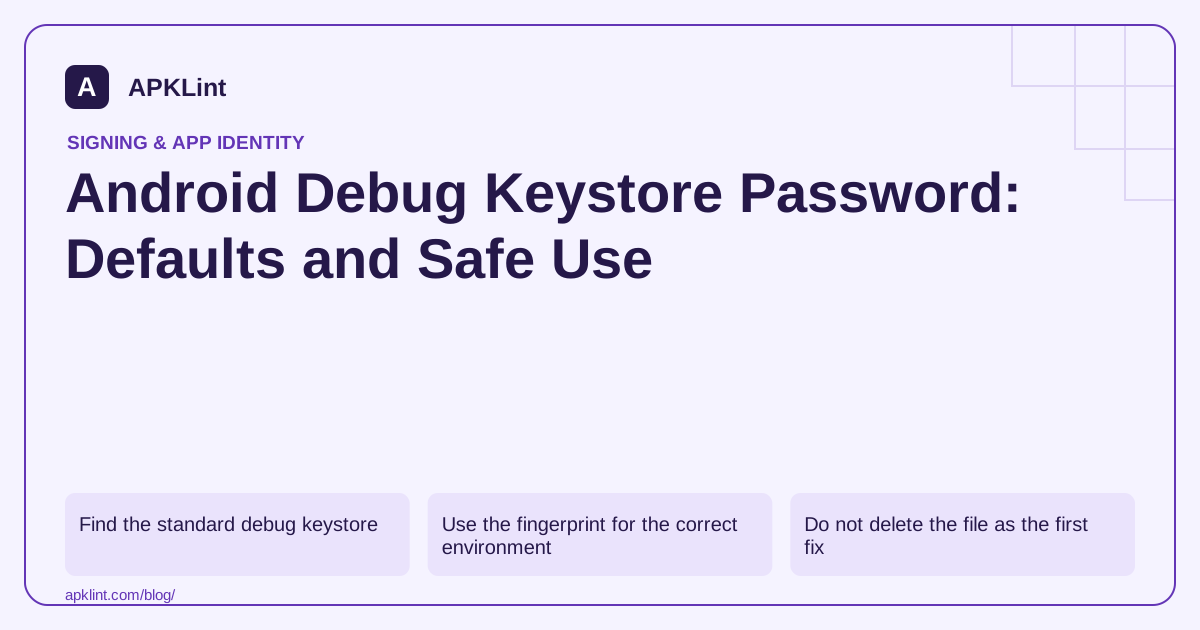
Find the standard debug keystore
Android tooling commonly places it under the user's .android directory, such as ~/.android/debug.keystore. On Windows, the corresponding path is under the user's profile directory. A project can override the debug signing configuration, so inspect the build when the default file does not match the installed app. Signing guide.
To inspect the standard certificate locally:
keytool -list -v -keystore "$HOME/.android/debug.keystore" -alias androiddebugkey
Enter android when prompted for the standard store password. Use the correct path syntax for your shell; do not paste a Unix path into an unrelated Windows command prompt unchanged.
Use the fingerprint for the correct environment
A debug SHA-1 or SHA-256 fingerprint may be needed for a development Firebase or API configuration. Another developer's machine can have a different debug certificate. CI may also generate or use its own file.
Record the environment next to each fingerprint. A list of unlabeled certificate hashes becomes difficult to maintain when login works locally but fails on a store-installed release.
Do not delete the file as the first fix
Deleting a debug keystore causes tooling to generate a different certificate. That can invalidate registrations associated with the previous fingerprint and prevent a signed update over an existing debug installation.
Before regenerating, inspect whether the problem is an incorrect path, password, alias or custom signing configuration. For a disposable development app, reinstalling may be acceptable; for a device with valuable test data, plan the consequences first.
Keep release credentials separate
| Debug artifact | Release artifact |
|---|---|
| Public standard password is expected | Strong, privately managed credentials are required |
| Often machine-specific certificate | Stable, documented release identity |
| Suitable for development tests | Used for authorized distribution |
Never “fix” release signing by pointing it at debug.keystore. A convenient build is not a production-ready release.
Verify the built APK when in doubt
The configuration file describes intent; the APK certificate shows the artifact's actual signing identity. Inspect that output and compare it with the expected debug record. APKLint can display signing metadata for an uploaded APK, but it does not recover keystore passwords or confirm that a certificate belongs to a trusted publisher.
Explain why two developers get different fingerprints
Two developers can both use the standard alias and password while having different debug certificates. The familiar password is a convenience of the development setup; it is not a universal private key shared by every workstation. Compare the actual certificate fingerprint from each developer's configured debug store before assuming that an authentication failure is caused by mistyping the password.
For an owned test application, register only the development identities required by the service's supported workflow. Label each entry with its purpose and owner. A fingerprint from one laptop should not be copied into the production configuration and described as the Play app-signing certificate. The Android signing guide distinguishes development signing from distribution signing.
Check the actual debug configuration before resetting it
A team may use a custom debug signing configuration, so a password failure against the default profile path does not prove the active project's credential is broken. Inspect the selected variant's signing report and store path first. If the project points to a custom entry, use the team's documented credential handling rather than trying the standard password repeatedly or replacing the file.
When a standard local debug certificate is deliberately regenerated, expect its fingerprint to change. That can affect a development API registration and compatibility with an existing debug installation. Keep the old synthetic test state if it is needed for diagnosis, and plan any uninstall or registration update deliberately. Regenerating a debug key is not a remedy for a production signing problem.
Test the repaired development setup by building the intended debug variant and inspecting the resulting APK's certificate. Then exercise the integration that previously failed using a test account. A successful keystore listing shows that the file can be read; the artifact and integration checks show that the selected build uses the expected identity. Keep release credentials separate throughout this process so a debugging shortcut cannot become an accidental production signing rule.
Sources and further reading
Reference review: 29 September 2026. Examples illustrate the workflow; check your installed versions, release artifact and account-specific Console requirements before applying them. This guide is not a claim that APKLint executed your project or verified your private account.

Android inspection tools and practical release guides. About APKLint · Report a correction