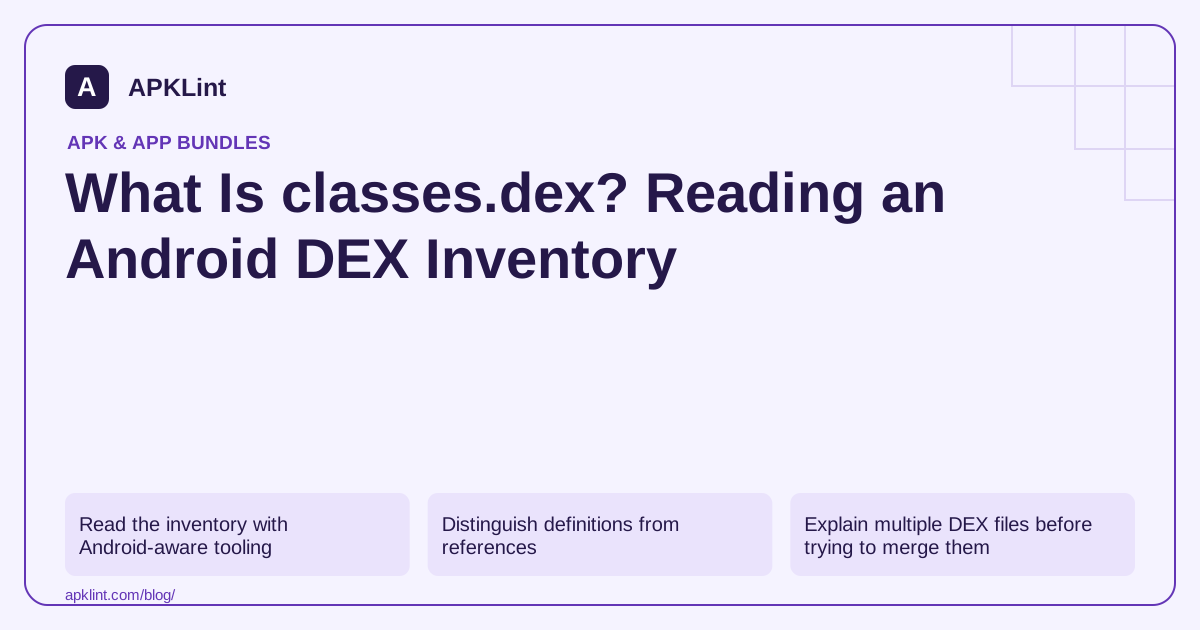
Read the inventory with Android-aware tooling
Use the actual release artifact:
apkanalyzer dex list app-release.apk
apkanalyzer dex references app-release.apk
apkanalyzer dex packages app-release.apk
The commands expose different views: packaged DEX files, referenced methods and package/class structure. Consult the command options when restricting output to a particular DEX. Analyzer reference.
Distinguish definitions from references
A method defined by your application is not the same as a method referenced by code in the DEX. Dependencies and platform calls affect reference counts. Comparing two tools' numbers without checking the definition can produce an apparent disagreement that is only a metric mismatch.
The DEX format has tables for strings, types, prototypes, fields, methods and class definitions. It is a structured binary format, not compressed Java source. DEX format.
Explain multiple DEX files before trying to merge them
classes2.dex is not inherently suspicious. Multidex supports applications whose code cannot fit into a single DEX method-reference space. Shrinking can reduce unnecessary code, while multidex handles the remaining packaging requirement.
Do not delete a secondary DEX file to make an APK smaller. Classes needed only after opening a later screen can live there, so a launch smoke test may miss the damage.
Use package counts as an investigation lead
A large new package namespace after a dependency update can reveal a newly bundled library. Confirm the origin in Gradle's resolved dependency tree. Obfuscation can make application package names less descriptive, and generated or merged classes can complicate attribution.
A class being present does not prove it is executed. Conversely, code loaded from a dynamic feature or native library may not appear in the base DEX inventory.
Keep the result bounded
Save the analyzed artifact, tool version, selected DEX files and count definitions with your comparison. If an online analyzer imposes parsing limits, its aggregate count should not be represented as a complete unrestricted inventory.
APKLint's DEX / Smali Analyzer and APK Analyzer are useful starting points. For a bytecode-level question, inspect the actual method and its control flow; for performance, measure runtime behavior rather than ranking applications by method count alone.
Compare method counts with consistent definitions
Suppose one report shows 40,000 referenced methods and another shows 28,000 defined methods for the same APK. Do not subtract them and label the difference as unused application code. The reports measure different populations. Select the same DEX files and the same count definition before using a change as evidence that a dependency increased or decreased the package.
For a controlled comparison, retain the old and new release artifacts and list each DEX file in both. Then inspect the package or class changes associated with the feature under investigation. If a second DEX appears, determine whether the build crossed a packaging threshold or changed its partitioning. The filename alone does not say whether the added code is legitimate, reachable or costly at runtime.
Connect a structural observation to behavior
The AOSP DEX format reference describes a binary structure with indexed tables and class definitions. A string present in a table might be a resource-like constant, diagnostic message or value used by code. Its presence is a lead for investigation, not proof that the app sends it over the network or shows it to every user.
To investigate a particular constant in your own build, find references to it, identify the containing method and follow the branch conditions that reach its use. Compare that path with a synthetic runtime test where possible. Document uncertainty when reflection, native calls or dynamic delivery prevent a complete static trace. Avoid turning a simple string search into a claim about observed behavior.
Preserve matching obfuscation mappings when interpreting names. If a package is shortened to a single letter, the lack of a familiar namespace does not establish that the dependency disappeared. The useful output is a traceable inventory and a bounded explanation of the changed code, with runtime measurements used separately for claims about startup time, memory or responsiveness.
Sources and further reading
- Android Open Source Project: Dalvik executable format
- Android Developers: apkanalyzer command-line reference
Reference review: 29 September 2026. Examples illustrate the workflow; check your installed versions, release artifact and account-specific Console requirements before applying them. This guide is not a claim that APKLint executed your project or verified your private account.

Android inspection tools and practical release guides. About APKLint · Report a correction