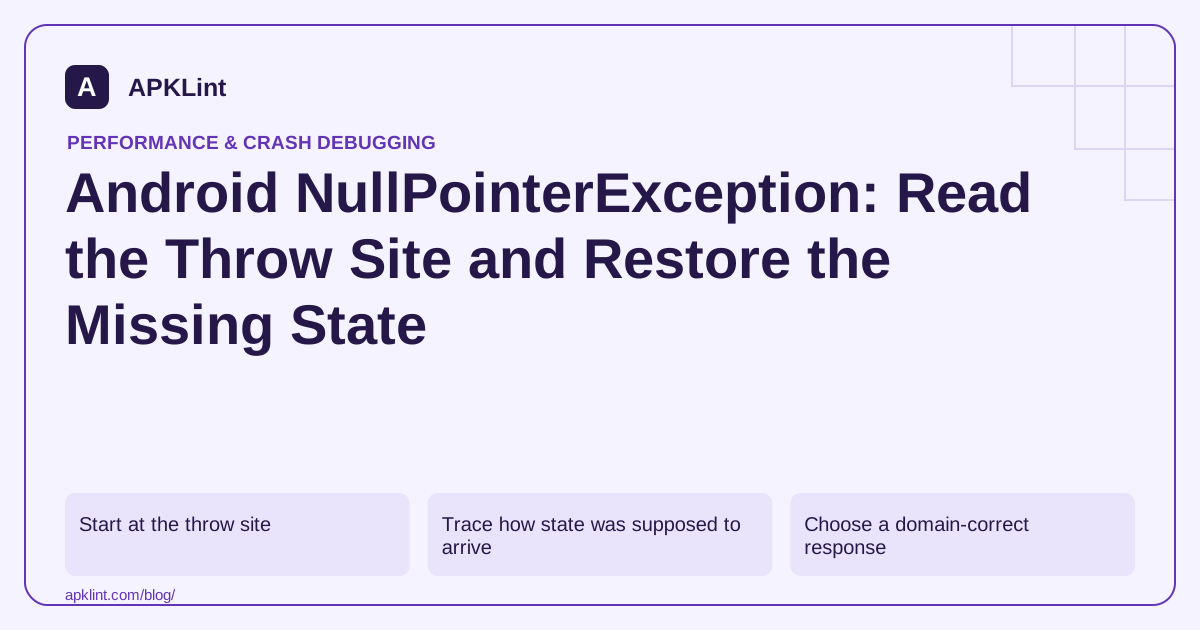
Start at the throw site
Use the Android crash guidance to identify the first relevant application frame and the exact expression on that line. Retrace an optimized release with its matching mapping first.
In Android Studio, read the trace from the Logcat or Run tool window rather than the build output; the throw site and thread are the first facts to capture.
Determine which receiver or value was null. A line with several chained calls may need to be split temporarily to reveal the failing assumption.
Trace how state was supposed to arrive
| Source of value | Failure to investigate |
|---|---|
| View binding | Wrong layout, lifecycle or destroyed view |
| Intent argument | Missing or invalid caller input |
| Repository result | Empty, failed or delayed load |
| Java/platform API | Nullable result crossing into Kotlin |
| Restored state | Process recreation path differs from first launch |
The Kotlin null-safety guide explains nullable types and unsafe assertions. !! is a deliberate crash point when the assumption is wrong, not a general way to satisfy the compiler.
Choose a domain-correct response
If the value is optional, model absence and render a meaningful fallback. If it is required input, validate at the boundary and return an explicit error. If it should be initialized by lifecycle code, fix the ordering or ownership.
Avoid inventing a default object that looks valid but has the wrong ID, empty permissions or missing financial values.
Test the path that skipped initialization
Reproduce cold launch, restored activity, back navigation, failed network and permission denial as relevant. A test that follows only the happy-path first launch will miss many state bugs.
Keep the diagnostic specific
APKLint can help interpret the stack trace, but a trace alone may not reveal the missing initialization. Preserve the triggering state, build version and minimal reproduction. The desired outcome is a restored invariant or an explicit absence state—not a larger collection of null checks hiding the original defect.
Trace the missing value before replacing it
Consider a product screen that reads an item ID from an intent and then loads a record asynchronously. A crash at product.title can represent two different defects: the caller omitted the ID, or the repository returned no matching record. Record which boundary first produced absence. Replacing both with an empty title makes the screen stop crashing while concealing an invalid navigation or deleted record.
Choose an explicit outcome for each case. A missing required argument should stop loading and show a recoverable navigation error. A genuinely deleted product can show an unavailable state and a route back to the catalog. A temporarily unavailable network response needs a retry state. These decisions belong to the product's data contract; a non-null assertion cannot supply the missing information.
Check Kotlin and lifecycle boundaries separately
The Kotlin null-safety guide explains nullable types, safe calls and the risks of the non-null assertion operator. A safe call is appropriate when skipping an optional action is intended. It is insufficient when that action is required to complete an order or save a document. An Elvis fallback should represent a meaningful default, rather than silently substituting a fake account or record.
For a callback that updates a fragment view, reproduce navigation away while the request is still running. The data may be valid even though the old view no longer exists. Keep the request and rendering lifecycle aligned; do not retain a destroyed binding merely to make the reference non-null. Likewise, an uninitialized lateinit property has its own exception and initialization problem, so preserve the actual exception class in the incident record.
Run the repaired path with a valid item, a missing argument, a deleted item and a delayed response after leaving the screen. Rotate or recreate the screen where supported, then confirm that only the current view renders the result. For a release-only trace, retrace the exact build before choosing a source line. Record the input category and lifecycle event without logging personal item contents. The useful completion criterion is that each absence has a deliberate outcome, not simply that a catch block suppresses the crash.
Sources and further reading
Reference review: 29 September 2026. Examples illustrate the workflow; check your installed versions, release artifact and account-specific Console requirements before applying them. This guide is not a claim that APKLint executed your project or verified your private account.

Android inspection tools and practical release guides. About APKLint · Report a correction