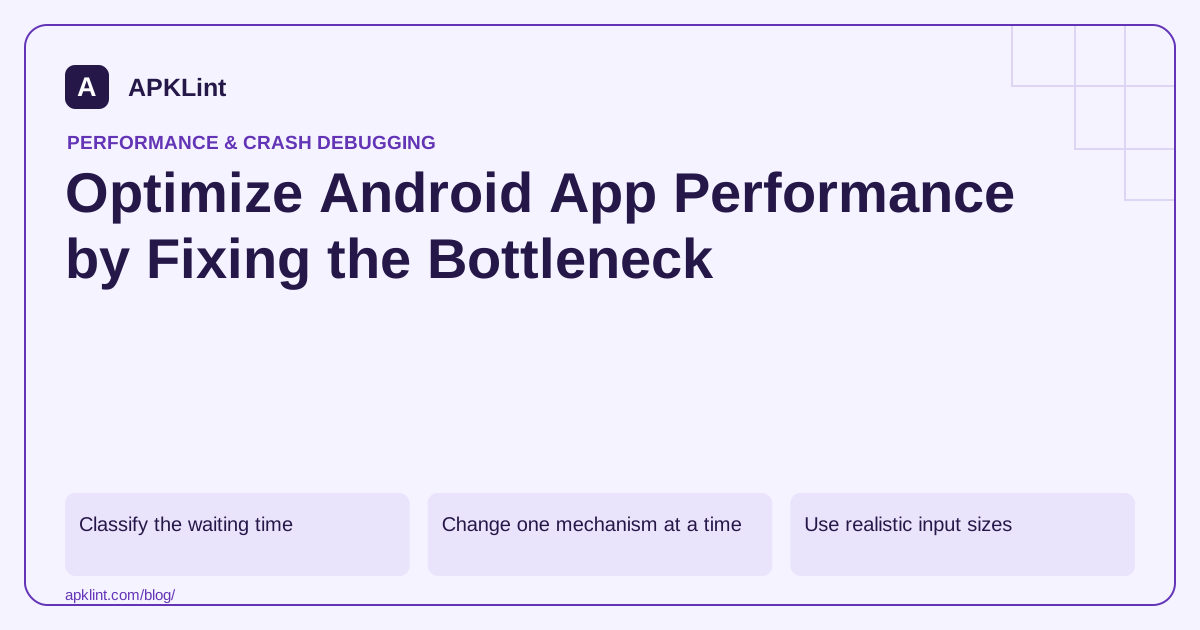
Classify the waiting time
Use the profiling guide to separate CPU work, blocked threads, memory pressure, rendering and network waiting.
| Symptom | First investigation |
|---|---|
| Slow first launch | Initialization and startup trace |
| Choppy scrolling | Long frames and rendering work |
| Repeated pauses | Allocation and garbage-collection pressure |
| Growth after repeated navigation | Retained objects and memory ownership |
| Loading spinner with idle CPU | Network, locks or asynchronous completion |
A visual symptom is a starting hypothesis, not a root cause.
Change one mechanism at a time
For a heavy decode, test right-sized images and background work. For repeated network calls, test lifecycle ownership and caching. For startup, defer work that is not required for the first usable screen.
Keep correctness constraints explicit. Returning an empty result quickly is not a successful optimization of a real data-loading task.
Use realistic input sizes
Benchmark typical and high-end supported workloads. A change that helps a tiny test document may fail on a large file because its memory behavior scales poorly.
Also test cancellation and repeated use. Work continuing after a screen closes can consume resources even when the visible flow appears fast.
Compare like for like
Use the same build type, device, data, thermal conditions and metric boundary. Retain before/after traces, not just a rounded percentage.
Check for trade-offs: a larger cache may improve repeat access while increasing memory pressure; aggressive preloading may improve one screen while slowing startup.
Turn the gain into a regression guard
Add a repeatable benchmark or scenario around the fixed bottleneck. APKLint's Performance Checker can structure the review, but it cannot supply runtime evidence from static package metadata. Publish an optimization claim only with a defined workload and measured result, not an assumed benefit from a configuration flag.
Test whether oversized decoding causes a slow image list
Suppose a thumbnail list stutters while loading high-resolution images. Form a specific hypothesis: the app decodes more pixels than the displayed thumbnails require, increasing work and memory pressure. Capture a representative trace and allocation observation before changing the implementation. A slow screen alone does not prove that decoding is responsible.
The Android memory guidance helps frame allocation and retention questions. Compare a right-sized decoding approach using the same image set, device and release-like build. Confirm that the displayed thumbnails still meet the intended visual quality rather than treating missing or blurred images as a successful speed improvement.
Measure the second and tenth visits as well as the first
Open the list, scroll through it and leave the screen repeatedly. Observe whether memory returns to the expected range and whether work belonging to an old screen continues. A cache that improves the second visit can still grow without bounds across many different lists.
Test a long list and the largest supported image dimensions. Record the input characteristics instead of relying on a tiny demonstration file. A change that allocates one full-size intermediate buffer per item may look acceptable in a five-item test and fail badly with a realistic workload.
Inspect cancellation when the user scrolls quickly or navigates away. Avoid letting late image results update recycled rows with the wrong thumbnail. The optimization must preserve the association between each request and its current view, not merely reduce the total work.
Compare latency, frame behavior and memory together. A larger cache may trade memory for speed, while preloading can move cost from scrolling into startup. State that trade-off and check the devices on which it matters before expanding the change.
Keep the original slow fixture and measurement procedure as a regression check. Retain traces for outliers instead of reporting only the fastest run. The useful outcome is a demonstrated reduction in the identified bottleneck while the image list remains correct under repeated use, large inputs and cancellation.
Sources and further reading
- Android Developers: Profile your app performance
- Android Developers: App startup time
- Android Developers: Slow rendering
- Android Developers: Manage your app memory
Reference review: 29 September 2026. Examples illustrate the workflow; check your installed versions, release artifact and account-specific Console requirements before applying them. This guide is not a claim that APKLint executed your project or verified your private account.

Android inspection tools and practical release guides. About APKLint · Report a correction