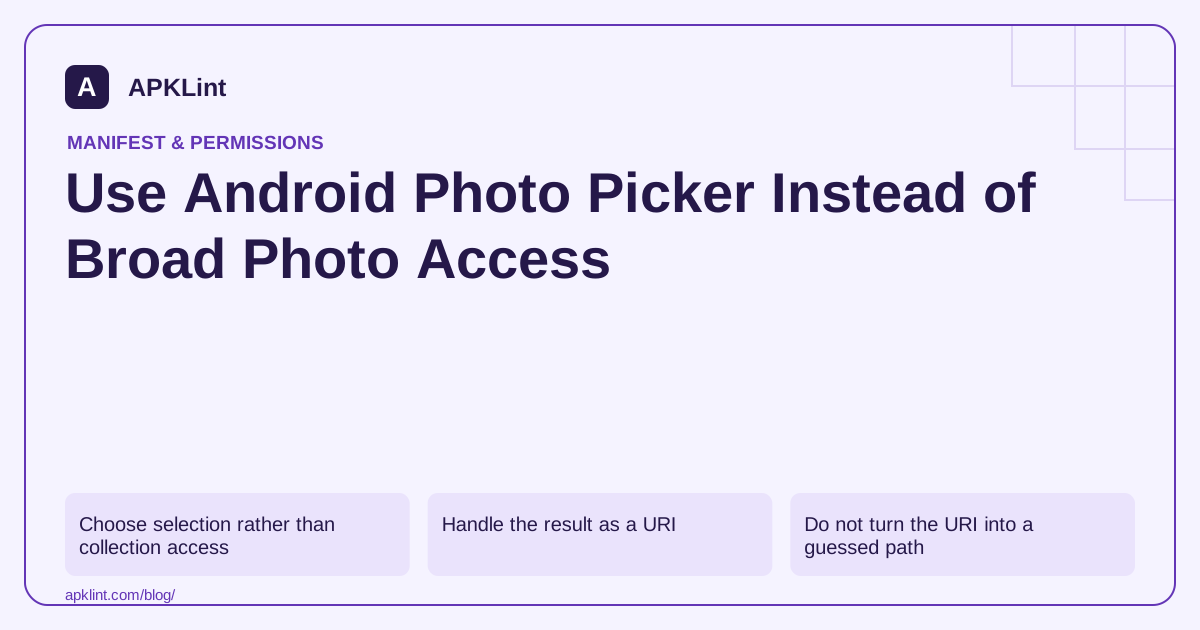
Choose selection rather than collection access
A picker is appropriate when the user chooses specific items. A full gallery-management application may have different needs, but “upload one image” is not a strong reason to request access to every image on the device.
Follow the Photo Picker documentation for current AndroidX contracts, availability and fallback behavior. Do not hardcode assumptions about which picker UI every device will display.
Handle the result as a URI
This activity or fragment fragment illustrates the single-image flow:
private val chooseImage = registerForActivityResult(
    ActivityResultContracts.PickVisualMedia()
) { uri ->
    if (uri != null) importSelectedImage(uri)
}

// Called after the user chooses “Attach photo”.
chooseImage.launch(
    PickVisualMediaRequest(
        ActivityResultContracts.PickVisualMedia.ImageOnly
    )
)
The helper must validate and stream the content safely. Cancellation returns no selection and should not display an error or start an upload.
Do not turn the URI into a guessed path
Use ContentResolver to open selected content. The provider may serve remote or virtual media. Bound memory use, handle unavailable content and avoid assuming that the filename extension proves the format.
For deferred uploads, follow the documented access-lifetime and persistable-permission rules for the returned URI. Do not assume a temporary grant survives every app or device lifecycle event.
Test real edge cases
Test cancellation, a large image, a remote provider, selected media becoming unavailable and repeated selection. Confirm that the upload does not start before the user chooses the item and that the UI reports progress and failure accurately.
Remove unnecessary broad requests
Review the media access model and the merged release manifest after migration. APKLint's Dangerous Permissions Checker can help identify old storage declarations left behind by the app or SDKs. It cannot verify URI lifetime or image-processing memory behavior; those need runtime tests of the actual import flow.
Import an avatar without assuming a filesystem path
Suppose a profile screen lets the user choose one picture. After selection, open the returned URI through the content resolver and inspect the readable content. The image may be supplied by a provider rather than a path the app can access directly. Keep the previous avatar until the new input has been decoded and accepted, so cancellation or failure does not erase a working profile image.
The Photo Picker guide describes selection contracts, availability and fallback behavior. The Kotlin fragment above assumes the relevant AndroidX imports and an activity or fragment registration context. Its importSelectedImage helper is application code that must implement validation and processing; it is not an Android platform method.
Preserve access deliberately for a deferred upload
A picker result that opens immediately is not proof that a background upload can reopen it later. Follow the documented persistable-read-grant flow when the feature needs access beyond the initial interaction, and handle cases where the selected content is subsequently unavailable. Retaining a URI string in a database alone does not retain its permission.
Test a large image from a remote provider on a slow connection. Show an importing state while content is being read and bound the work so a full-resolution decode does not exhaust memory unnecessarily. Validate the actual format rather than trusting the display name or a filename extension. If processing fails, explain that the chosen image could not be imported and allow another selection.
Choose a second image before the first import completes and verify that a late first result cannot overwrite the new choice. Associate each asynchronous operation with the current selection, then discard stale results. Test cancellation both before any selection and after an earlier successful import; these are different UI histories and should not accidentally trigger an upload.
For a persistent upload queue, reopen the input after the relevant lifecycle transition and verify that the queue handles lost access without looping indefinitely. Release retained access when the feature no longer needs it according to the app's design. Avoid collecting the rest of the media library just because one selected file becomes unavailable.
Finally, inspect the merged manifest for obsolete broad storage requests from both app code and dependencies. Migrating the visible button to a picker does not automatically remove declarations introduced elsewhere. Keep the narrow access model and the actual import implementation consistent.
Sources and further reading
Reference review: 29 September 2026. Examples illustrate the workflow; check your installed versions, release artifact and account-specific Console requirements before applying them. This guide is not a claim that APKLint executed your project or verified your private account.

Android inspection tools and practical release guides. About APKLint · Report a correction