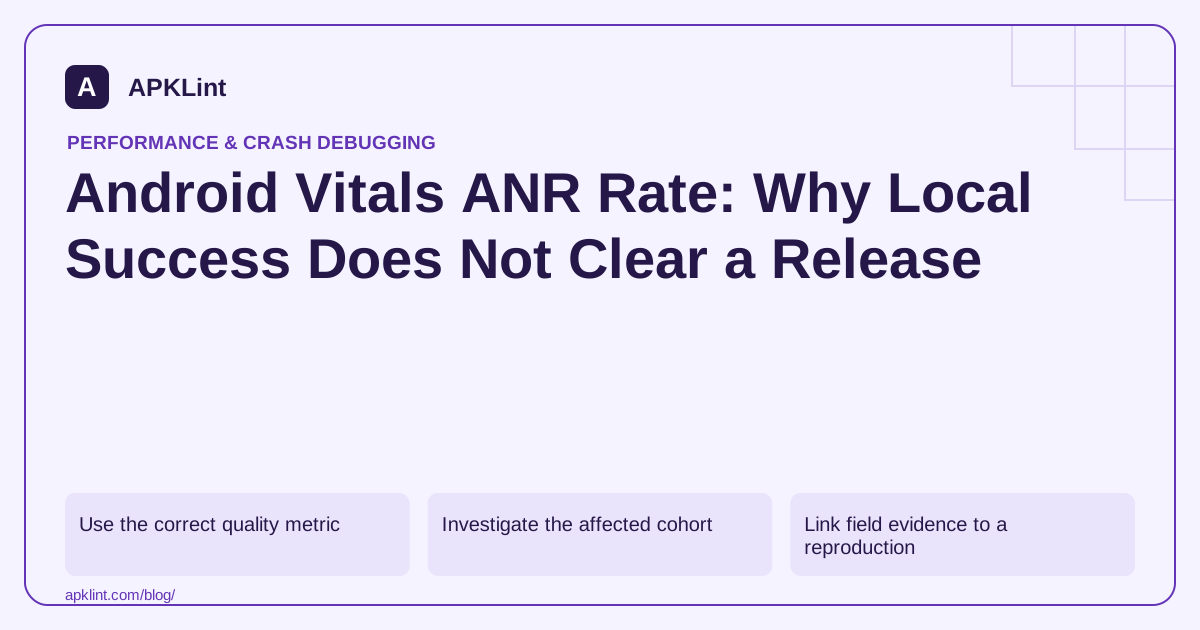
Use the correct quality metric
The Android vitals guide defines user-perceived ANR rate and its eligible population. On 29 September 2026, the published overall threshold is 0.47%, with separate device-specific thresholds.
These values are dated policy/quality references, not a guarantee that every app below the threshold provides a good experience.
Investigate the affected cohort
Filter by version, device and Android release where data is available. Compare the ANR reason and thread traces rather than assuming every cluster is caused by the same main-thread operation.
The ANR diagnostic guide explains blocked work, locks and component-specific behavior.
Link field evidence to a reproduction
| Field clue | Reproduction to try |
|---|---|
| Low-memory devices | Large input and memory pressure |
| Startup cluster | Cold launch with slow initialization |
| Network-dependent action | Slow or failing network |
| Background component | Relevant scheduling and lifecycle constraints |
| Lock wait | Concurrent operations and owner-thread trace |
A main-thread stack captured after the blockage may not show the original cause. Correlate with other threads and available timing evidence.
Fix the dependency, not only the thread label
Moving an operation to a worker still blocks the UI if the main thread waits synchronously for it. Review ownership, cancellation and completion delivery as a whole.
Monitor the corrected release
Validate the affected scenario locally, then track the new version's field behavior. Aggregate windows can retain old-version failures while users update.
APKLint's Crash / ANR Analyzer can help interpret a redacted report and its Vitals Checker can structure the review. Neither establishes that an ANR is resolved in production. Keep the reproduction, fix and post-release cohort evidence together.
Keep affected users distinct from repeated events
For an illustrative daily cohort of 10,000 eligible active users, if 40 experience at least one qualifying user-perceived ANR, the corresponding simple affected-user calculation is 40 divided by 10,000 times 100, or 0.4%. Several ANRs experienced by the same user do not turn that user into several distinct users in this calculation. Use the dashboard's actual definition and aggregation for a real report.
The Android vitals reference, reviewed on 29 September 2026, lists an overall user-perceived ANR bad-behavior threshold of 0.47%. A threshold comparison does not establish that a particular blocking defect is acceptable, and a daily illustrative calculation is not a substitute for the Console's configured reporting window.
Follow the thread that owns the resource being awaited
Suppose a trace shows the main thread waiting for a lock during screen creation. Inspect the thread holding that lock and the work it performs. Moving that work to another thread does not solve the responsiveness problem if the main thread still waits synchronously for its completion.
Use the ANR investigation guidance to interpret the available reason and traces. Preserve other relevant thread stacks and timing context. A snapshot taken after the worst delay can omit the operation that originally blocked progress.
Reproduce the affected scenario with the relevant device class and synthetic workload. Include slower storage, delayed responses or concurrent operations when the evidence points to them. Define the expected responsive behavior before changing the ownership or synchronization design.
After a repair, verify both responsiveness and correctness. The screen should remain usable without showing a completed operation before its data is ready. Exercise cancellation and a second attempt to ensure the new asynchronous path does not leave stale callbacks or duplicate work.
Monitor the repaired version's affected cohort separately from older installations. Keep the cluster identity and local reproduction with the release record, so a later aggregate improvement can be interpreted alongside actual adoption and the specific failure that was repaired.
Inspect device-specific results as well as the overall percentage. A concentrated failure on one supported model can disappear inside a large unaffected population while still preventing that model's users from completing the task.
Sources and further reading
Reference review: 29 September 2026. Examples illustrate the workflow; check your installed versions, release artifact and account-specific Console requirements before applying them. This guide is not a claim that APKLint executed your project or verified your private account.

Android inspection tools and practical release guides. About APKLint · Report a correction