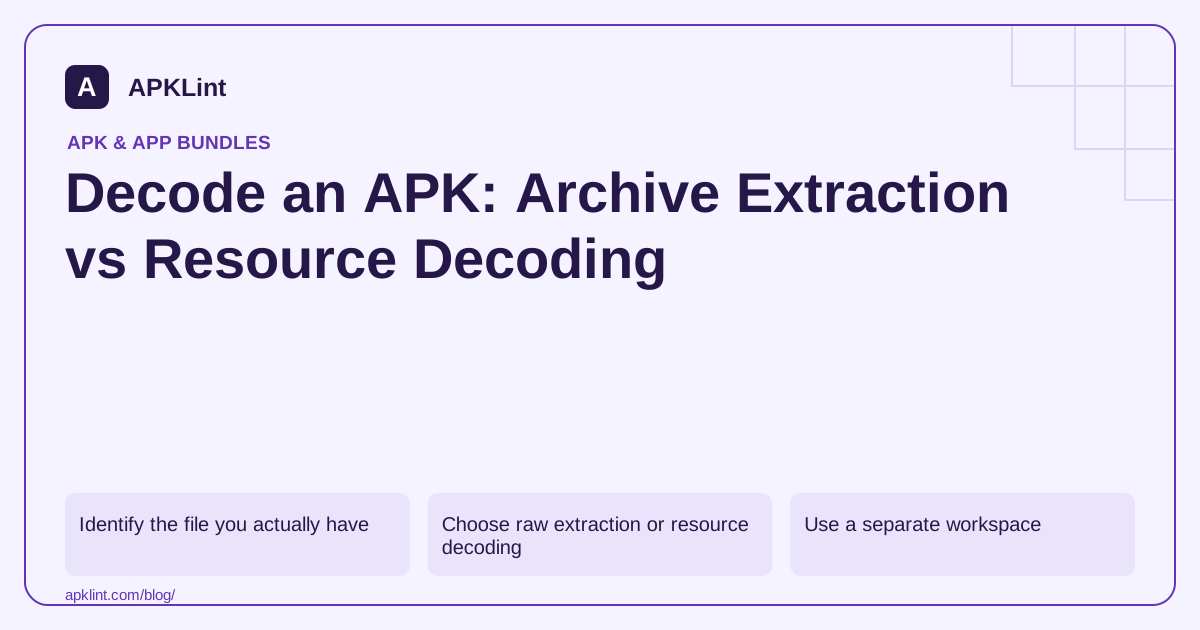
Identify the file you actually have
Check the extension and archive contents without executing anything. An APK normally contains AndroidManifest.xml; an AAB has module directories and bundle metadata. A container holding several APKs needs split-aware handling. Renaming any of these files to .apk does not convert the format.
For a first pass:
apkanalyzer apk summary owned-app.apk
apkanalyzer files list owned-app.apk
apkanalyzer manifest print owned-app.apk
The decoded manifest is usually enough for a permissions or component review. Avoid a full decompile when a narrow metadata command answers the question. Analyzer commands.
Choose raw extraction or resource decoding
| Need | Suitable operation |
|---|---|
Read a text file in assets/ |
Extract that known entry |
| Review permissions | Decode the packaged manifest |
| Inspect layouts and resource references | Use resource-aware decoding |
| Examine managed code | Use a DEX decompiler or disassembler |
| Recover the original build project | Seek source backups; decoding is insufficient |
Apktool is designed for resource decoding and rebuilding workflows. Its output approximates resource structure; it should not be confused with the original Android Studio sources. Official Apktool project.
Use a separate workspace
Run analysis on an authorized copy in a new directory. Keep the tool version and command in your notes, because different decoder versions can produce different warnings or support different resource features.
apktool d owned-app.apk -o decoded-owned-app
Treat the command as a local analysis example. Review its warnings before relying on the output. Framework or resource compatibility errors are evidence of an incomplete decode, not permission to silently discard files until the command succeeds.
Read resource references as a system
A layout can reference strings, styles, drawables and configuration-specific values. Copying only its XML into another project may leave unresolved IDs or change behavior. Likewise, a drawable may be a vector or an XML selector rather than a bitmap.
Trace the resource reference to its definition and relevant configurations. If you need one displayed icon, check density and theme variants instead of extracting the first file with a familiar name.
Keep the result's limits explicit
Decoded resources are useful for inspecting your shipped build, checking accidental assets or diagnosing a configuration problem. They do not establish publisher identity, malware safety or exact source recovery.
APKLint's APKTool alternative and decompiler offer related inspection workflows. For a rebuild, return to a controlled local toolchain and verify signing and runtime behavior separately. Never overwrite your only original APK with a reconstructed output.
Follow a layout reference through its dependencies
Suppose a decoded layout contains a button whose text references a string resource and whose background references a drawable selector. Reading only the layout tells you neither the selected language value nor the pressed-state artwork. Follow both resource references and note the configuration folders that provide alternatives. Then compare the result with the actual screen on a device using that language and theme.
If the displayed text differs from your first decoded value, check whether you selected the default string instead of the locale-specific one. Also consider whether the application replaces that text at runtime. Resource decoding explains what was packaged; it cannot establish every value assigned later by application code or received from a service. Keep the packaged value and runtime observation as separate entries in the investigation.
Preserve incomplete decode evidence
Run the decoder into a new directory and save its standard output, warnings and version beside the APK hash. If it reports an unsupported resource or missing framework context, inspect the tool's documented requirements before retrying. The Apktool decoding guide is the primary reference for the operation. Do not delete problematic resource entries from the package merely to produce a directory with no warnings.
Compare a narrow result with another appropriate view when possible. If your question concerns a permission declaration, Android's manifest inspection may answer it even when a full resource decode is incomplete. If the question concerns a complex drawable, a readable XML file alone may still need rendering with its referenced assets. Choose verification that matches the question instead of treating every decoder output as equally authoritative.
When reporting a finding, include the packaged resource path, decoded output path and the exact observation. For example, report that the default resource contains a particular label and that the tested locale shows it, rather than claiming the label appears in every configuration. This preserves useful evidence without making the decoder's coverage broader than it actually was.
Sources and further reading
Reference review: 29 September 2026. Examples illustrate the workflow; check your installed versions, release artifact and account-specific Console requirements before applying them. This guide is not a claim that APKLint executed your project or verified your private account.

Android inspection tools and practical release guides. About APKLint · Report a correction