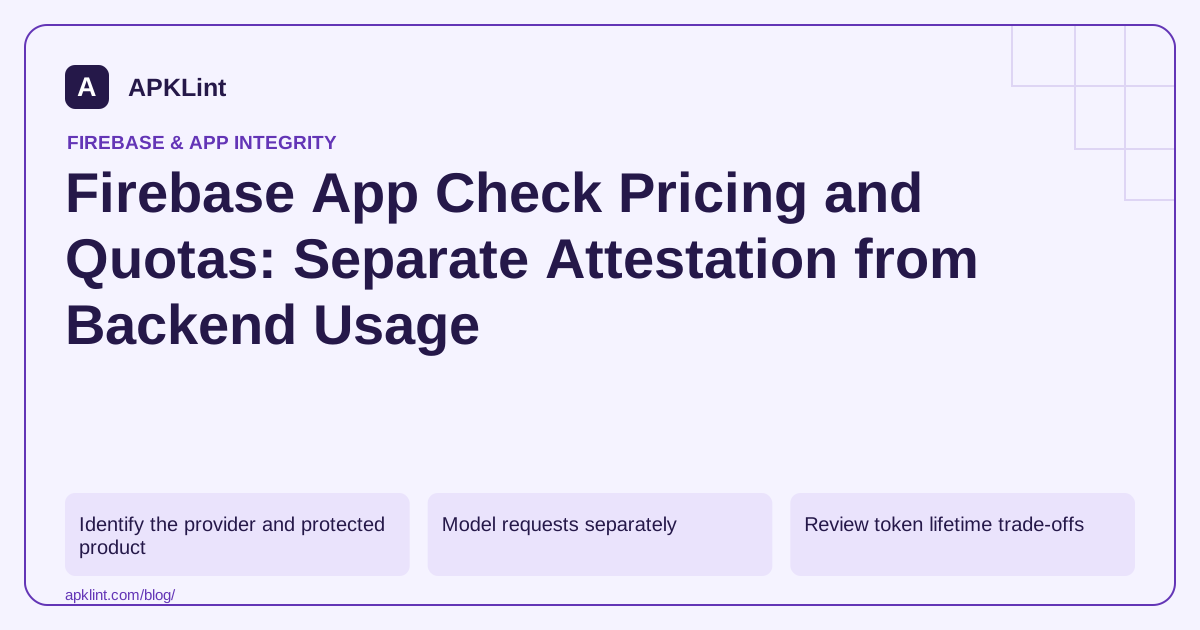
Identify the provider and protected product
The App Check overview links provider quotas and supported services. Android Play Integrity has its own setup and request limits described in the Play Integrity documentation.
Use the project's current console and provider documentation for exact quotas and eligibility. Do not copy a quota from another project, billing plan or attestation provider as a universal allowance.
Model requests separately
| Quantity | Why it differs |
|---|---|
| Active app installations | Population using the app |
| Attestation/token refreshes | Depends on token lifecycle and usage |
| Protected backend requests | Can greatly exceed token refresh count |
| Billable product operations | Determined by each backend product's pricing |
One App Check token can be used according to the SDK's lifecycle; do not assume every database read necessarily produces a fresh attestation call.
Review token lifetime trade-offs
The Android provider guide explains supported configuration. Shorter token lifetimes may change request volume, latency and abuse exposure. Choose values based on the documented limits and actual threat model rather than maximizing refresh frequency automatically.
Test failure behavior under limits
Determine what the app and backend do when token acquisition fails or a provider is temporarily unavailable. An uncontrolled retry loop can worsen quota pressure and degrade the user experience.
Use bounded retries and observable error handling appropriate to the SDK. Do not replace verification with unconditional acceptance simply because a quota was reached.
Keep the estimate dated
Record provider, project, billing plan, quota approval and measurement window. APKLint's Firebase Config Scanner cannot read billing or provider quotas and should not be used to estimate them. Use observed traffic and the current official provider/product tables to build the budget, then revisit it after rollout or a substantial change in active usage.
Build a volume worksheet without inventing a provider price
As an illustrative capacity calculation, suppose a measured day contains 2,000 active installations and an average of three successful attestation exchanges per active installation. That produces 6,000 exchanges for that measured pattern. If each installation also makes 100 protected product requests, the separate product-request total is 200,000. These invented quantities demonstrate why the two counters must not be equated; they are not provider quotas, prices or a recommended refresh policy.
Measure failed acquisitions and retries separately from successful exchanges, and preserve the provider's actual quota-unit definition. A client-side attempt count may not equal the provider's charged or limited operation count. The App Check overview links the supported provider and product boundaries. Use each provider's current documentation and the project's approved quota when applying the worksheet.
Plan for peaks and failure amplification
A daily average can conceal a release-day peak when many installations start together. Record peak intervals, refresh behavior and retry rates during a controlled rollout. Check whether a provider applies per-project, per-app or other limits, and whether an increase requires approval before launch. Do not assume a billing-plan change automatically raises an unrelated provider's quota.
For a failure scenario, use a controlled test environment to observe token acquisition failure and the app's bounded retry behavior. Verify that the UI communicates a recoverable state without issuing repeated state-changing backend operations. If the backend operation can be retried, its own idempotency controls remain necessary; attestation does not deduplicate an order or payment request.
Keep the cost record split into attestation/provider charges, protected-product usage and any custom backend infrastructure. Attach the dated pricing source and units to each line, leaving unavailable values explicitly unknown. Compare the estimate with actual usage after rollout and investigate large differences in refresh or retry rates. This approach supports a defensible budget while avoiding a misleading universal claim that every App Check deployment has the same free allowance or that a single app token accounts for all backend costs.
Sources and further reading
- Firebase: App Check overview
- Firebase: App Check with Play Integrity on Android
- Android Developers: Set up Play Integrity
Reference review: 29 September 2026. Examples illustrate the workflow; check your installed versions, release artifact and account-specific Console requirements before applying them. This guide is not a claim that APKLint executed your project or verified your private account.

Android inspection tools and practical release guides. About APKLint · Report a correction