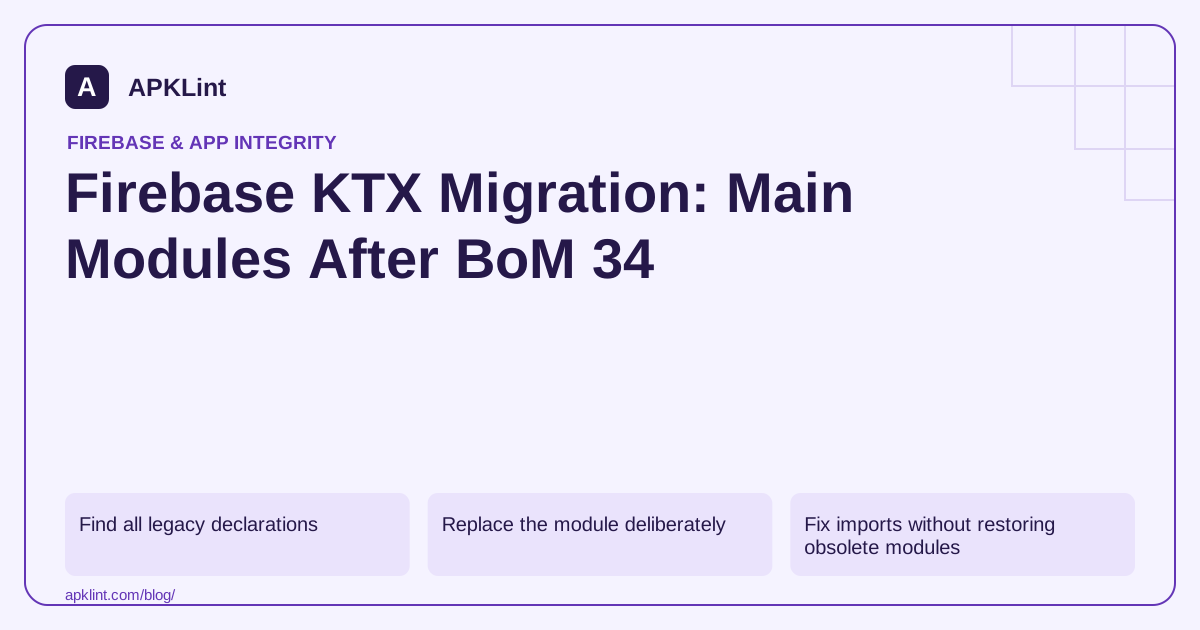
Find all legacy declarations
Search module build files, version catalogs, convention plugins and shared dependency bundles for Firebase coordinates ending in -ktx. The Android release notes identify the change and link the migration guidance.
A top-level BoM update may leave an explicitly versioned old KTX module in the resolved graph, so inspect resolution as well as source text.
Replace the module deliberately
For example, migrate the dependency from the old Crashlytics KTX module to the supported main module under the chosen BoM:
implementation(platform("com.google.firebase:firebase-bom:34.19.0"))
implementation("com.google.firebase:firebase-crashlytics")
This is a dated dependency fragment, not a complete migration for every Firebase product. Follow the current setup guide and product-specific import/API instructions.
Fix imports without restoring obsolete modules
Kotlin extension availability and import paths should follow the main-module migration documentation. An unresolved import after removing a legacy dependency is a migration task, not a reason to silently re-add the unsupported artifact.
Separate source migration from unrelated architectural refactoring so failures remain easy to trace.
Verify the selected product versions
| Check | Expected evidence |
|---|---|
| Build declarations | Main modules used intentionally |
| Resolved graph | No accidental old KTX dependency retained |
| Compilation | Updated imports and API usage |
| Runtime | Product-specific flows still work |
Test only the products the app actually uses, including release optimization where relevant.
Keep plugin versions independent
The Firebase BoM does not manage every Gradle plugin. Review Google services, Crashlytics and Performance plugin compatibility separately when they are present.
APKLint's Gradle tools can support a search for legacy coordinates and inconsistent declarations. They cannot prove that every module or convention plugin has migrated, so retain the complete dependency report and runtime test results with the change.
Migrate a source file and its dependency together
Start with one Firebase product used by a small module. Replace its legacy KTX coordinate with the supported main module under the chosen BoM, then update the imports according to that product's migration guide. Compile the module before proceeding to the next product. Firebase's Android KTX guidance states that new KTX-module releases stopped in July 2025 and those modules were removed from BoM 34.0.0.
Keep the distinction clear: Kotlin remains supported, while the packaging location of the Firebase extensions changed. Do not rewrite working Kotlin application logic into Java solely because a dependency name no longer ends in -ktx. Likewise, an unresolved old import should prompt an API migration check rather than automatic restoration of an obsolete explicitly versioned module.
Check the graph beyond the first app build file
A version catalog bundle, shared convention plugin or library module can retain a legacy coordinate after the main app declaration is corrected. Search those build inputs and inspect the resolved graph for every relevant release variant. If a third-party library introduces an old module transitively, identify that parent and review its supported update path instead of claiming the application is fully migrated from a single text search.
Use a simple migration table containing the old coordinate, replacement coordinate, changed import locations and validated feature. For Authentication, verify the sign-in state flow used by the app; for a database product, verify the actual read/write and listener lifecycle; for Crashlytics, verify a controlled report. Choose only the products present in the project so the evidence describes real coverage.
Finally, remove unused catalog aliases and imports after the build and tests succeed, then run the same release task from CI. Keep the Firebase BoM and independent Gradle plugin versions recorded separately. If a runtime regression appears, the small product-by-product changes make it possible to identify which migration introduced it. Preserve those meaningful changes in review rather than combining the dependency move with broad architecture refactoring or unrelated SDK upgrades that obscure the cause.
Sources and further reading
Reference review: 29 September 2026. Examples illustrate the workflow; check your installed versions, release artifact and account-specific Console requirements before applying them. This guide is not a claim that APKLint executed your project or verified your private account.

Android inspection tools and practical release guides. About APKLint · Report a correction