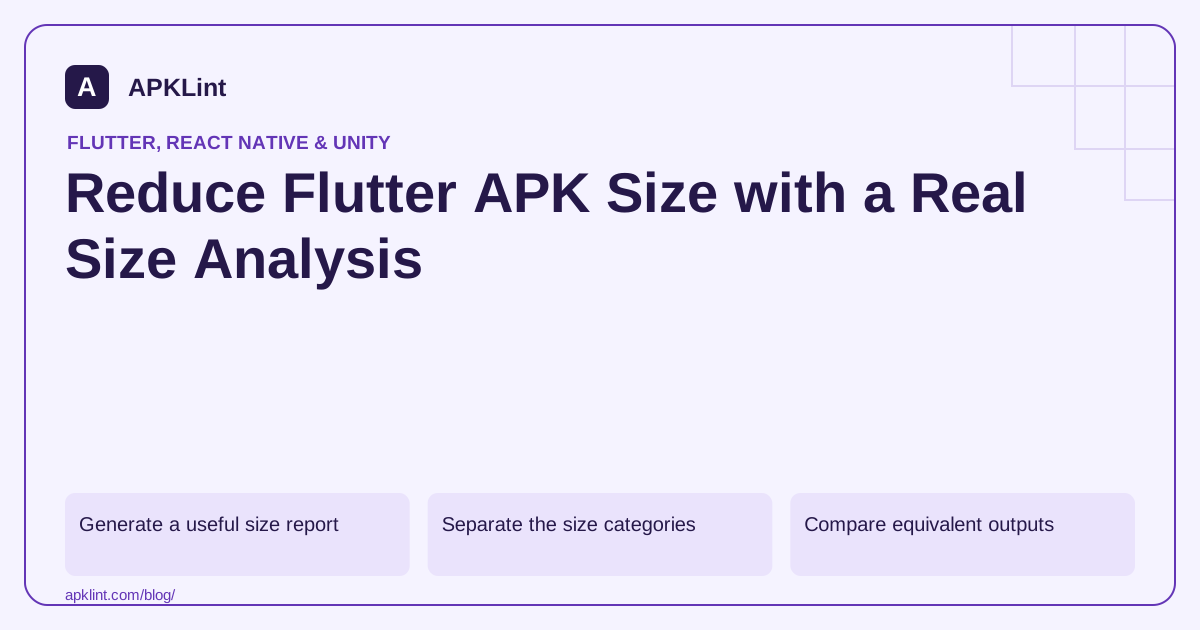
Generate a useful size report
Follow the Flutter app-size guide. An illustrative single-platform analysis command is:
flutter build apk --release --analyze-size --target-platform android-arm64
Use a target supported by the installed Flutter toolchain. Open the generated analysis output with the documented DevTools workflow.
Separate the size categories
| Category | Possible action |
|---|---|
| Dart application code | Remove unused features/dependencies where appropriate |
| Images/audio/assets | Resize, compress or change delivery strategy |
| Native plugins | Remove unused SDKs and review supported ABIs |
| Flutter engine | Recognize framework overhead rather than mislabel it app code |
A native library may be essential even when it looks large. Deleting it from the final APK can break loading or signing.
Compare equivalent outputs
The Android release guide distinguishes APKs, per-ABI APKs and app bundles. Record whether a number is archive size, estimated device download or installed footprint.
Use the same source revision, Flutter version, dependencies and architecture selection for before/after comparisons.
Fix the largest justified contributor
A large unused video or oversized texture can outweigh dozens of tiny Dart changes. Inspect real asset usage and quality requirements rather than applying maximum compression indiscriminately.
Test less common screens and offline paths after removing assets. A remote asset strategy changes availability and network behavior, not just size.
Preserve diagnostics and functionality
Archive obfuscation symbols where used and verify plugins on supported architectures. APKLint's APK Size Analyzer can inspect packaged entries, while the Flutter Analyzer helps identify framework structure. Neither predicts a universal download reduction. Report measured savings for the exact artifacts and device conditions tested.
Compare an image-heavy release with equivalent targeting
Imagine a Flutter app whose package grows after adding a tutorial containing large illustrations. Capture a size report before and after that feature using the same architecture target and release configuration. Inspect whether the growth is in assets, Dart code or native plugins. Removing a Dart import will not recover space occupied by an unrelated full-resolution image bundled through the asset manifest.
The Flutter size-analysis guide explains the analysis workflow and why upload size differs from what a device receives. Preserve the generated report and artifact identity. A universal APK includes architecture content that a device-specific delivery may not, so comparing those two outputs can manufacture an apparent optimization.
Change the largest contributor with a visible quality check
For the tutorial, resize illustrations to their actual display needs and choose an appropriate format. Inspect fine text, transparency and scaling on supported device densities. If assets move to remote delivery, test first launch offline, interrupted downloads and cached reuse; the availability contract has changed along with package size.
For a large native plugin, establish whether the app uses its feature and whether the publisher offers a smaller supported module. Do not delete a shared library directly from a signed APK. Remove or configure the dependency in the build, rebuild and test every affected ABI and feature path. Inspect transitive libraries too: removing a direct dependency declaration may leave the same SDK packaged through another plugin that still requires it.
Compare both measured bytes and the user experience after the change. A compressed image that must be decoded into huge pixel buffers can reduce the download while increasing memory pressure. A deferred asset can improve installation size while adding a delay to its first use. Keep those tradeoffs explicit rather than folding them into one size score. Retain obfuscation symbols when used and verify that crash reporting still associates them with the candidate. Report the exact artifacts, targeting and byte difference that were measured, with no claim that every Play download or installed footprint will shrink by the same percentage.
Sources and further reading
Reference review: 29 September 2026. Examples illustrate the workflow; check your installed versions, release artifact and account-specific Console requirements before applying them. This guide is not a claim that APKLint executed your project or verified your private account.

Android inspection tools and practical release guides. About APKLint · Report a correction