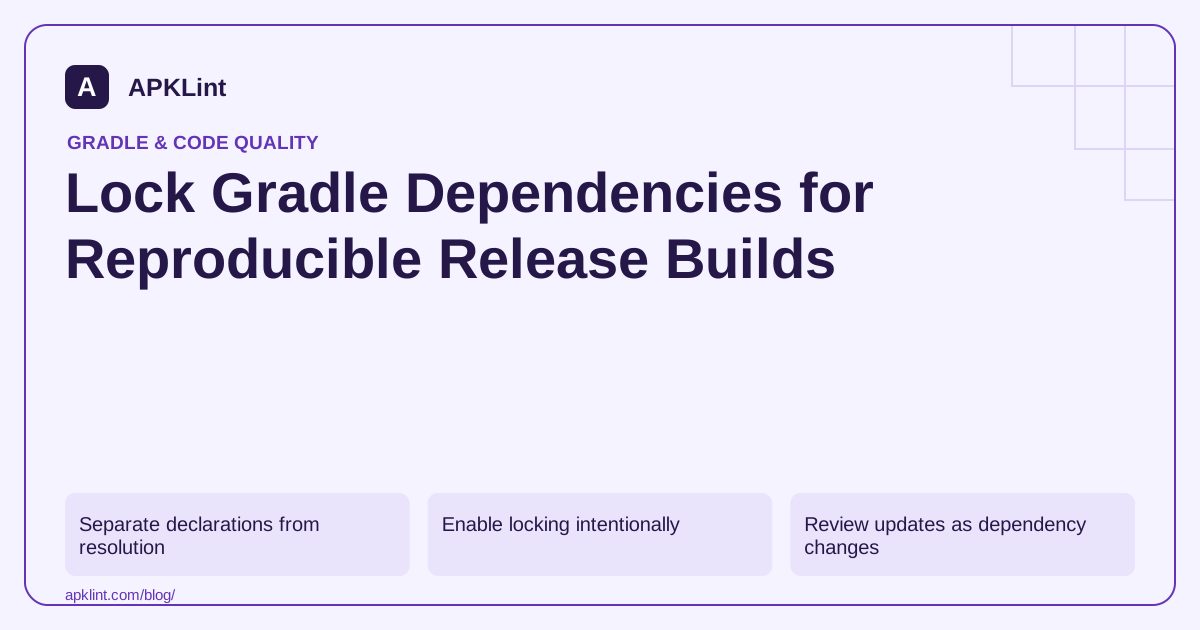
Separate declarations from resolution
A build can declare a range or a platform while resolving a concrete set of versions. The Gradle locking guide explains how locking captures that resolved state for enabled configurations.
A version catalog organizes requested versions; it does not replace locking of the actual dependency graph.
Enable locking intentionally
An illustrative Kotlin DSL configuration is:
dependencyLocking {
    lockAllConfigurations()
}
Choose configuration scope according to the project. Generate lock state using the relevant resolving tasks and Gradle's --write-locks option. Merely enabling the block without resolving the intended configurations does not establish complete lock coverage.
Review updates as dependency changes
| Change | Review question |
|---|---|
| New direct dependency | Which transitive modules entered the graph? |
| Lock refresh | Why did each version change? |
| Platform upgrade | Are all aligned modules compatible? |
| Removed dependency | Is its lock state actually gone? |
Do not regenerate and commit every lockfile automatically to make CI green. That defeats the review boundary locking is meant to provide.
Keep reproducibility broader than libraries
Pin the Gradle wrapper and relevant build plugins, document the JDK and use controlled repositories. Native toolchains, generated sources and environment-dependent tasks can still make output differ even when dependency versions are locked.
Locking also does not validate a downloaded artifact's checksum; dependency verification addresses that separate concern.
Validate from a clean environment
Resolve and build in CI using the committed lock state. Confirm that an unexpected version change fails according to the project's locking mode rather than being silently accepted.
APKLint's Gradle Dependency Checker can help review declarations, but it cannot reconstruct the complete resolved graph or certify the lockfile from a snippet. Keep the actual lockfiles and CI resolution evidence with the release.
Review a selective lock update
Suppose a release intentionally upgrades one internal client while the remaining dependency set should stay stable. Start from the committed lock state, change the requested client version and run a resolving task with a selective update, for example ./gradlew :app:dependencies --update-locks example:client. The coordinate is fictional; use the actual group and module. Gradle's locking reference documents the update selector and notes that resolution can also affect related modules.
Read the complete lockfile diff rather than assuming the selector limits the diff to exactly one line. The new client may require a newer transitive codec or change an aligned family. For every additional change, identify the dependency path and the reason it belongs to this upgrade. If the diff contains unrelated movement, investigate configuration coverage and resolution rules before accepting it.
Prove the configurations you intend to protect
Create a coverage list for application runtime variants, relevant test configurations and any separate build logic that needs its own policy. Record which tasks actually resolve them when lock state is written. A lockfile generated by one convenient task can be incomplete for a flavor that the task never touches. Missing coverage should remain visible rather than being described as full reproducibility.
In a disposable branch, change a dependency requirement without updating its lock and run the normal CI resolution path. Observe how the selected locking mode responds, then discard the experiment. This checks enforcement in the real invocation. Do not commit automatically regenerated locks from this negative test, because that would approve the very change the test was intended to expose.
For routine upgrades, commit the requested-version change, reviewed lock diff and affected feature validation together. Keep artifact verification metadata under its own review because a locked coordinate still needs trusted bytes. Avoid dynamic or changing artifacts for a release policy that expects stable binary identity: recording a version name alone cannot make a mutable publication immutable. Document these limits so a successful locked build is not overstated as a byte-for-byte reproduction of the entire application.
Sources and further reading
Reference review: 29 September 2026. Examples illustrate the workflow; check your installed versions, release artifact and account-specific Console requirements before applying them. This guide is not a claim that APKLint executed your project or verified your private account.

Android inspection tools and practical release guides. About APKLint · Report a correction