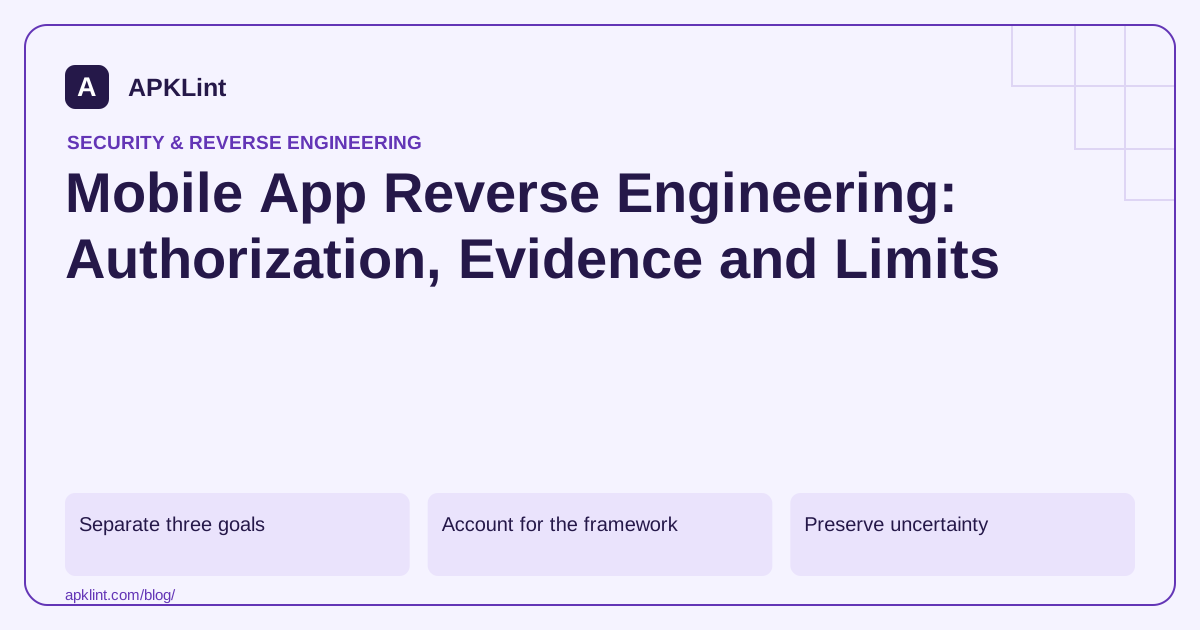
Separate three goals
| Goal | Realistic output |
|---|---|
| Inspect a package | Manifest, resources, native libraries and code representations |
| Understand behavior | Hypotheses supported by static and controlled runtime evidence |
| Recover a project | Partial clues, not guaranteed original source or build environment |
Server code, repository history, comments and private signing keys are not generally recoverable from a normal client package. An obfuscated name is not a reversible encryption of the developer's original identifier.
Account for the framework
Native Android bytecode, Flutter AOT code, React Native bundles and Unity IL2CPP builds have different representations. A tool that reconstructs Java-like code from DEX does not thereby reconstruct Dart, JavaScript source maps or a Unity editor project.
The MASTG is a useful starting reference for choosing techniques, but the packaged framework and available symbols determine what can be learned.
Preserve uncertainty
Distinguish “not found” from “does not exist.” Code may be optimized away, loaded dynamically, delivered in a feature split or difficult for the chosen parser to decode. Record missing inputs and tool warnings with every conclusion.
When source code is available, compare findings against the build rather than treating decompiler output as the final authority.
Protect data and authorization
Use owned or explicitly authorized artifacts. Confirm whether an online service retains, shares or processes uploaded files before submitting an internal build. APKLint's upload tools are server-side services under the site's privacy policy, not local-only execution.
Do not interpret an app's publicly distributed status as authorization to access its backend, private user records or third-party infrastructure.
Choose the smallest useful investigation
For an incorrect permission, inspect the manifest. For a dependency question, compare the resolved graph and package. For a crash, use the matching stack trace and symbols. Full decompilation is often unnecessary.
APKLint can help with package inspection and static triage. It cannot guarantee complete behavioral reconstruction or turn a compiled mobile app into a maintainable copy of its original project.
Investigate a missing feature before declaring it absent
Suppose an analyst cannot find a screen's implementation in the supplied base APK. Determine whether the installation includes a feature split, whether the UI is delivered as web content or whether the chosen decompiler failed to reconstruct the relevant code. These explanations require different inputs; repeatedly searching the same incomplete output will not distinguish them.
The MASTG provides context for mobile analysis methods. Choose the method according to the packaged representation and the question. A Java-like reconstruction is useful for some DEX code, while native machine code, framework assets and remote content have different limits.
Label findings by the evidence actually obtained
Use statements such as declared in the manifest, present in a packaged asset, referenced by a call site or observed during a controlled test. Each statement describes a different level of evidence. Avoid converting not found in the inspected files into a universal claim that the application never performs an action.
For an owned app, compare against build records and source when available. If the decompiler invents awkward control flow or reports an error, preserve that warning. The JADX project notes that complete successful decompilation is not guaranteed, so its output should remain an interpretation rather than an unquestioned original.
Keep server behavior outside what a client package can establish. An embedded endpoint can identify an integration, but it does not reveal all server authorization rules, retention settings or remote feature configuration. Obtain appropriate documentation and test access instead of implying that a binary inspection answered those questions.
When a confidential build is involved, review the handling terms before selecting an online service. Package contents can include unreleased features, internal hostnames and configuration. Use an approved local or private workflow when necessary; the convenience of uploading does not determine whether sharing is authorized.
Close the investigation with the smallest supported conclusion and the next missing input. A precise answer about one manifest rule or packaged dependency can be valuable without promising complete source recovery, unrestricted backend access or certainty about every future behavior the application may receive from its services.
Sources and further reading
Reference review: 29 September 2026. Examples illustrate the workflow; check your installed versions, release artifact and account-specific Console requirements before applying them. This guide is not a claim that APKLint executed your project or verified your private account.

Android inspection tools and practical release guides. About APKLint · Report a correction