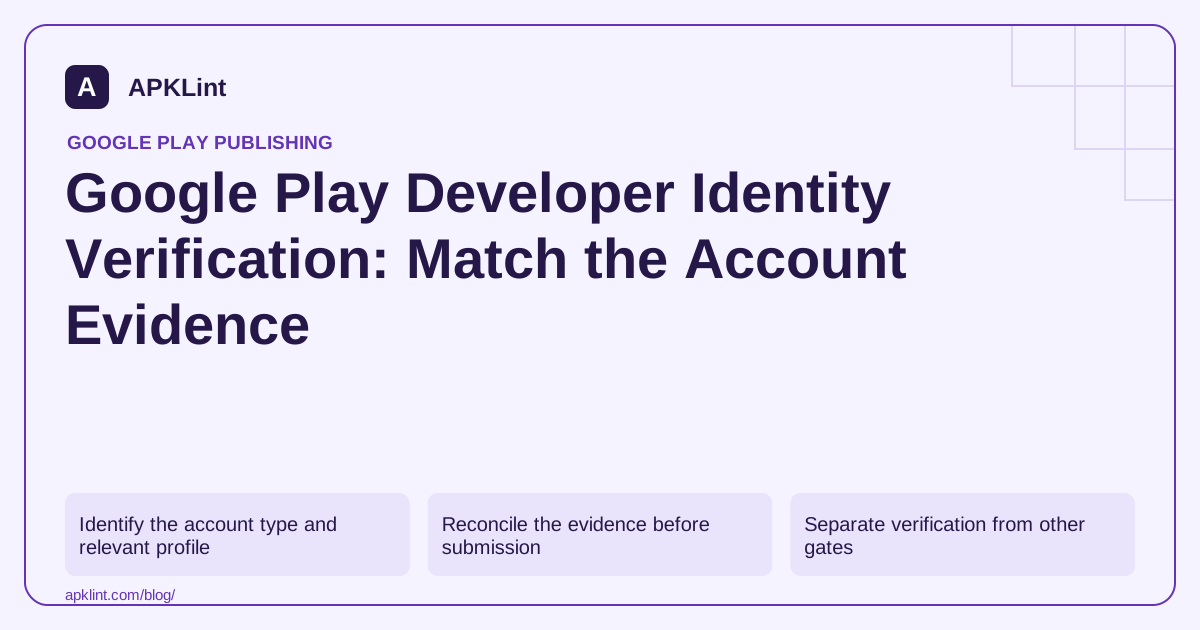
Identify the account type and relevant profile
Personal and organization accounts request different information. Organizations generally need a D-U-N-S record; Google documents limited alternative routes for unsupported regions and eligible government organizations. Do not assume a personal identity document replaces the organization's required record.
In the current guidance, the identity-linked payments profile can be located through Developer account → About you → Developer profile. This is important when a business has multiple payments profiles: editing an unrelated merchant profile may leave the verification problem untouched.
Reconcile the evidence before submission
Check legal name, address, organization identifier, contact email and telephone against the records Google requests. Use consistent transliteration and genuine supporting documents. Never alter documents to conceal a mismatch.
| Mismatch | Practical next step |
|---|---|
| Old organization address | Correct the authoritative business/payment record |
| Wrong D-U-N-S entity | Confirm which legal organization owns the account |
| Unreachable verification contact | Restore a monitored email or phone channel |
| Multiple payments profiles | Identify the profile linked to developer identity |
Retain the case number and deadline from the actual Console notification. Account-owner permissions may be needed for corrections that a release manager cannot perform.
Separate verification from other gates
Identity verification is not app review, closed testing, payment-method verification or proof that a bundle uses the right signing key. Completing one does not automatically complete the others.
Android's broader developer-verification rollout also has distribution and regional rules. Read that program separately rather than treating every notification as the same Play account workflow.
Protect sensitive material
Submit identity documents only through the official workflow. Do not upload them to APKLint's policy checker, public issue trackers or a shared release spreadsheet. The checker can organize policy questions but cannot verify a legal identity.
Use the current account information requirements and the account's own notice. If the evidence is correct but rejected, provide a concise explanation and requested supporting material through the official support channel, without guessing at an undocumented approval shortcut.
Resolve an organization-address mismatch at its source
Consider an organization that moved offices while its developer account still references an older address. List the address shown in the relevant payments profile, the requested organization record and the genuine supporting document. Identify which authoritative record is stale instead of editing a scanned document to make the values appear consistent.
Use the account-information requirements to identify the applicable account type and evidence. The same company can have several payment-related profiles; confirm which profile is linked to developer identity before asking another team to change a merchant record.
Make the verification handoff both usable and private
Assign the account owner to the submission step and a responsible colleague to maintain the underlying organization records. Record the status, deadline and case identifier in the team tracker. Keep identity documents in the controlled location used for the actual verification process rather than attaching them to a broadly visible engineering ticket.
Verify that the contact email and phone can receive the expected communication. A correct legal name does not help if the verification challenge goes to a former employee's inaccessible inbox. Change account access through the supported ownership and permission process rather than sharing that employee's credentials.
If the request is rejected, compare the stated reason with the precise submitted evidence. Distinguish an unsupported document type, unreadable image, mismatched entity and incomplete contact step. Resubmitting the same unexplained packet can consume time without addressing the underlying discrepancy.
Retain a minimal record of the successful state and the next maintenance trigger. A merger, legal-name change or ownership transfer may require a fresh review of account information. Do not assume a prior approval permanently validates every later organizational change.
Finally, check the app's separate release gates. Identity status does not demonstrate that the release artifact is signed correctly, that production access is available or that the app's declarations match its behavior. Keeping these records separate makes a blocked submission easier to diagnose without exposing more identity information than the release team needs.
Sources and further reading
Reference review: 29 September 2026. Examples illustrate the workflow; check your installed versions, release artifact and account-specific Console requirements before applying them. This guide is not a claim that APKLint executed your project or verified your private account.

Android inspection tools and practical release guides. About APKLint · Report a correction