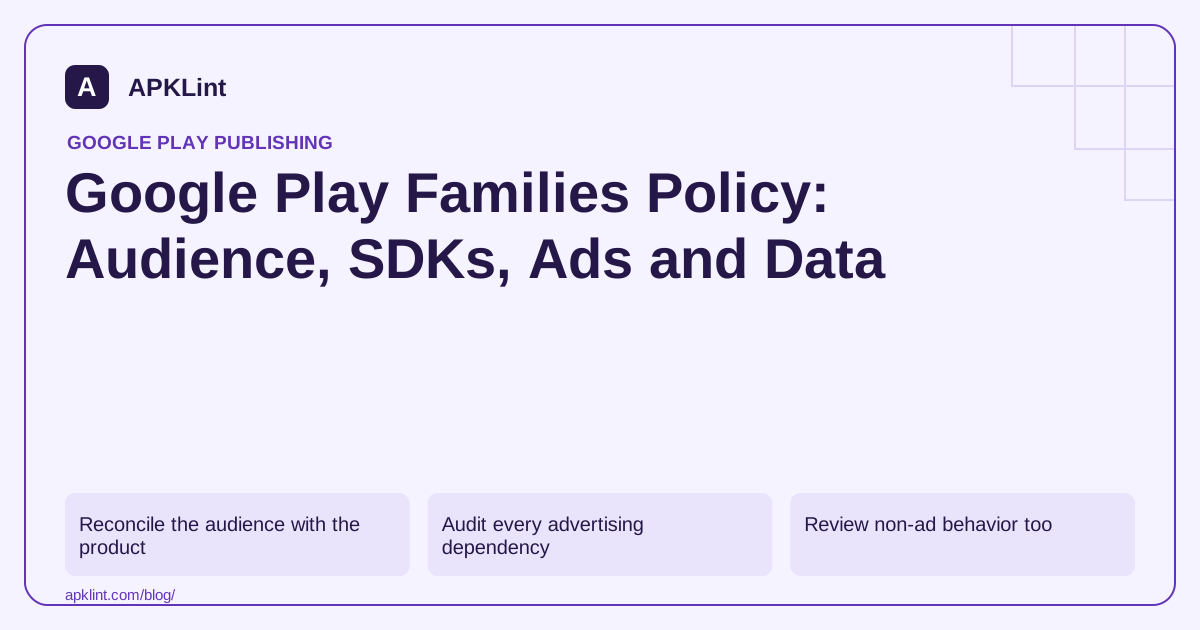
Reconcile the audience with the product
Review visual design, characters, language, gameplay, marketing and actual intended users. Keep the target-audience declaration distinct from the content rating: a low maturity rating alone does not mean the app is designed for children.
For mixed audiences, inspect how age-related choices affect the experience. A decorative age screen that does not control SDK initialization or ad requests does not establish a separate child-appropriate path.
Audit every advertising dependency
Check the current Families Self-Certified Ads SDK requirements and the versions used by each network or adapter. Approval of the main mediation SDK does not automatically cover every added adapter and configuration.
| Area | Review question |
|---|---|
| Ad SDK | Is the applicable version eligible for the intended audience? |
| Initialization | Are audience and consent settings applied before collection? |
| Ad content | Are formats, offers and maturity appropriate? |
| Identifiers | Is collection consistent with the audience rules? |
| Store presentation | Does it accurately represent the child or mixed-audience experience? |
Do not test this by clicking live ads or using real children's personal data in a development environment.
Review non-ad behavior too
Authentication, chat, analytics, external links and user-generated content can create additional responsibilities. Restrict data collection to what the product genuinely needs and explain the applicable practices accurately.
Check remote configuration and server-delivered content. A compliant initial release can become inconsistent when a new ad network or social feature is enabled remotely.
Keep evidence with the release
Retain the audience decision, SDK inventory, configuration and test results. APKLint's Families Policy Checker can structure that review, but it cannot determine a child's age, certify an SDK or guarantee store approval.
Use the current Families policy and relevant SDK data-disclosure guidance. Where child-privacy law applies, seek qualified legal advice in addition to meeting the store's product requirements.
Trace the child-audience path before any advertising initialization
For an illustrative mixed-audience app, draw the startup sequence from launch to the audience decision and first SDK initialization. Identify every component that can initialize automatically, including dependency-provided startup components. A visible age screen is insufficient if an earlier code path already started a component with settings intended only for another audience.
The Families policy describes audience and advertising requirements. Review the applicable SDK versions and each mediation partner, rather than treating approval of the core advertising library as evidence about every adapter included in the package.
Exercise audience states without using children's personal data
Use controlled synthetic states to test the relevant audience branches, including an unresolved or interrupted choice where the design supports it. Record which components initialize and which test requests are permitted. The expected sequence should be explicit enough to detect a regression when a later SDK upgrade adds an automatic startup path.
Review the rest of the experience, including outbound links, purchases, chat and user-generated content. An advertising-only test cannot establish the suitability of these features. Assign a feature owner and a concrete expected behavior to each relevant surface.
Test a remote configuration change in the approved development environment. A newly enabled network or social feature can alter the child-audience experience without changing the APK. Keep audience restrictions attached to the feature activation process so account-side changes receive the same review as code changes.
Compare the target-audience declaration, content-rating answers and listing imagery with the actual product. Resolve disagreements at the product level instead of changing one form solely to avoid a requirement. A low content rating alone does not determine who the app is designed for.
Retain the tested startup sequence, dependency inventory and configuration with the release. Reassess them when the audience, SDK versions or remote features change. These records support the store-policy review; any applicable child-privacy legal obligations still require evaluation for the actual service and jurisdictions rather than a generic declaration that one checklist covers everything.
Sources and further reading
Reference review: 29 September 2026. Examples illustrate the workflow; check your installed versions, release artifact and account-specific Console requirements before applying them. This guide is not a claim that APKLint executed your project or verified your private account.

Android inspection tools and practical release guides. About APKLint · Report a correction