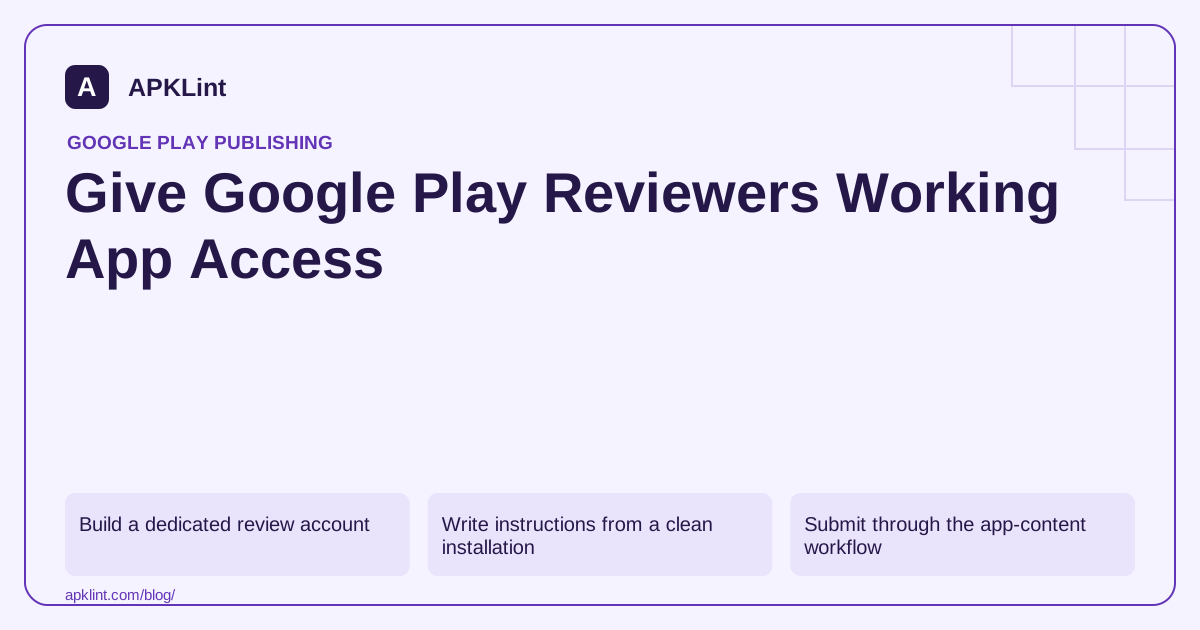
Build a dedicated review account
Use a controlled account with representative, non-sensitive sample data. Keep it available throughout review and subsequent checks. Avoid sharing an employee's personal login or real customer records.
Google's current requirements call for reusable access, English instructions and credentials valid regardless of reviewer location. Where the normal flow uses OTP or two-step verification, provide an appropriate reusable review route without disabling security for ordinary users.
Write instructions from a clean installation
Describe the steps in the order a reviewer encounters them: opening the app, choosing a sign-in method, entering credentials, reaching restricted content and completing any PIN or role setup.
| Access condition | Preparation |
|---|---|
| Subscription/paywall | Provide entitlement or documented access |
| Organization membership | Pre-assign the required role and workspace |
| QR/barcode login | Supply a stable accessible resource as instructed |
| Geo-dependent access | Provide the documented location-independent route |
| External sign-in | Include the necessary account and navigation details |
Do not write “contact us for the OTP” as if review will occur during your office hours.
Submit through the app-content workflow
Enter the access instructions in Play Console's app-review preparation area and keep them synchronized with authentication changes. Re-test them after password rotation, backend deployments and subscription configuration changes.
A screenshot of the logged-in home screen is not evidence that the credentials still work. Verify the full path from a signed-out state.
Protect the review route
Restrict the account to safe sample data and necessary privileges. Log security-relevant access without collecting more information than needed. Do not publish reusable credentials in the store description, APKLint input fields or a public repository.
APKLint's rejection checklist can help organize the steps but cannot confirm private reviewer access. Use the official sign-in requirements and review-preparation guide. Treat access maintenance as part of the release process, not a one-time form completed at the first launch.
Have a fresh test user follow only the supplied instructions
Install the candidate in a clean test profile and give the tester exactly the instructions intended for review. Do not supply missing steps verbally. The tester should reach the restricted feature using the provided account, role and sample data. This exposes assumptions such as a preselected workspace, an earlier subscription entitlement or a device already remembered by authentication.
The sign-in requirements describe reusable access and review instructions. Keep the route workable without an employee answering an OTP request at a particular time. Any dedicated review arrangement should preserve ordinary users' security and remain limited to safe representative data.
Verify permissions after successful sign-in
A login success is only the first boundary. Open each restricted feature named in the submission and confirm that the account has the appropriate role, subscription or organization membership. An empty account that cannot reach the app's principal function does not provide a useful review experience.
Repeat after signing out, restarting the device and allowing the session to expire under the normal test conditions. Confirm that the instructions still lead through the intended recovery path. A credential that works once but depends on a temporary link can become unusable before review begins.
Test the required external resources from a signed-out browser, including any documented QR image or supporting page. Ensure they remain accessible and correspond to the same environment and account. Avoid publishing the credentials in a public store description, support article or source repository.
Assign an owner to maintain the review account through password rotation, backend deployments and entitlement changes. Retest the path when authentication is modified, even if the app's core feature code did not change.
Keep a private validation record with the artifact identity, instruction revision and completed feature path. The record should show that the supplied access was tested, without embedding reusable credentials in broadly shared evidence. If a reviewer later reports a failure, compare the current account state and instructions with that retained configuration before guessing that the review system malfunctioned.
Sources and further reading
Reference review: 29 September 2026. Examples illustrate the workflow; check your installed versions, release artifact and account-specific Console requirements before applying them. This guide is not a claim that APKLint executed your project or verified your private account.

Android inspection tools and practical release guides. About APKLint · Report a correction