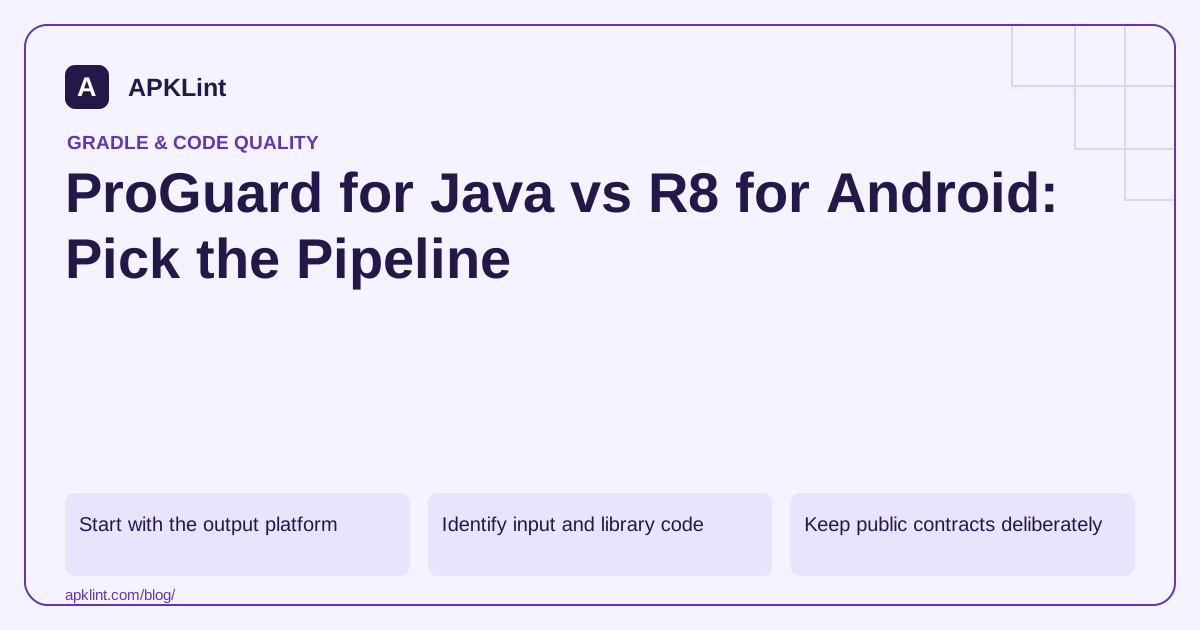
Start with the output platform
The ProGuard manual describes its Java-oriented processing pipeline. Android projects should start from the R8 integration guide.
A shared Java library may be processed differently depending on whether it is distributed as a library or incorporated into an Android app. Do not run multiple transformation stages without understanding how mappings and public APIs survive.
Identify input and library code
Application input is transformed. Library code supplies types and relationships needed for analysis but is not simply interchangeable with the program input.
Missing platform or dependency classes can generate warnings. Suppressing all warnings hides analysis gaps; determine whether a dependency is genuinely optional, incorrectly supplied or absent from the runtime.
Keep public contracts deliberately
For a reusable library, public API names, reflective access and serialization contracts can matter to downstream consumers. An application can often optimize more aggressively because it controls the whole program.
| Distribution | Review focus |
|---|---|
| Standalone Java application | Entry points and runtime dependencies |
| Published Java library | Public API and consumer compatibility |
| Android app through AGP | R8 configuration and Android runtime testing |
| Library consumed by Android apps | Appropriate consumer rules |
Configuration syntax overlap does not guarantee identical support for every option or processing assumption.
Preserve useful diagnostics
Archive the mapping associated with the exact transformed output. Rebuilding later from apparently identical source may not reproduce the same mapping if dependencies or tooling changed.
Test reflection and serialization with the processed artifact, not just unprocessed unit-test classes. Keep a minimal reproducer for any rule added to solve a compatibility failure.
Apply APKLint at the right stage
APKLint's obfuscation checker is useful for examining an Android package after the build. It is not a replacement for running ProGuard on Java inputs and cannot validate a standalone Java distribution. Choose the build pipeline first, then use artifact inspection to check the result it actually produced.
Keep a published library's API usable by its consumer
Suppose a Java library exposes ReportClient to applications maintained by other teams. Processing the library as if it were a complete private application can remove or rename entry points that are never called inside the library itself. Identify the externally supported classes and methods, then test a separate consumer against the processed distribution. Passing the library's unprocessed unit tests does not exercise that boundary.
For a standalone command-line application, the entry point and packaging contract differ. The launcher, service-provider files, reflective plugins and runtime libraries may all need attention. The ProGuard manual explains the relationship between program input, unchanged library inputs and processing stages. Keep runtime libraries available when the processed application is executed; supplying them for analysis does not automatically bundle them into the output.
Run a small consumer from the delivered artifact
Create a minimal consumer that constructs the public client, makes one ordinary call and exercises an expected error. Resolve it from the packaged repository or JAR that customers receive, without silently falling back to local unprocessed classes. For a reflective plugin, load it using the same name and discovery mechanism used in production.
Inspect serialized data and public exceptions as part of compatibility. A field name that forms a wire contract may need stable handling even when the field is not a public Java API. Document the exact requirement rather than retaining every member automatically. If multiple processing stages are necessary, retain their mappings and establish how diagnostics will be reconstructed through those stages.
Keep Java distribution testing separate from Android APK inspection. A JAR may work under its supported desktop runtime yet need a different dependency or consumer-rule integration when included in Android. Conversely, a successfully installed APK does not certify a standalone Java package. Select the output platform first, define its supported runtime and public contracts, and keep a regression consumer with the release. This makes the choice between standalone ProGuard and Android's integrated optimizer an explicit build decision instead of an assumption based on a familiar configuration filename.
Sources and further reading
- Android Developers: Enable optimization with R8
- Android Developers: Add keep rules
- ProGuard manual — Guardsquare
Reference review: 29 September 2026. Examples illustrate the workflow; check your installed versions, release artifact and account-specific Console requirements before applying them. This guide is not a claim that APKLint executed your project or verified your private account.

Android inspection tools and practical release guides. About APKLint · Report a correction