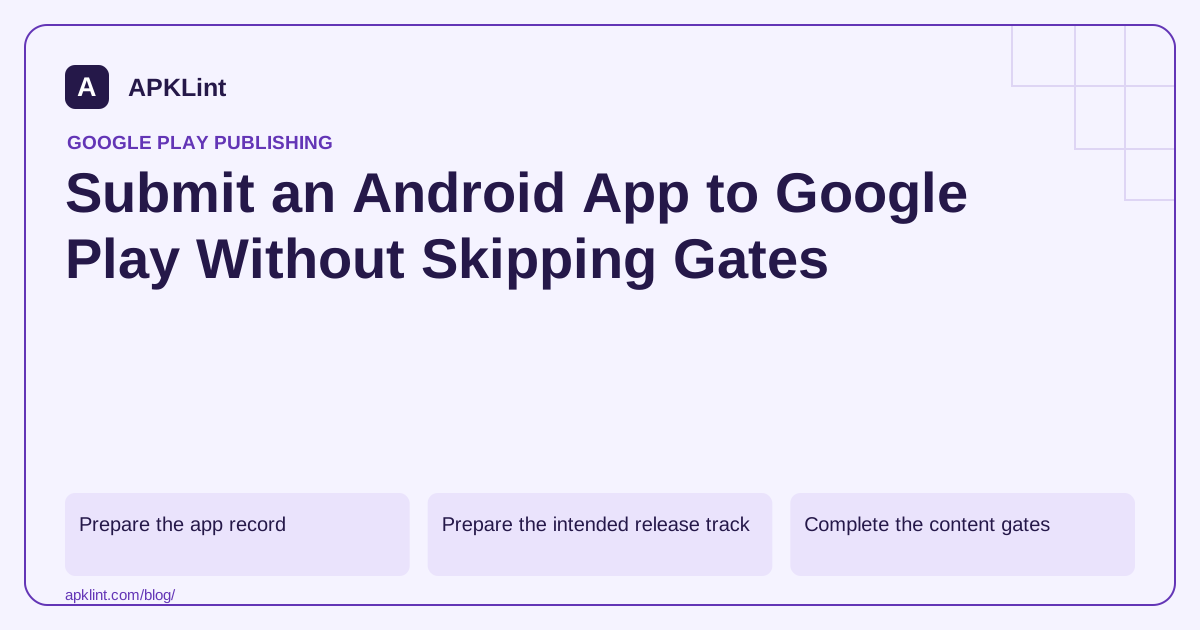
Prepare the app record
In Play Console, create or open the correct app and complete the Dashboard setup tasks. Verify package ownership, display information, contact details and distribution choices before preparing production content.
Use a stable package name. Android update continuity depends on package and signing identity, not the marketing title shown in the store.
Prepare the intended release track
The current release area is under Test and release. Choose the appropriate testing track or Production, then prepare a release with the intended artifact and release notes. New personal accounts may need the required closed-test and production-access process before production is available.
Inspect the included bundle's version code and signing information. Do not accidentally promote an old testing build because its filename looks correct.
Complete the content gates
Review listing text and graphics, privacy policy, Data Safety, audience/rating, ads, app access and any permission declarations applicable to the product. Compare these with the exact release configuration.
| Before pressing submit | Check |
|---|---|
| Artifact | Correct variant, version and target SDK |
| Review | Credentials and instructions work from a clean state |
| Listing | Claims and images match shipped features |
| Operations | Monitoring and support are ready |
Resolve the displayed release errors and inspect warnings rather than assuming they are decorative.
Distinguish review from publication
Publishing controls and managed publishing can affect when approved changes become available. Read the state shown in Publishing overview and the release page. Avoid promising an exact review completion time based on a previous app.
After availability, verify the store listing and installation using the intended market and account conditions. Track failures by version so a staged release can be paused or corrected.
APKLint's policy tools assist preparation; they do not upload or submit your app. Use the official setup, release and review guides for the current workflow. Keep the submitted artifact and evidence together for later troubleshooting.
Follow one candidate from the build archive to the release
For an illustrative first submission, label the retained bundle with its package, version code and checksum. When adding it to the intended track, compare the artifact details displayed by Console with that record. A marketing version name is insufficient when several candidates were built with the same visible name.
Resolve an unexpected package or target value before continuing. Check whether the wrong flavor was built, a stale file was selected or a build convention changed the configuration. Uploading another file without explaining the mismatch can leave the release operator uncertain about which candidate is actually selected.
Read the transition from pending changes to availability
Use the release instructions and the state shown in Publishing overview to identify the next action. A saved draft, a change submitted for review and an available production release are different states. Record the state that is actually visible instead of treating every successful save as publication.
Coordinate managed publication settings with the launch owner where that workflow applies. An approved change may still need the intended publishing action. Conversely, a team should not promise an exact review-completion time merely because an earlier unrelated release completed quickly.
Have a second person follow the reviewer instructions before submission. Use the designated safe account and complete the app's principal task. If that person needs an undocumented workspace selection or employee assistance, correct the instructions and account setup before expecting an external reviewer to discover the missing step.
After the release becomes available, install through the intended distribution path and inspect the installed version. Verify that the listing's main promise is achievable and that important web links still work. This final delivery check can expose a track, country or configuration mismatch that local installation would not reveal.
Keep the submission record linked to monitoring and support. A later crash report or policy notice should be traceable to the distributed artifact and launch settings. That traceability makes a corrective release concrete without implying that submission itself constitutes a complete technical or policy audit.
Sources and further reading
- Google Play: Create and set up your app
- Google Play: Prepare and roll out a release
- Google Play: Prepare your app for review
Reference review: 29 September 2026. Examples illustrate the workflow; check your installed versions, release artifact and account-specific Console requirements before applying them. This guide is not a claim that APKLint executed your project or verified your private account.

Android inspection tools and practical release guides. About APKLint · Report a correction