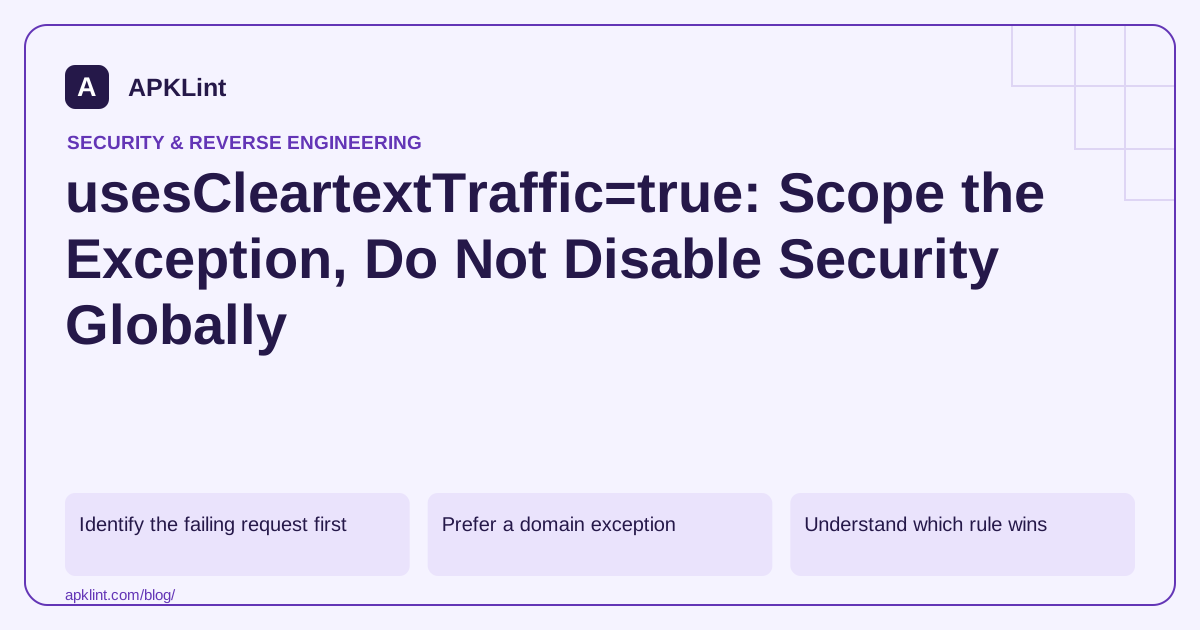
Identify the failing request first
A “cleartext traffic not permitted” error is about the network security policy, not necessarily the Android INTERNET permission. Capture the exact URL and the code path producing it. Check redirects: an initial HTTPS URL can redirect to HTTP, and an image or SDK endpoint may differ from the main API.
For local development, distinguish your computer's loopback address from the emulator or device's own loopback address. Changing the manifest cannot make the wrong host reachable.
Prefer a domain exception
The application can reference a resource in res/xml/network_security_config.xml:
<application
    xmlns:android="http://schemas.android.com/apk/res/android"
    android:networkSecurityConfig="@xml/network_security_config" />
An illustrative configuration keeps the default restricted and permits a development host only:
<network-security-config>
    <base-config cleartextTrafficPermitted="false" />
    <domain-config cleartextTrafficPermitted="true">
        <domain>dev.example.test</domain>
    </domain-config>
</network-security-config>
Use a host you control. This example does not create DNS or grant production approval for HTTP. Prefer placing development-only rules in a debug source set so the release artifact cannot inherit them accidentally.
Understand which rule wins
Defaults depend on the app's target API and the device version. On Android versions supporting Network Security Configuration, a referenced configuration can govern the cleartext decision rather than the broad manifest flag. Library behavior also matters; do not assume every native networking implementation checks the platform policy.
Consult the current platform documentation for the version combinations you support instead of copying a manifest workaround from an older target SDK tutorial.
Verify the built release
Inspect the merged release manifest and the packaged XML, not only the source file open in the editor. A product flavor or dependency may alter the effective configuration. Test that the authorized development path works only in the intended build and that unrelated HTTP requests remain blocked.
Use the checker for a focused review
The APKLint Cleartext Traffic Checker highlights broad allowances and configuration concerns. Treat its output as a review prompt. The decisive test is the behavior of the release build and the actual network client, including redirects and third-party SDK requests.
Inspect the URL that actually failed
Imagine that an app starts with an HTTPS image URL but the service redirects to an HTTP asset. The first URL looks secure in the source code, while the eventual request triggers the cleartext error. Record the redirect chain in an authorized test environment and repair the service URL or redirect where possible. Enabling cleartext across the application hides this distinction.
The cleartext configuration guidance documents scoped allowances. Keep any unavoidable exception tied to a specific purpose and build. A development host should not inherit production account credentials merely because both requests use the same shared HTTP client.
Test one allowed host and one prohibited host
For a controlled development setup, use two endpoints you own: the intended local test service and an unrelated HTTP endpoint. Confirm the first works only in the build where the exception is intended, while the second remains blocked by a client that honors the platform policy. Repeat with the release variant and verify its expected restriction.
Inspect the merged manifest and packaged XML when an observation disagrees with the plan. A debug source-set file or product-flavor resource can change the effective rule. Keep the device API, target SDK and networking library in the record because their behavior determines which declaration is relevant.
Separate transport-policy failure from reachability. A refused connection, unresolved hostname and cleartext-policy rejection require different repairs. If the device is pointed at its own loopback interface while the server runs on the development computer, changing trust settings does not move the server or create a route to it.
After migrating the endpoint to HTTPS, remove the obsolete exception and repeat the original feature test, including its redirects and background requests. Retain a negative HTTP case to show that the broad allowance did not survive the migration. This gives the exception a concrete end condition instead of leaving a temporary workaround in every future release.
Sources and further reading
Reference review: 29 September 2026. Examples illustrate the workflow; check your installed versions, release artifact and account-specific Console requirements before applying them. This guide is not a claim that APKLint executed your project or verified your private account.

Android inspection tools and practical release guides. About APKLint · Report a correction