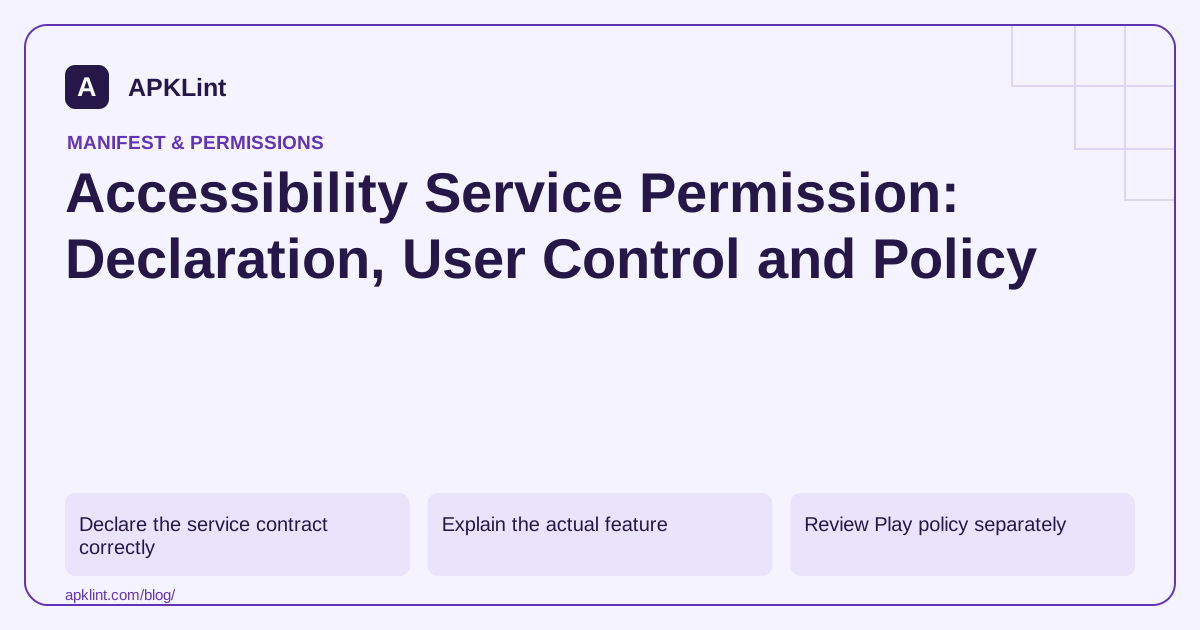
Declare the service contract correctly
The accessibility-service documentation describes a service declaration, the accessibility-service intent filter and metadata pointing to its configuration. Request only the event types and capabilities the feature needs.
A service that can inspect interface content has a sensitive position. Treat the configuration as a data-access contract, not a convenient way to automate unrelated tasks.
Explain the actual feature
Tell the user what the service does, what information it can observe and why it is needed. Do not disguise the settings screen as a harmless performance option. If the service is not enabled, keep unrelated app features usable and show an honest status.
| State | Expected behavior |
|---|---|
| Service disabled | Explain the unavailable feature without repeated redirects |
| User enables it | Confirm the real enabled state |
| User later disables it | Stop relying on the service and update the UI |
| Device restricts enabling | Respect the restriction and provide supported guidance |
Review Play policy separately
Google Play's permissions policy includes requirements for Accessibility API use, declarations and disclosures. Technical access does not establish policy eligibility. An app's description and actual behavior must agree about whether it is an accessibility tool and how the API is used.
Do not use the service to bypass user choices, manipulate other apps deceptively or obtain unrelated sensitive information.
Test event handling and data minimization
Exercise only the events needed by your feature. Avoid retaining raw screen content in logs or analytics. Test configuration changes, disabled service state and app updates so stale assumptions do not produce crashes or silent collection.
Inspect the packaged declaration
APKLint's Manifest Checker can help verify the service and metadata structure. It cannot prove that the service's runtime behavior is appropriate, that the user understood the disclosure or that Google Play will accept the use case. Preserve a feature-level rationale and current policy review with the release.
Limit a reading aid to the events it actually uses
Imagine an accessibility feature that helps a user understand selected interface content. Identify which event types and capabilities it requires before configuring the service. Requesting every event and retaining entire screen trees creates a much broader data flow than observing the narrow changes needed by the feature.
The accessibility service guide describes the service declaration, configuration and lifecycle. Keep the permission protecting the service distinct from an ordinary runtime permission request by the application. The user enables the service through the supported accessibility settings flow; a manifest entry alone does not activate it.
Test enablement, interruption and later disablement
Install the app with the service disabled and verify that the main interface reports that state honestly. Enable it deliberately, exercise the intended reading behavior and then disable it in settings. Confirm that the feature stops relying on callbacks and does not continue displaying stale content as though it were live.
Use synthetic screens containing both relevant and irrelevant text. Verify that the service reacts only to its configured purpose and does not save unrelated content to logs or analytics. Include rapidly changing content to check that late events cannot replace a newer selection with stale text.
Test interruption and a reconnection according to the supported service lifecycle. A callback object from an earlier connection should not be treated as a permanent view of another application's interface. Handle missing nodes and changing windows without assuming that content observed previously remains available or belongs to the same screen.
Keep the explanation shown before settings specific to the feature and its access. If the device restricts service enablement, respect that state and provide supported guidance. Do not present the restriction as a broken app that requires bypassing security controls, and do not repeatedly launch settings after the user declines.
Review the distribution policy separately, including the application's actual role and disclosures. A correctly declared service can still have an unsuitable or undisclosed purpose. Preserve the feature rationale, event configuration and test observations with the release. The meaningful result is a working accessibility feature with bounded data use and honest state reporting, not simply an enabled service capable of receiving a large event stream.
Sources and further reading
- Android Developers: Create an accessibility service
- Google Play: Permissions and APIs that access sensitive information
Reference review: 29 September 2026. Examples illustrate the workflow; check your installed versions, release artifact and account-specific Console requirements before applying them. This guide is not a claim that APKLint executed your project or verified your private account.

Android inspection tools and practical release guides. About APKLint · Report a correction