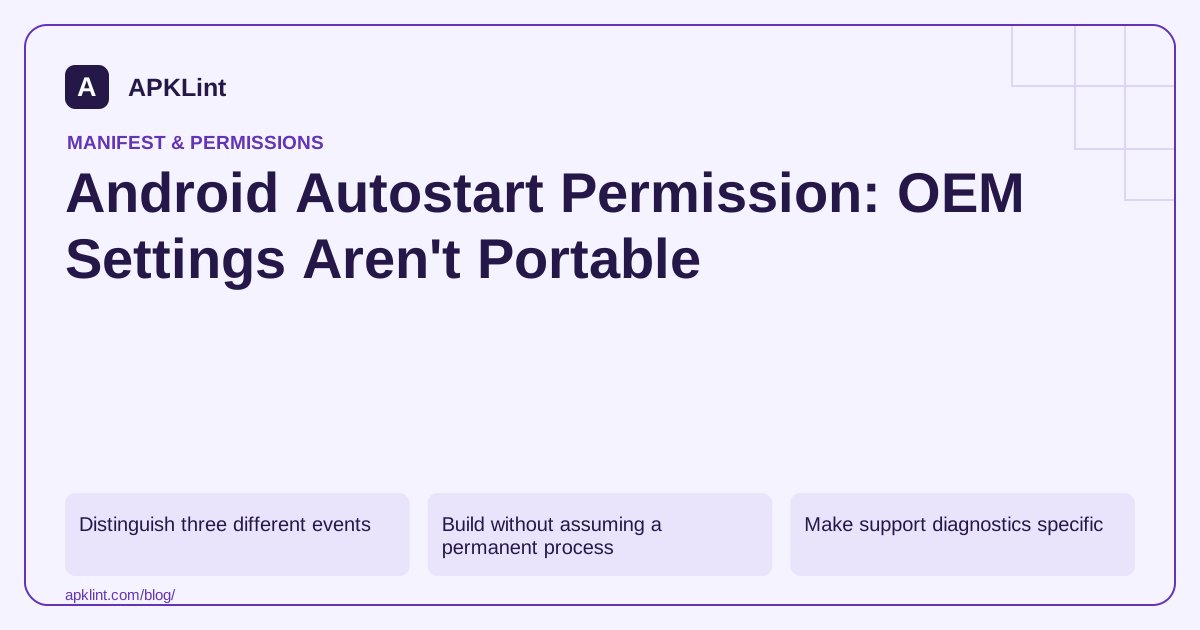
Distinguish three different events
An app starting after device boot, a scheduled task resuming and an OEM allowing background activity are related but not identical. Android provides documented background and boot-related mechanisms, while manufacturers may add their own controls and restrictions.
The platform background-work guidance is the reliable starting point. A hardcoded intent to one manufacturer's settings screen can disappear or behave differently on another model or software version.
Build without assuming a permanent process
Use WorkManager for eligible persistent work and keep tasks idempotent. Persist business state rather than relying on an in-memory service to survive indefinitely. If a task is interrupted, the app should know whether it can safely retry.
For time-sensitive features, choose the documented API that matches the use case and test its restrictions. Do not present a vague “enable autostart” instruction as a substitute for implementing the correct scheduling model.
Make support diagnostics specific
| Diagnostic field | Why to collect it |
|---|---|
| Manufacturer and model | Identifies OEM-specific behavior |
| Android and software version | Settings can change between updates |
| Target SDK and app version | Platform restrictions depend on the build |
| Feature and timing | Separates scheduling delay from a failed task |
| Battery and background settings | Helps reproduce the observed environment |
Avoid collecting unnecessary personal device data. A concise, user-visible diagnostic report is better than uploading unrestricted system logs.
Do not force a settings loop
If you provide manufacturer-specific help, label it as optional guidance for that tested device family. Handle missing settings activities and let users decline. Never claim that a setting guarantees exact execution or permanently disables all platform restrictions.
Review the app's own declarations
APKLint can help inspect receivers and service-related manifest entries. It cannot modify OEM settings or verify that a background task ran on a user's device. The strongest fix is resilient scheduling and state recovery, with device-specific help only where evidence shows it is needed.
Recover an interrupted upload without a permanent process
Suppose a user queues a report upload and then restarts the device. The product requirement is that eligible work can be recovered under the supported scheduling model, not that the same in-memory service survives forever. Persist the report's identity, input availability and current completion state, then use an appropriate supported work API.
The background task overview explains the choices by task type. Keep restart, process death and user force-stop as separate test conditions. They do not necessarily have identical scheduling behavior, and a result from one should not be presented as a guarantee for all of them.
Find which boundary delayed or lost the task
Record whether work was enqueued, became eligible, started, sent data and received an acknowledgement. If the task never started, inspect its constraints and scheduling state. If it started but failed to read its input, an unavailable URI or missing file may be the cause. An OEM setting cannot repair a lost input grant or an invalid server request.
Test with connectivity unavailable, then restore it and observe the queued task. Repeat after an ordinary process interruption and after a device restart. Use a unique synthetic report identifier so the destination can distinguish a retry from a second independent upload. A repeated network request should not create duplicate business records.
Review Doze and App Standby behavior when the symptom involves delayed background work. The app should communicate pending work honestly rather than promise immediate execution that the platform does not provide for that API.
Only after the app's scheduling and recovery logic is understood should device-specific support instructions be considered. Record the manufacturer, model and software version on which an optional setting was observed. Handle a missing settings activity safely and avoid presenting a manufacturer menu as a standard permission available on every Android device.
Keep a user-disabled synchronization preference independent from a system capability. Recovering after restart should not re-enable a feature the user switched off. Verify cancellation and sign-out alongside successful recovery, so persistence improves reliability without turning old queued work into an unexpected later transfer. The final support guidance should describe the tested limitation and actual task state rather than promising that an autostart switch removes all background restrictions.
Sources and further reading
Reference review: 29 September 2026. Examples illustrate the workflow; check your installed versions, release artifact and account-specific Console requirements before applying them. This guide is not a claim that APKLint executed your project or verified your private account.

Android inspection tools and practical release guides. About APKLint · Report a correction