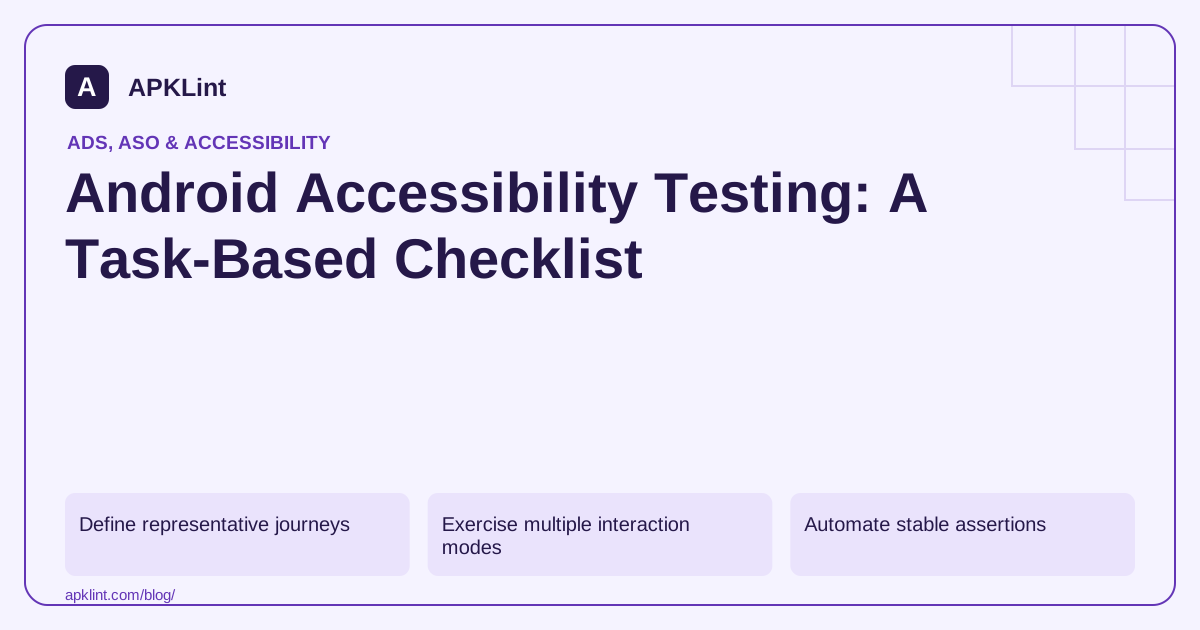
Define representative journeys
Select onboarding, authentication, the core task, settings and any purchase or deletion flow. Include tasks that use custom gestures, charts, drag-and-drop or time limits, because their alternatives need deliberate design.
For each journey, document the expected result and the accessible means of reaching it. A gesture-only action should have an appropriate non-gesture alternative where required.
Exercise multiple interaction modes
| Mode | Questions |
|---|---|
| Screen reader | Are name, role, state and changes communicated? |
| Keyboard/switch | Can every action be reached and activated? |
| Large text/display | Does content remain usable without clipping? |
| Reduced motion | Are essential controls usable without animation? |
| Low vision/color difference | Is meaning available beyond color alone? |
Test dialogs, error messages and loading completion. Focus should move deliberately and return sensibly when an overlay closes.
Automate stable assertions
Use the appropriate Compose or Views testing tools to assert labels, state and important actions. Automated checks help prevent regressions, but they cannot assess every meaningful reading order or task explanation.
Keep manual findings alongside automated results. A passing semantics test does not prove a custom control is comfortable to use with a real assistive technology.
Fix the product, not the report
Avoid removing focusability from a necessary control merely to suppress duplicate-focus warnings. Correct the grouping, labeling and interaction model. Test the fix using the same journey that revealed the problem.
APKLint's accessibility review tool can organize checks; it does not run a complete device audit. Android's testing methods and implementation guidance should be combined with user feedback.
WCAG 2.2 is a web-content standard; applying its principles to native apps requires context and may involve other standards or local obligations. Do not claim native-app certification solely because a website scanner reports no errors. Describe the actual test scope and remaining limitations using the WCAG reference where relevant.
Test a complete booking correction without visual shortcuts
For an illustrative booking form, define the task as selecting a date, entering a passenger name, correcting an invalid field and confirming the booking. Start from the normal entry screen with synthetic data. Complete the task using the selected assistive technology rather than tapping controls by their remembered visual position.
The Android testing guide describes complementary manual and automated methods. Record the device, UI technology and accessibility service version. A result obtained in a design preview can identify problems, but it does not establish the behavior of the installed application's dialogs, keyboard or asynchronous updates.
Check the recovery path after the invalid entry
Submit an intentionally missing required field. Confirm that the problem is communicated, that the user can locate the relevant input and that the previous valid entries remain available. An error message at the top of a screen is insufficient if focus stays on a disabled button with no indication that the form changed.
Open the date dialog, choose a value and close it. Check that navigation stays within the active dialog while it is open and returns to a sensible place afterward. Repeat by canceling. The cancellation branch should not announce a selected date that was never committed.
Increase font and display size and repeat the correction task. Ensure the action remains reachable when labels wrap, the on-screen keyboard is present and the page must scroll. A large-text screenshot of the initial screen does not cover the expanded error state or confirmation step.
Use automated assertions for stable labels, states and actions after repairing the barrier. Retain a manual reproduction for reading order and overall task clarity, because those judgments can exceed what a simple semantics assertion captures.
Document the outcome in terms of task completion and the specific remaining barrier. If a custom gesture still lacks an accessible alternative, keep that issue open even when a scanner reports no errors on the form. This keeps the test focused on whether a person can actually complete and correct the booking.
Sources and further reading
- Android Developers: Test accessibility
- Android Developers: Accessibility principles
- W3C: Web Content Accessibility Guidelines 2.2
Reference review: 29 September 2026. Examples illustrate the workflow; check your installed versions, release artifact and account-specific Console requirements before applying them. This guide is not a claim that APKLint executed your project or verified your private account.

Android inspection tools and practical release guides. About APKLint · Report a correction