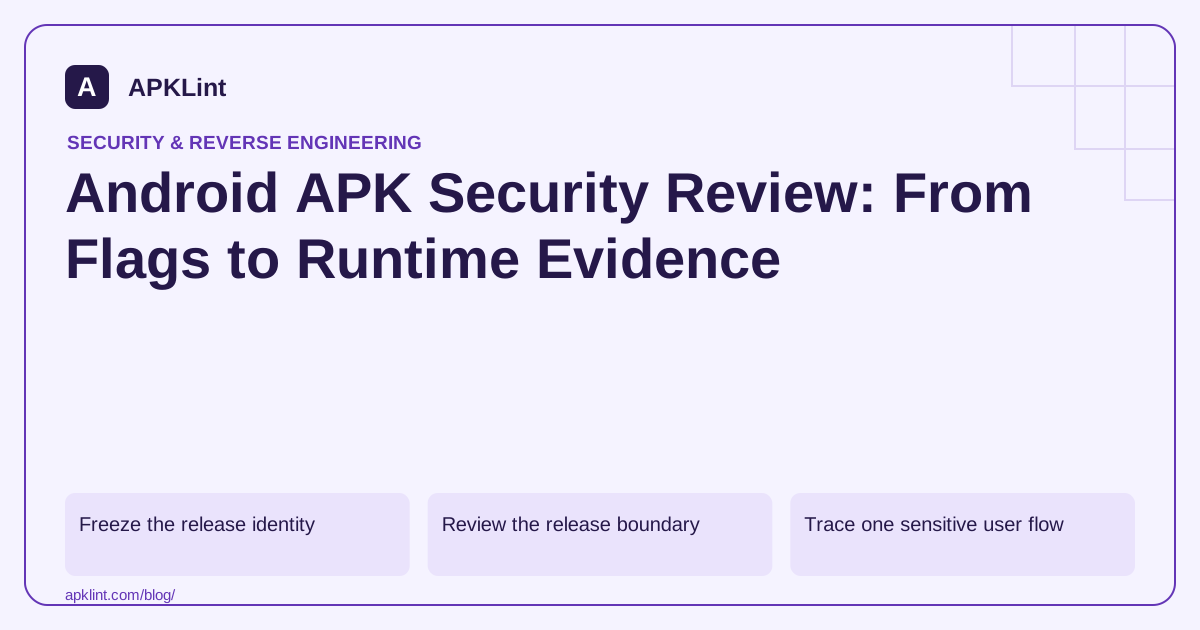
Freeze the release identity
Record the APK hash, package identifier, version code, signing certificate and distribution channel. For split delivery, keep the base and relevant configuration or feature splits together. An isolated base APK may omit code and resources used on the tested device.
The review should be reproducible against that exact artifact, not an unspecified file called app-final.apk that gets overwritten later.
Review the release boundary
Inspect debug flags, exported components, permissions, cleartext rules and included SDKs. Compare each observation with an expected configuration approved by the feature owner.
| Observation | Next question |
|---|---|
debuggable enabled |
Is this truly a release artifact? |
| Exported activity | Is external entry intentional and protected? |
| Sensitive permission | Which current feature requires it? |
| Embedded endpoint | Is it production, test or unused configuration? |
| Additional SDK | What data does this version collect? |
A risk is contextual. A launcher activity needs an external entry point, while an internal account-management activity may not.
Trace one sensitive user flow
Choose a high-value flow such as login, purchase confirmation or exporting private data. Follow its local storage, network client, error handling and authorization boundaries. The Android security guidance and MASTG provide reference points, but the evidence must come from your implementation.
Do not assume a client-side check protects the backend. Server authorization must remain correct when client requests are unexpected or stale.
Verify remediation in a new artifact
After a fix, rebuild the intended variant and repeat the relevant checks. Confirm that the updated package is the one promoted to the correct track. A fixed source branch does not protect users still receiving the previous artifact.
Make the report actionable
Attach evidence, affected version, owner and retest condition to each issue. APKLint's Android security scanner can speed up initial package review, but it does not certify the app, verify every code path or guarantee Google Play acceptance. Preserve a separate list of untested areas rather than presenting them as passed.
Use a private export to connect package and runtime evidence
Choose a sensitive feature such as exporting an account statement. Start with the packaged entry point and follow the code path to authorization, file creation and sharing. Record the release variant and signing identity first. A screenshot from a debug build and a manifest from a release build do not form one consistent test record.
The mobile testing guide can help select procedures for these boundaries. Use synthetic statements belonging to two controlled accounts. The authorized account should receive its own document; an altered identifier should not produce another account's statement, regardless of whether the client normally exposes such a control.
Inspect the generated file as well as the success message
Open the exported file independently and check its actual contents. A screen reporting export complete does not establish that the right account, date range or document was written. Repeat with a second statement so a stale first result cannot masquerade as a successful second operation.
Cancel sharing and sign out while an export is pending. Verify cleanup according to the product's policy and check that late callbacks do not expose the old statement in a new session. Review temporary file locations and any granted access to the receiving application as part of the same feature boundary.
Use the static observations to explain the runtime result. An exported activity, broad file path or unusual provider declaration may identify where to investigate, but the final finding should describe the actual unauthorized operation or unintended exposure. Keep intentionally public entry points distinguishable from internal operations that lack protection.
After a repair, install the new artifact and repeat the original negative case plus the intended successful export. Compare hashes so the tested build can be matched to the release candidate. Confirm that the fix did not simply make every export fail while leaving the user-facing success message unchanged.
Retain any untested backend or distribution assumptions explicitly. A thorough review of this export feature supports a specific conclusion about its tested behavior; it does not certify every feature or every included third-party service.
Sources and further reading
Reference review: 29 September 2026. Examples illustrate the workflow; check your installed versions, release artifact and account-specific Console requirements before applying them. This guide is not a claim that APKLint executed your project or verified your private account.

Android inspection tools and practical release guides. About APKLint · Report a correction