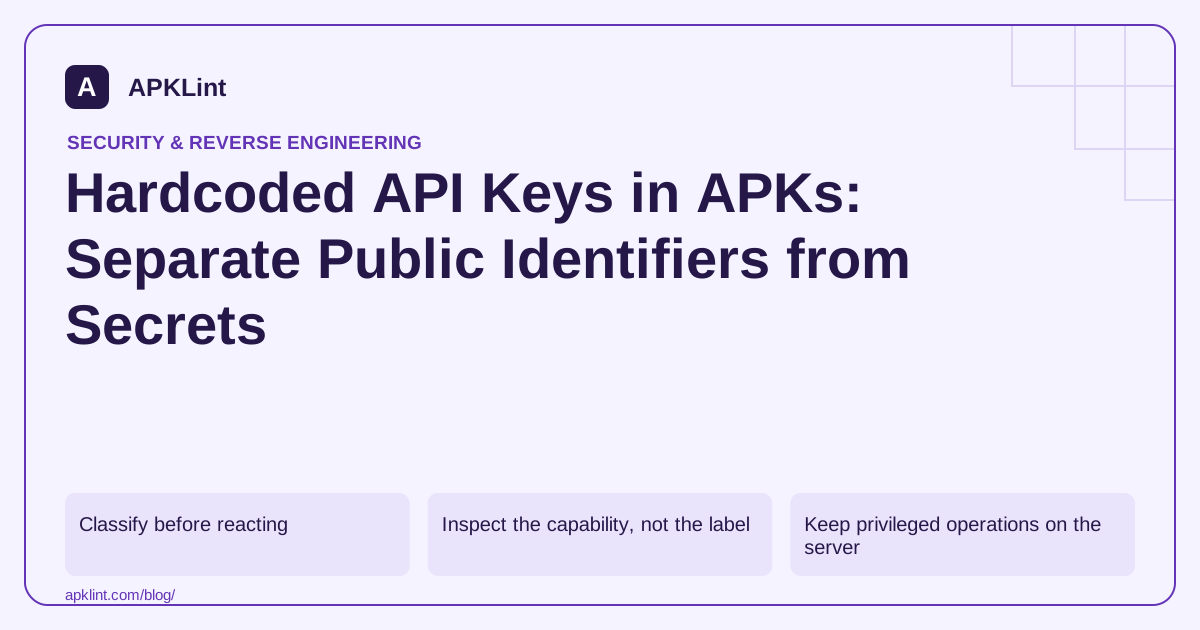
Classify before reacting
| Item | Typical concern |
|---|---|
| Public project or app identifier | Correct project association and configuration |
| Client API key with service restrictions | Scope, application restrictions and abuse monitoring |
| Backend administrator credential | Immediate exposure requiring revocation and investigation |
| User access token | Lifetime, storage, leakage and server-side authorization |
| Private signing key | Release identity compromise; should not be packaged |
Firebase explains that its client API keys are generally identifiers rather than authorization secrets. That does not make every Google Cloud API key harmless or replace Firebase Security Rules and other access controls.
Inspect the capability, not the label
For each detected value, record its source file, owning service, allowed APIs, application restrictions and revocation process. Redact the value in tickets. Do not “test” a discovered third-party credential against services you are not authorized to access.
For your own exposed secret, revoke or rotate it through the provider and review access logs. Removing the string from the next release does not invalidate copies of an already distributed APK.
Keep privileged operations on the server
A mobile client is distributed to users and can be inspected. Do not embed a backend administrator key and rely on obfuscation to keep it secret. Use authenticated, narrowly authorized server operations instead.
Build-time secret injection prevents accidental repository commits, but it does not make a value confidential once compiled into the client. The Secrets Gradle Plugin helps manage local configuration; it is not an encryption boundary around distributed credentials.
Verify the release and restrictions
Inspect the final package, including assets and generated resources. Check the actual service-side restrictions using a controlled test app or environment. Make sure debug and release signing fingerprints are handled correctly where the provider uses them.
Use scanner output responsibly
APKLint's security tools can surface key-like strings and risky configuration. Treat those as leads. A finding needs service context before it can be labeled a credential leak, and a scan without matches cannot prove that all secrets are absent or that backend access controls are correct.
Describe what a detected value can actually authorize
When a scanner finds a key-like string, record the service, intended client type and known restrictions before assigning severity. A public project identifier, a restricted client key and a backend administrator credential have different consequences. Keep the original value redacted in the review and use an internal reference that the authorized owner can resolve.
Firebase's API-key guidance explains why Firebase client API keys are generally project identifiers rather than authorization for protected data. That distinction does not remove the need for Security Rules, authenticated access and suitable restrictions. Evaluate each service using its own documented key semantics.
Treat a shipped privileged credential as already copied
Suppose an internal service credential was accidentally compiled into a release resource. Removing the source property fixes future packaging but leaves every distributed copy intact. The authorized service owner should revoke or rotate the credential, review its use and replace the mobile operation with an appropriately authenticated server interface.
Test the replacement using a synthetic account with limited access. Confirm that it can perform the intended operation and cannot access a second account's object. Moving a credential to a server is incomplete if the new endpoint simply performs arbitrary privileged actions named by any client request.
For a client key designed to be distributed, review the provider-supported application and API restrictions. The Maps security guidance, for example, distinguishes application identity from permitted APIs. Test the actual release identity and an authorized negative case rather than assuming a debug build's success covers store distribution.
Inspect generated resources, assets and native libraries in the final package as appropriate to the original finding. Record the artifact hash and the restricted capability test result. A scanner no longer matching the old string is useful evidence of packaging cleanup, but revocation and access-control checks establish whether the exposed authority was actually removed.
Sources and further reading
- Firebase: API keys
- Google Maps Platform: Secrets Gradle plugin
- Android Developers: Security best practices
Reference review: 29 September 2026. Examples illustrate the workflow; check your installed versions, release artifact and account-specific Console requirements before applying them. This guide is not a claim that APKLint executed your project or verified your private account.

Android inspection tools and practical release guides. About APKLint · Report a correction