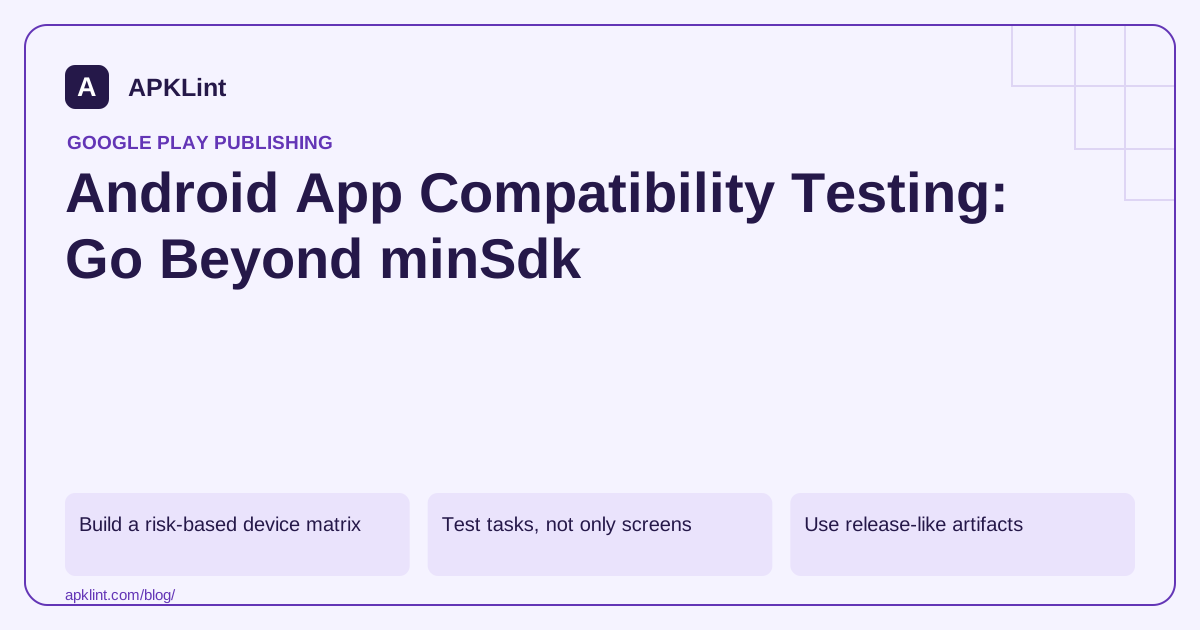
Build a risk-based device matrix
Choose boundaries rather than dozens of nearly identical devices. Include the minimum supported Android version, a recent target-relevant version, representative screen sizes and every shipped native architecture. Add tablets, foldables, TV, Wear or automotive only when the app supports those experiences.
| Boundary | Example failure to look for |
|---|---|
| Oldest supported API | Unavailable API call or library requirement |
| New target behavior | Denied permission or background-start restriction |
| Large font or narrow display | Truncated action or unreachable control |
| Native architecture/page size | Library fails to load despite successful installation |
| Upgrade from production | Database migration or retained permission-state issue |
The Android 16 KB page-size guidance deserves a separate native-code check where applicable; it is not equivalent to screen density or APK ZIP compression.
Test tasks, not only screens
For a document tool, follow selection, processing, cancellation, output sharing and process restoration. For a game, test starting a level, backgrounding, returning, saving progress and handling a denied ad or notification permission.
Include offline and slow-network states. A spinner that never ends on a lost connection is a compatibility problem users experience even if the app never crashes.
Use release-like artifacts
Test a signed, optimized build with production-like configuration and safe test services. Debug builds may use different endpoints, certificates, network trust rules or permissions. Preserve mapping files and native symbols so release-only failures remain diagnosable.
A compatibility checklist should record version code, OS, device or emulator, scenario, expected outcome and actual outcome. “Passed Android testing” is too vague to reproduce.
Interpret automated checks conservatively
APKLint can help inspect minimum SDK and declared package characteristics. It does not run the application through this matrix. Android's permission model and module configuration explain the declarations, but manual interaction and device testing remain necessary.
Release only when known exceptions are documented and acceptable. Do not advertise support for a form factor solely because its emulator installed the APK once.
Follow a document through selection, interruption and sharing
For a document-processing app, select a supported synthetic file, process it and open the exported result independently. Repeat on the oldest supported Android version and a current target-relevant version. Record the artifact, input, device configuration and observed result. Successful installation alone does not exercise the file provider, processing library or sharing path.
Use Android's page-size guidance for applicable native-code compatibility and the platform behavior-change documentation for the target SDK. These address different boundaries from display size and font scaling; do not combine them into a single generic device-support check.
Test an upgrade with meaningful existing data
Install the retained production version in the test environment and create a saved preference, a pending task and a completed output. Upgrade to the candidate using the supported signing and version path. Verify that each item is migrated, retained or deliberately invalidated according to the product design.
Repeat the processing task after a permission or access grant is unavailable. The app should explain the missing input and allow recovery where appropriate, rather than reusing a previous successful result. A newer platform's picker and storage behavior can expose assumptions that a broad permission grant hid during development.
Resize the window or rotate during processing, then background and return. Check whether the operation continues or cancels as designed and whether only the current screen receives the result. Include large font settings so recovery controls remain reachable when the status message wraps.
For each shipped native architecture, exercise a feature that actually loads the native library. A startup screen implemented entirely in managed code may appear healthy while the first conversion later fails. Keep the corresponding native symbols with the tested release for diagnosis.
Use failures to refine the matrix. If one device class exposes memory pressure or a provider-specific input behavior, preserve that fixture and scenario in future release checks. The matrix should represent supported tasks and known boundaries, with explicit gaps, rather than a long list of devices on which someone only opened the home screen.
Sources and further reading
- Android Developers: Configure the app module
- Android Developers: Support 16 KB page sizes
- Android Developers: Permissions overview
Reference review: 29 September 2026. Examples illustrate the workflow; check your installed versions, release artifact and account-specific Console requirements before applying them. This guide is not a claim that APKLint executed your project or verified your private account.

Android inspection tools and practical release guides. About APKLint · Report a correction