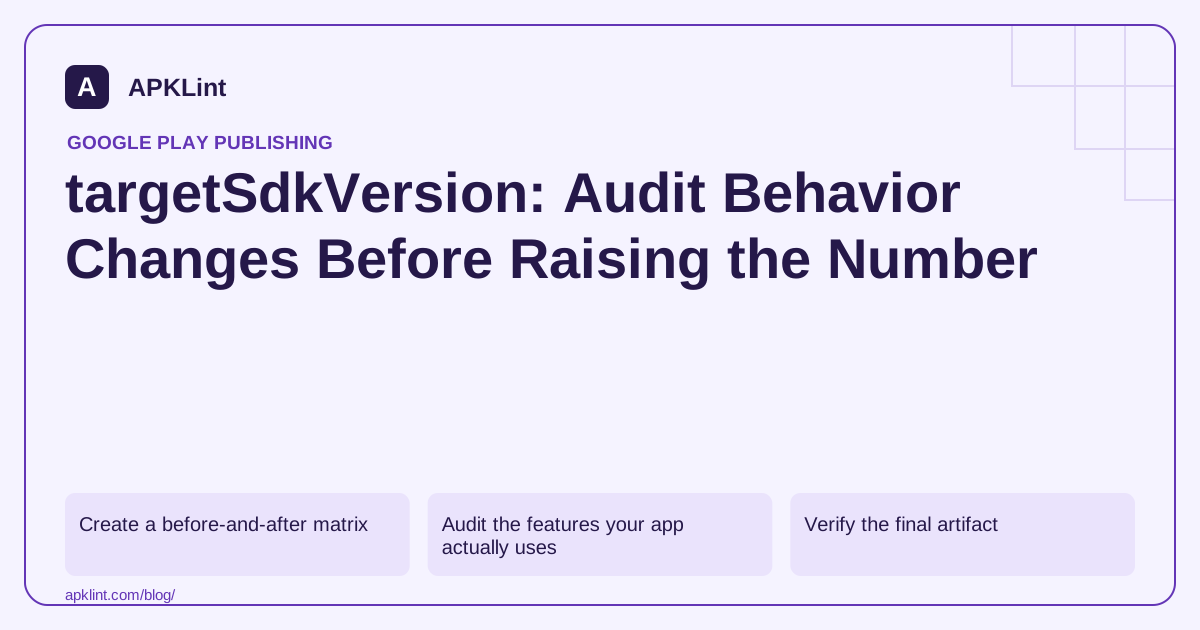
Create a before-and-after matrix
Use the same source revision and dependencies where practical, with only the necessary target migration changes. Compare the previous production target and the intended target on representative OS versions.
| Test dimension | Why it matters |
|---|---|
| Fresh install versus app update | Permission and stored-state histories differ |
| Foreground versus background | Execution restrictions change by state |
| Permission granted versus denied | Migration must not assume a prompt succeeds |
| Minimum supported OS versus newest supported OS | Build compatibility and target behavior are different |
Keep app data and test accounts controlled. Randomly reinstalling until an error disappears loses the conditions that caused it.
Audit the features your app actually uses
Review the migration notes for each crossed target level. Prioritize background services, alarms, notifications, media selection, edge-to-edge UI, deep links and native-code requirements when they are relevant. Do not add permissions merely because another tutorial includes them.
Third-party SDKs can also be affected. Check their supported target levels and test initialization after consent, during process recreation and on a release build with shrinking enabled.
Verify the final artifact
A correct Gradle file does not prove the uploaded variant uses it. Inspect the merged manifest and final APK or bundle. APKLint's Target SDK Checker can help confirm the declared value; it cannot simulate every target-triggered behavior.
When a crash appears after the change, retain the stack trace, device API, permission state and exact version code. Determine whether the failure is an API behavior change, a simultaneously upgraded library, or a pre-existing race exposed by new timing.
Release with an observable exit condition
Define which startup, crash, ANR and core-flow measurements will halt expansion. A target-compliant build can still be unreliable. Conversely, a passing smoke test cannot exempt an outdated target from Play's submission rules.
Use Android's build configuration, the relevant platform behavior-change documentation, and the dated Play target requirement together. Record the migration target explicitly rather than writing “supports the latest Android” without evidence.
Separate an operating-system change from a target change
Use four observations where the application's supported range allows them: the old target on the previous OS, the old target on the newer OS, the new target on the previous OS and the new target on the newer OS. Keep the source and dependencies as close as practical. This helps distinguish behavior affecting all apps on a new system from behavior enabled by the application's target contract.
For an app that schedules reminders, capture the scheduling request, permission state, foreground or background state and whether the reminder actually appears. A visible settings toggle or successful method return is not enough to prove delivery. Choose controlled times and synthetic reminder text so repeated experiments are comparable without exposing real user appointments.
Use compatibility controls as a diagnostic aid
Android's compatibility framework tools can help isolate supported behavior changes during development. Select the documented change for the OS and app under test, observe the difference, and restore the intended configuration afterward. Not every behavior is toggleable, and a local compatibility override is not a production substitute for completing the migration.
Keep each failure attached to a concrete action and expected result. “Notifications broken” is less useful than “after upgrading existing app data, permission denied, background reminder produces no user-visible recovery path.” The latter identifies state that a fresh-install happy-path test would miss. Repeat important scenarios after process recreation and after returning from system settings.
Before release, remove diagnostic overrides, build the real target configuration and inspect the shipped manifest. Re-run the core flows on the actual candidate, including the denied-permission and upgrade cases. Keep store submission requirements in a separate dated record because technical compatibility and policy eligibility are different decisions. During a staged release, monitor the affected feature outcome alongside crashes and ANRs. A migration can fail silently without crashing, so the chosen measurements should reflect the user action that the changed platform behavior can interrupt.
Sources and further reading
Reference review: 29 September 2026. Examples illustrate the workflow; check your installed versions, release artifact and account-specific Console requirements before applying them. This guide is not a claim that APKLint executed your project or verified your private account.

Android inspection tools and practical release guides. About APKLint · Report a correction