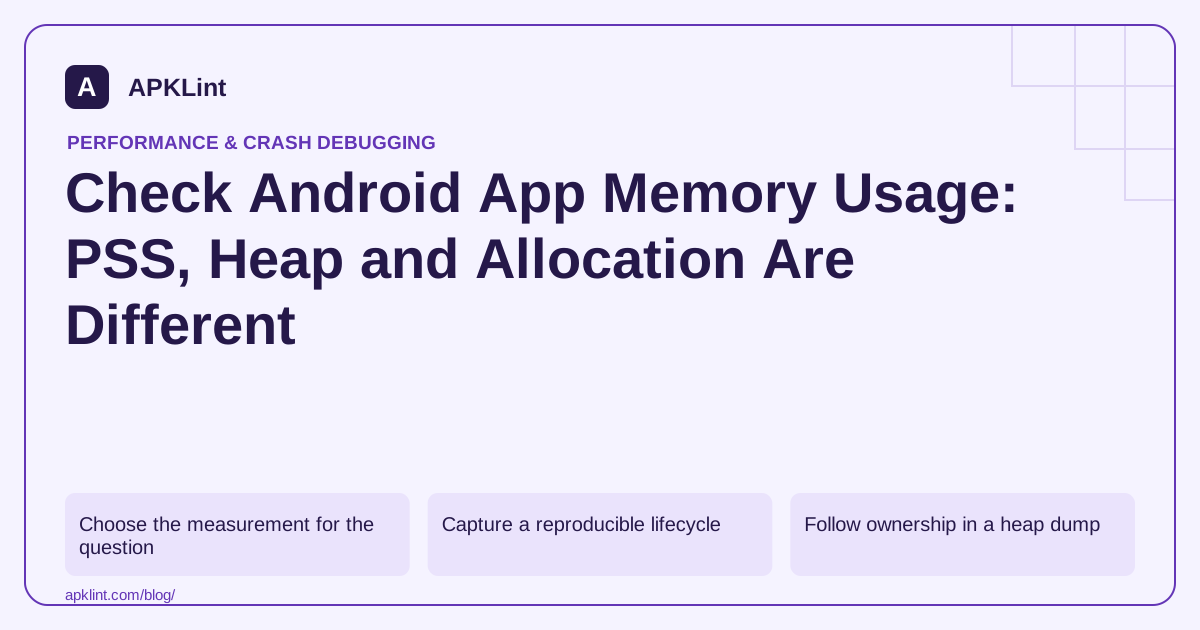
Choose the measurement for the question
The memory management guide explains process memory behavior, while the Memory Profiler guide describes heap and allocation inspection.
| Measurement | Useful question |
|---|---|
| Java/Kotlin heap | Which managed objects are retained? |
| Native allocation | Is native code or a library growing? |
| PSS-style process accounting | What share of physical memory is attributed to the process? |
| Allocation rate | Is the app creating excessive temporary objects? |
Do not compare these values as if they used the same accounting basis.
Capture a reproducible lifecycle
Record a baseline, open the feature, load realistic data, leave the feature and repeat. Look for retained growth after work should have been released, not merely a high peak during a legitimate operation.
A command-line snapshot can help:
adb shell dumpsys meminfo com.example.app
Replace the package with your app and interpret the output for the device version. One snapshot cannot prove a leak.
Follow ownership in a heap dump
Use reference paths to determine why an object remains reachable. A destroyed activity retained by a singleton, listener or long-lived callback is more actionable than a chart saying memory increased.
Heap capture and allocation recording can require a debuggable setup and add overhead; use the profiler's documented requirements.
Test pressure, not just abundance
Large images, repeated navigation and low-memory devices can expose failures absent on a high-RAM phone. Check that caches have bounds and expensive data can be recreated.
Keep the result interpretable
Record build, device, scenario and measurement type. APKLint's Performance Checker can support the investigation plan, but it does not measure process memory from an APK. Attach the actual snapshots, retained-reference evidence and repeated-flow result to the fix.
Compare two measurements without mixing their meaning
In an illustrative photo-editor investigation, the managed heap grows by 12 MiB while the process accounting grows by 70 MiB. Those observations are not contradictory: decoded image storage, native allocations and other process memory may sit outside the managed objects being counted. Write the measurement type beside every number and avoid subtracting values collected by different accounting methods as if they were interchangeable.
Capture the same stages for each candidate: idle editor, image opened, filter applied, image closed and a second image opened. Include image dimensions, pixel format and the number of concurrent operations. A peak during transformation can be legitimate yet still exceed the budget on a smaller device; retained growth after closing requires a separate ownership investigation.
Read shallow and retained size for different questions
The heap-dump guide distinguishes an object's own allocation from memory retained through its references. A small controller can retain a large graph of image data. Inspect reference paths and expected lifetime before deciding that the largest object itself is the faulty owner.
Keep profiling overhead in the record. Capturing detailed allocations or a heap dump changes the experiment, so use it to explain ownership and allocation behavior rather than silently presenting its timing as an ordinary release measurement. Pair the detailed investigation with a representative release-like run when assessing the user's experience.
For the editor example, a successful repair might bound preview dimensions, avoid a redundant full-size copy and release an obsolete request when another image is selected. Verify each proposed change against both memory evidence and image correctness. Check that cancelling an old operation does not delete the currently displayed image, and that cache eviction does not lose an unsaved edit. Repeat the defined sequence enough times to observe whether retained instances stabilize. Save device, OS, build identity, scenario and measurement method with the result. This lets another developer reproduce the claim and prevents a single reassuring memory snapshot from being mistaken for proof that the application cannot leak or exceed its allocation budget.
Sources and further reading
Reference review: 29 September 2026. Examples illustrate the workflow; check your installed versions, release artifact and account-specific Console requirements before applying them. This guide is not a claim that APKLint executed your project or verified your private account.

Android inspection tools and practical release guides. About APKLint · Report a correction