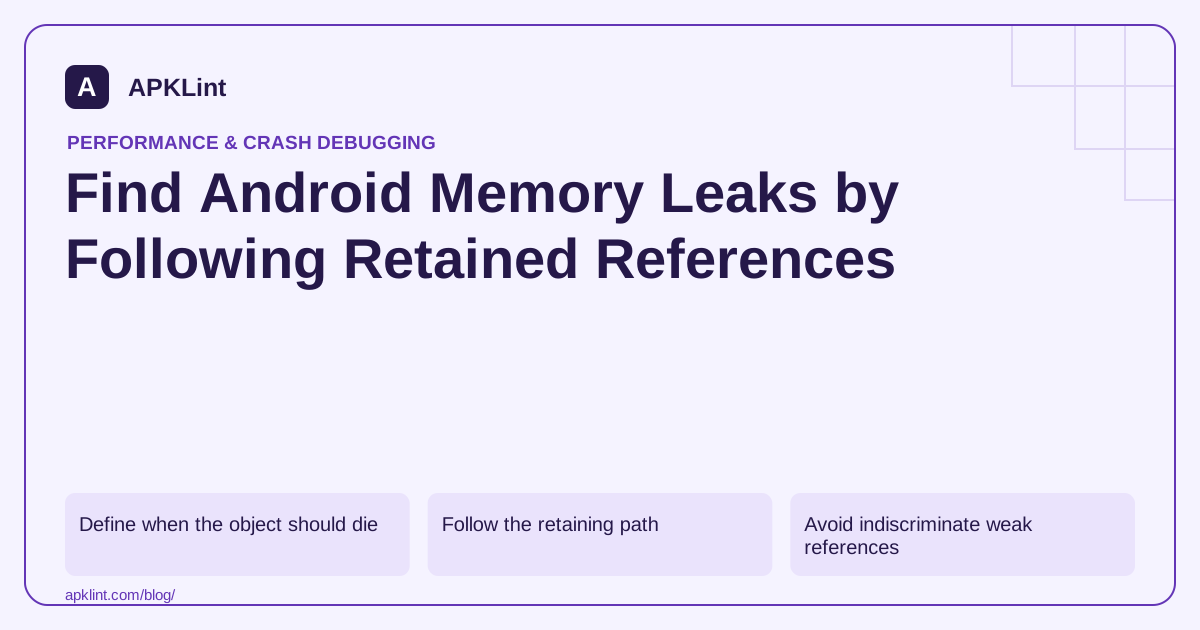
Define when the object should die
Choose a screen, task or resource with a clear lifecycle. Open it, perform the operation, close it and repeat under the same conditions.
The memory-management guide explains why managed memory is reclaimed only when objects are no longer reachable. Calling garbage collection is not a fix for a live reference held by your code.
Follow the retaining path
Use the Memory Profiler or an appropriate leak-detection workflow to inspect why the object is still reachable.
| Retainer | Typical correction |
|---|---|
| Singleton holding an activity | Store an appropriate longer-lived dependency instead |
| Listener not removed | Match registration to lifecycle cleanup |
| Long-running callback | Cancel or detach when its owner ends |
| Unbounded collection/cache | Bound entries and define eviction |
| Native resource | Release according to the native API contract |
The correct fix depends on ownership, not simply on making fields weak references.
Avoid indiscriminate weak references
A weak reference can hide a retention symptom while creating nondeterministic missing-state behavior. Prefer clear ownership and cancellation first. Use weak references only where the API and lifecycle design justify them.
Check repeated navigation and recreation
Test rotation, back navigation, repeated feature entry and process-related restoration. A screen that leaks only through one error callback may look healthy during the happy path.
Compare retained instances after the lifecycle should have completed. Allow for legitimate asynchronous cleanup and document the observation window.
Verify both memory and behavior
After removing the retaining path, make sure callbacks still arrive for active owners and resources are not released too early. APKLint's Performance Checker can organize the review, but it cannot inspect a live heap from an APK. Keep the reference path, expected lifetime and before/after repeated-flow evidence with the fix.
Follow a long-lived listener back to a closed screen
Suppose a screen registers a callback with an application-wide event source. The callback captures the screen's view binding, and the source keeps it after navigation away. The retained graph may include the screen, images and other view state even though the visible UI has disappeared. Identify the registration owner and the event that should end the subscription before changing reference types.
Match removal or cancellation to that lifetime, using the supported lifecycle integration where available. Check both the normal close path and an error path that exits early. A cleanup statement after an operation that can throw may never execute; similarly, unregistering a different callback instance can leave the original subscription active.
Verify that inactive owners disappear and active owners still work
Use the heap-dump reference workflow to inspect the retained instance and its path from a long-lived root. Keep a before-and-after record of the same navigation sequence, allowing for documented asynchronous cleanup. A chart that falls after a manual collection does not explain whether the offending reference was removed.
Then test the behavior the listener was meant to provide. An active screen should receive a legitimate event once. After closing it, the old screen should receive no update; reopening should create one current subscription instead of stacking another onto the old one. Rotate or recreate the screen if that lifecycle is supported, and test cancellation while a callback is queued.
A weak reference may be appropriate for a specific API, but using it everywhere can introduce lost updates without clarifying ownership. Prefer an explicit subscription lifecycle and a state holder whose lifetime matches the data. For native resources, follow the native API's release contract as well, since a managed wrapper becoming unreachable may not be the intended timely cleanup mechanism. Preserve the retaining path and regression steps with the fix. The strongest evidence is that the obsolete owner is no longer retained for the demonstrated reason and that the current owner still behaves correctly under the same event and recreation conditions.
Sources and further reading
Reference review: 29 September 2026. Examples illustrate the workflow; check your installed versions, release artifact and account-specific Console requirements before applying them. This guide is not a claim that APKLint executed your project or verified your private account.

Android inspection tools and practical release guides. About APKLint · Report a correction