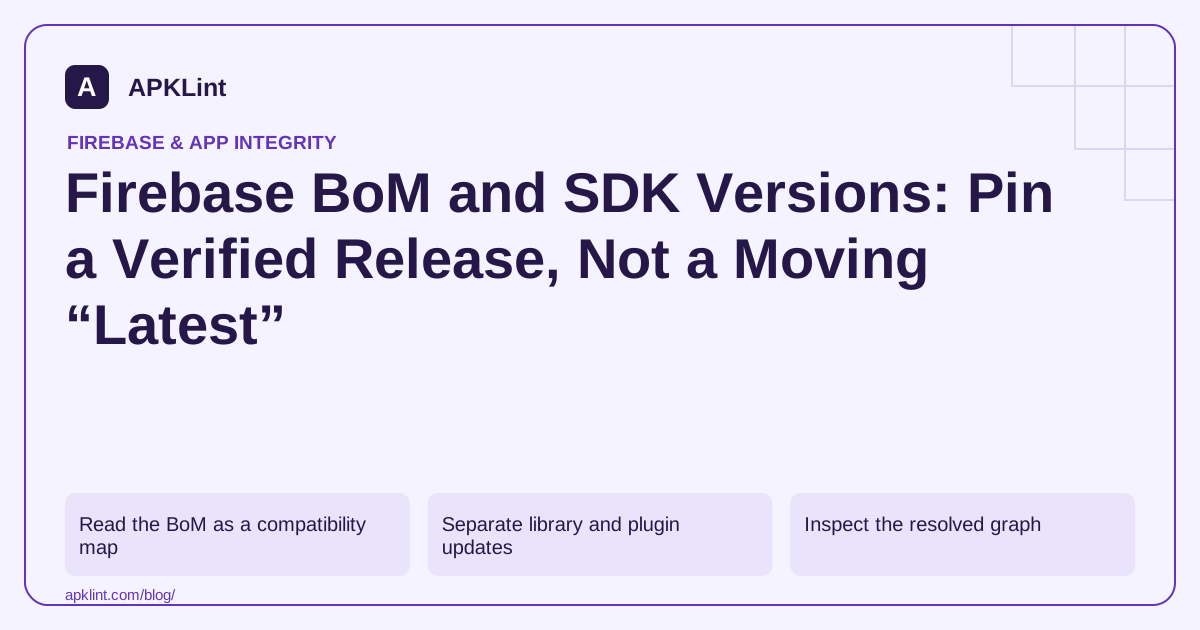
Read the BoM as a compatibility map
The release notes show which product versions each BoM selects. A BoM number is not the version number of every Firebase SDK.
For example, a project can pin the BoM and omit a separate version on supported product dependencies:
implementation(platform("com.google.firebase:firebase-bom:34.19.0"))
implementation("com.google.firebase:firebase-crashlytics")
The BoM does not automatically install every product. The second declaration still matters.
Separate library and plugin updates
| Component | Managed by the Firebase Android BoM? |
|---|---|
| Supported Firebase product libraries | Yes, through version constraints |
| Google services Gradle plugin | No |
| Crashlytics Gradle plugin | No |
| Android Gradle Plugin and Gradle | No |
The setup documentation shows where these pieces belong. Updating the BoM does not fix every plugin compatibility problem.
Inspect the resolved graph
A manually specified product version or another constraint can alter resolution. Use the module's dependency report to confirm the actual selected versions rather than reading only the declaration.
Record the old and new BoM, changed products, minimum platform requirements and relevant release-note changes. A blanket “update everything” commit makes regressions harder to isolate.
Avoid dynamic production versions
A moving version selector can change a release build without a source change. Prefer a reviewed pinned version, committed dependency metadata and a reproducible CI environment.
Test authentication, database access, notifications and crash reporting only for the products your app actually uses. A successful Gradle sync is not a runtime compatibility test.
Use the scanner for inventory, not freshness guarantees
APKLint can support Firebase configuration inspection and build review. It cannot infer every transitive SDK version from a partial configuration file or automatically certify that your chosen BoM is still current. Recheck the official release table when planning the upgrade and retain that verification date with the release.
Inspect the product versions selected by one BoM change
Suppose an app uses Authentication and Crashlytics under a pinned Firebase BoM. Before changing it, save the release runtime dependency report and identify the selected versions of those products. After changing the BoM, generate the same report and compare the selected components. The Firebase Android release table explains which product changes accompany a BoM release.
The example BoM value in this guide is a dated reference, verified against the official setup documentation during the 29 September 2026 review. Keep the chosen version explicit in the actual project. A future reader should consult the release table before treating the example as current, and should not replace a pinned version with a moving selector to avoid making that decision.
Find an explicit version that overrides the intended alignment
If one product remains at an unexpected version, inspect direct declarations, catalog entries, constraints and dependency insight output. A separately versioned product dependency can influence resolution despite the visible BoM declaration. Record the selected version and reason, then decide whether the exception is intentional and compatible. Removing a version number blindly is not enough if another module or convention plugin supplies a constraint.
Keep plugin changes separate in the comparison. A Crashlytics Gradle plugin controls build integration, while the Crashlytics runtime library is part of the app. Updating the BoM does not update the plugin declaration. If both must change, record the compatibility reason and validate mapping upload as well as runtime reporting.
Exercise the actual enabled products after the upgrade: sign in and sign out with a test account, check relevant error handling, and generate a controlled diagnostic event in a nonproduction build. Inspect behavior after process restart and in the optimized release variant when applicable. Preserve a rollback that includes the old BoM and reviewed dependency state. A successful sync shows that Gradle could configure and resolve the project; the product-specific observations show whether the application's supported Firebase flows still work with the selected library set.
Sources and further reading
Reference review: 29 September 2026. Examples illustrate the workflow; check your installed versions, release artifact and account-specific Console requirements before applying them. This guide is not a claim that APKLint executed your project or verified your private account.

Android inspection tools and practical release guides. About APKLint · Report a correction