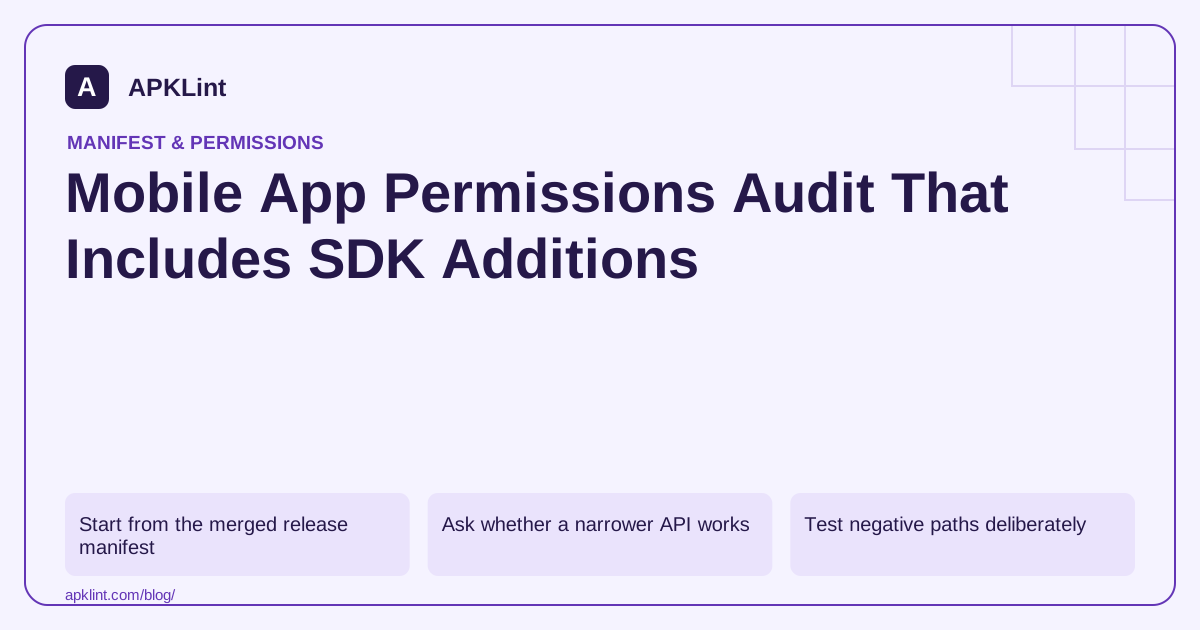
Start from the merged release manifest
Use the build's manifest merger information to identify declarations added by the app, product flavors and libraries. Save the final APK or bundle identity with the audit. Reviewing only src/main/AndroidManifest.xml can miss SDK additions.
Create a row for each permission with feature, source dependency, supported API range, grant mechanism, denial behavior and disclosure implications.
Ask whether a narrower API works
| Feature need | Alternative to investigate |
|---|---|
| Pick one image | System photo picker |
| Open a user-selected document | Storage Access Framework |
| Perform deferrable background work | WorkManager with constraints |
| Launch another app | A narrow intent rather than broad package inventory |
Alternatives depend on the feature. Do not remove a necessary permission without replacing the actual user workflow.
Test negative paths deliberately
For runtime permissions, test denial and revocation. For special access, test returning from settings without enabling it. For selected media, test a URI that is no longer available. Each path should produce a useful message and preserve unrelated functionality.
The Android permission model should drive the test plan, not an assumption that every permission uses the same dialog.
Reconcile with data practices
A permission does not automatically prove data is collected or shared, and the absence of a permission does not prove that no personal data leaves the app. Google Play Data safety requires a broader understanding of collection and SDK behavior.
Map each relevant permission to the associated data flow, then verify that the privacy policy and declarations describe the implemented behavior.
Close findings in a new release
Record whether a permission was removed, narrowed, justified or still requires work. Reinspect the built artifact and test the relevant feature. APKLint can support the static inventory and highlight sensitive declarations; the final audit needs runtime evidence and an accountable decision for each remaining permission.
Turn a media permission into a concrete review decision
Consider a profile-photo feature that only needs one image selected by the user. Inventory its current broad media declaration, the code that reads images and the dependency that contributed the permission. Evaluate a supported system picker for that exact workflow. A picker-based replacement must still handle cancellation, inaccessible content and the selected URI's lifetime; removing a manifest entry is only one part of the change.
Record the decision in a row containing the feature, source, supported API paths, chosen access mechanism, denial behavior and release artifact. The Android permission overview provides the platform model. Keep separate rows when older and newer supported versions genuinely use different access paths.
Verify the whole replacement flow
Choose an image, cancel selection, choose a large image and return after process recreation if the product promises to preserve the pending edit. Confirm that the preview and upload use the selected content and that a failed read does not submit a stale previous image. Check orientation and decoding limits separately from access control.
For SDK-added permissions, record the exact SDK version and enabled feature. A dependency upgrade can change declarations or data behavior without a direct application manifest edit. Reinspect the built release after the upgrade and ask whether the documented purpose still matches the product.
Close each audit row with evidence of removal, narrowing or a specific justified use. Include an owner for unresolved behavior and distinguish a device test from a package-only observation. Reconcile the relevant data flow with privacy disclosures, since granting access does not explain where data is transmitted or how long it is retained. Also examine personal data entered directly by users and SDK networking that does not need dangerous permissions. The resulting audit should let a reviewer follow one user action through access, processing and failure handling, instead of presenting a low permission count as a complete privacy or security certification.
Sources and further reading
- Android Developers: Merge multiple manifest files
- Android Developers: Permissions overview
- Google Play: Data safety section
Reference review: 29 September 2026. Examples illustrate the workflow; check your installed versions, release artifact and account-specific Console requirements before applying them. This guide is not a claim that APKLint executed your project or verified your private account.

Android inspection tools and practical release guides. About APKLint · Report a correction