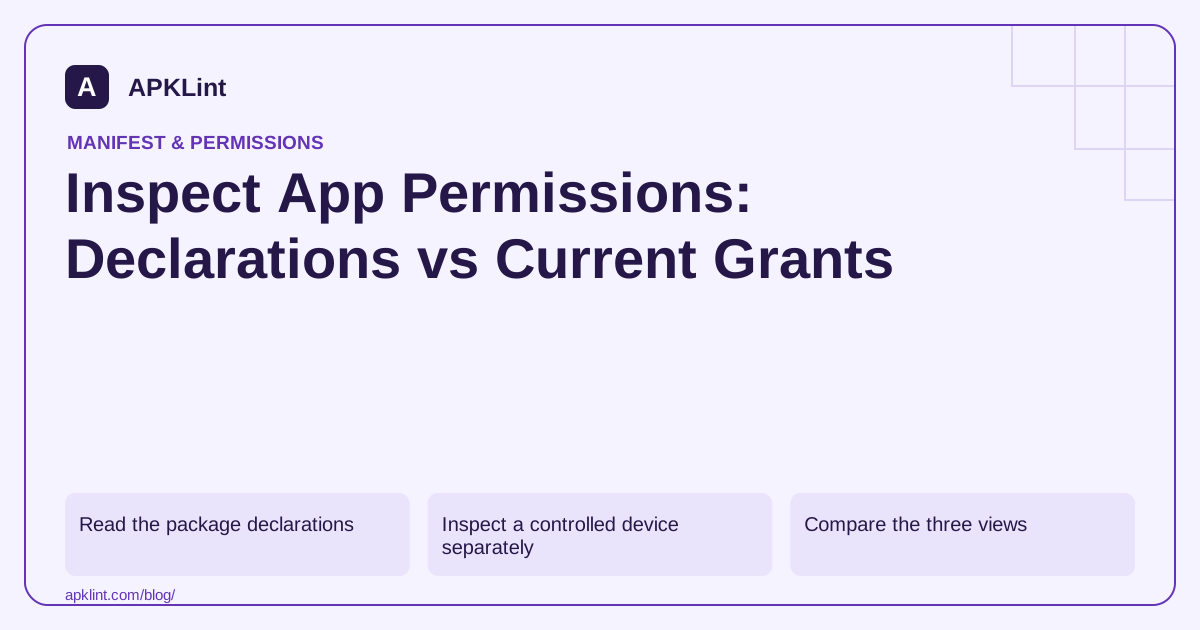
Read the package declarations
For an APK you own or may inspect, use Android's package-analysis CLI:
apkanalyzer manifest permissions app.apk
The output is a declaration inventory. It does not tell you whether a person accepted a runtime prompt or whether the app has special settings access on a particular device.
For a split-delivered app, keep the complete relevant artifact set and account for feature modules rather than assuming one file contains every declaration and behavior.
Inspect a controlled device separately
On a test device connected through authorized ADB, package diagnostics can help investigate installed state:
adb shell dumpsys package com.example.app
The output can be large and version-dependent. Review the relevant permission sections instead of scraping an arbitrary line number. Avoid posting a full device dump publicly; it may contain unrelated sensitive context.
Compare the three views
| Question | Evidence |
|---|---|
| What can the app request? | Final merged manifest or package inspection |
| What is currently allowed? | Device settings and platform grant state |
| What data is used? | Controlled runtime tests and implementation review |
A permission missing from a settings screen is not automatically absent from the package. Some declarations are normal permissions or use different access mechanisms rather than a user-facing runtime switch.
Trace unexpected permissions to dependencies
Inspect the manifest merger report in the project to find which source contributed a declaration. Before removing it, identify the SDK feature that may depend on it. Rebuild and verify the final artifact after the change.
Keep the conclusion narrow
APKLint's Manifest Checker helps inspect declarations and potential risks. It cannot observe the current grants on your users' devices or determine all data collection from permissions alone. A complete privacy review also examines SDK behavior, server interactions and data that does not require a dangerous permission.
Explain an unexpected location declaration
Suppose package inspection reveals a location permission that the application team did not add directly. Use the project's manifest-merger evidence to identify the contributing dependency and variant. Check whether the SDK feature requiring location is enabled, optional or obsolete in the current product. A declaration alone does not establish that location was collected, but an unexplained declaration still warrants review.
The permission overview explains the different access mechanisms. Compare the package inventory with the controlled device's actual grants and the feature's runtime behavior. Keep these as separate columns so a reviewer can see precisely which observation supports each conclusion.
Verify that the inspected package is the installed candidate
Record application ID, version code, signing identity where relevant and artifact digest. If the device contains a different flavor or store-generated split set, a local universal APK's permission list may not be the complete explanation of installed behavior. Account for relevant feature modules and the installation path before treating a discrepancy as a scanner error.
On a controlled device, inspect only the diagnostic sections needed for the permission question. A complete package or device dump can contain unrelated information and varies by platform version. Preserve a redacted excerpt with its device and OS context instead of building an audit around a brittle fixed line number.
After removing or narrowing the unexpected declaration through the supported build mechanism, rebuild and inspect the final candidate again. Exercise the SDK feature that could have depended on it and confirm the intended fallback if access is no longer available. If the permission remains justified, document the user action and disclosure context rather than simply marking it safe because it came from a known SDK. The finished review should identify what the package requests, what the test installation currently allows and what the exercised feature actually does. Broader collection and sharing claims still require implementation and data-flow evidence beyond that permission inventory.
Sources and further reading
- Android Developers: Permissions overview
- Android Developers: Android Debug Bridge
- Android Developers: apkanalyzer command-line reference
Reference review: 29 September 2026. Examples illustrate the workflow; check your installed versions, release artifact and account-specific Console requirements before applying them. This guide is not a claim that APKLint executed your project or verified your private account.

Android inspection tools and practical release guides. About APKLint · Report a correction