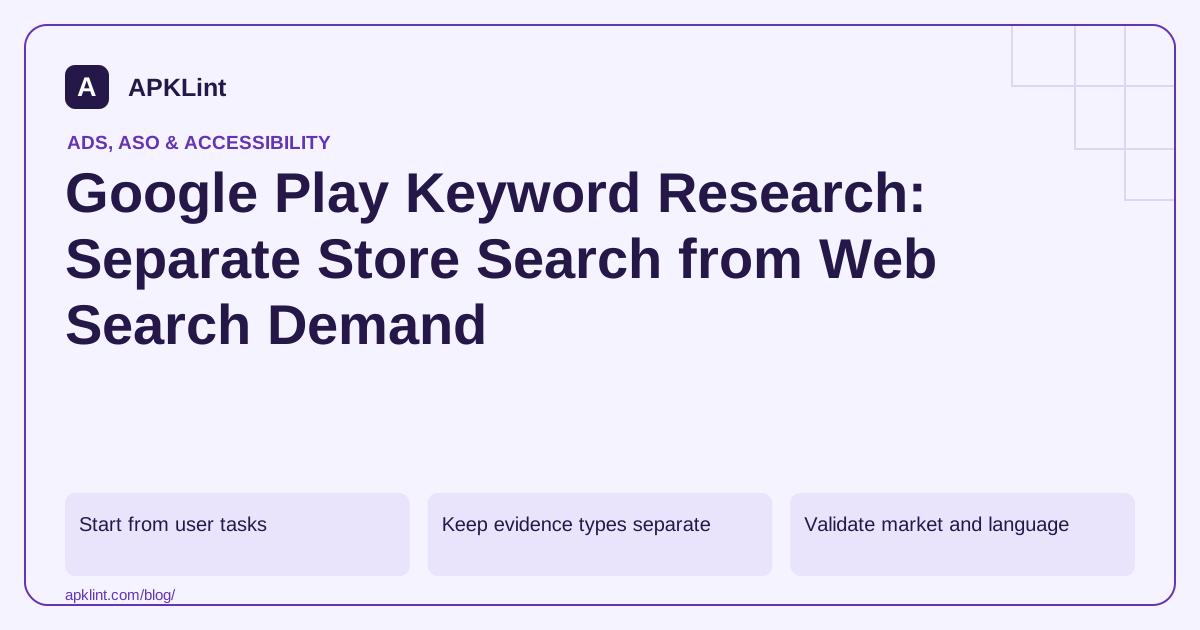
Start from user tasks
List the problems the app genuinely solves and the words users use to describe them. Group phrases by intent: category discovery, specific feature, competing workflow and branded navigation.
Reject high-volume terms that describe features you do not offer. A PDF editor should not target APK analysis simply because both involve files.
Keep evidence types separate
| Evidence | What it can support |
|---|---|
| Keyword Planner export | Web search estimates for the selected settings |
| Store search observation | Current visible results for a market and language |
| Store Console acquisition data | Performance within the available reporting scope |
| Competitor listing text | Vocabulary and positioning, not verified demand |
| User interviews/support | Task language and unmet expectations |
Do not label a combined list “global monthly Play searches” when none of the sources measures that quantity.
Validate market and language
Store results can depend on country, language, device and account context. An English query in the United States is not a universal global result. Record the settings and observation date for every comparison.
APKLint's current store-research tools have specific market and language behavior described on their pages. Read those limitations before presenting output as worldwide evidence. Their suggestions and ranks are research signals, not guaranteed traffic forecasts.
Map phrases to one coherent listing
Select a small set of closely related concepts and write natural copy. Avoid stuffing every variant into the title or creating misleading descriptions of unsupported features.
Use listing experiments to evaluate presentation changes where supported, while recognizing that an experiment on conversion is not a direct measurement of keyword search volume.
Revisit the hypothesis after launch
Compare acquisition quality, not only installs. Queries that attract users expecting a different app can increase abandonment and support complaints.
Read Play's listing guidance and experiment documentation. Preserve the distinction between measured data, observed results and inferred opportunities in your research sheet so future decisions do not inherit invented certainty.
Build an intent worksheet for a real supported workflow
For a page-reordering app, begin with phrases such as reorder PDF pages, organize scanned pages and change document page order. Associate each phrase with the supported user task and note meaningful differences. Someone seeking text editing or optical character recognition may want a capability this app does not provide, even though the query also contains PDF.
Keep an evidence column beside each phrase. A customer support message provides vocabulary; a dated store observation shows a particular result set; a web advertising estimate concerns its own reporting context. Combining them into one sheet does not turn them into measured worldwide Play search volume.
Make a store observation reproducible enough to interpret
Record the market, language, device context, date and query exactly as entered. Describe the observation as a snapshot. If another team member sees different results, compare these conditions before assuming either person copied the wrong data.
Review result relevance manually. A similarly named competitor may solve a different task, and a high position for an ambiguous phrase does not establish that its visitors would want your product. Keep notes about the feature overlap rather than treating every visible app as a directly comparable competitor.
Turn the strongest task language into a natural listing sentence and compare it with the installed product. The title and description should remain readable and truthful. Do not add unsupported capabilities or unrelated brand names merely because they appear frequently in a research export.
Use a listing experiment for a supported presentation question, such as whether a clearer first screenshot improves the chosen conversion outcome. State that this tests the listing treatment under its configured audience; it does not directly count how many people search a keyword across Play.
Review the resulting acquisition quality alongside task completion and support feedback. A phrase that produces installations from users expecting editable text may be a poor fit for a page-ordering tool. Keep the rejected phrase and reason in the worksheet so the same misleading opportunity is not rediscovered as a fresh recommendation next month.
Sources and further reading
Reference review: 29 September 2026. Examples illustrate the workflow; check your installed versions, release artifact and account-specific Console requirements before applying them. This guide is not a claim that APKLint executed your project or verified your private account.

Android inspection tools and practical release guides. About APKLint · Report a correction