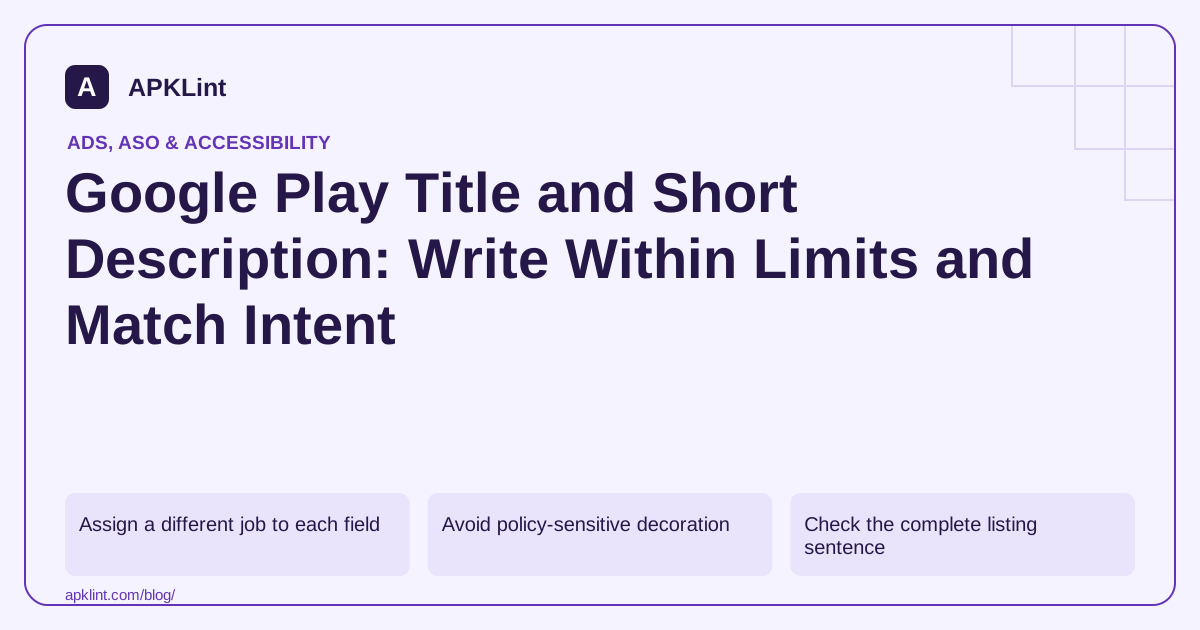
Assign a different job to each field
Use the app name to identify the product and its essential category. Use the short description to explain the primary value or action. Use the full description for capabilities, workflow and relevant limitations.
| Field | Editing question |
|---|---|
| App name | Can a user identify this product without exaggerated claims? |
| Short description | Is the main task or gameplay understandable immediately? |
| Full description | Does each section add useful information rather than repeat terms? |
The limits apply to localized fields too. Check the saved Console result rather than assuming a character-count function handles every language exactly as the platform does.
Avoid policy-sensitive decoration
Google's preview guidance discourages ranking, price and promotional language, unnecessary keywords, installation calls to action and decorative formatting in the short description. Do not add “#1,” “best” or repeated emojis merely to make the listing louder.
A factual differentiator is stronger: an offline mode that genuinely works, a supported document workflow, or a specific puzzle mechanic. Do not claim offline operation when the main task requires a server.
Check the complete listing sentence
Read the title, short description and first screenshots together. If they repeat the same statement three times, use the available space to answer a different user question. If they promise incompatible things, correct the product story before testing variants.
For keyword research, use natural vocabulary your intended users understand. Exact repetition is not a substitute for relevance.
Validate with evidence
APKLint's listing audit can help review length and consistency, but it cannot determine the best wording without audience and product evidence. Test a focused change and monitor the appropriate conversion outcome.
See Google Play's field limits, short-description guidance and metadata policies. Keep a record of each localized version so later edits do not accidentally restore an outdated feature claim.
Draft a factual title and a complementary description
For an illustrative product, the title PageNest: PDF Page Organizer has 28 ASCII characters, including spaces and punctuation. The short description Reorder and rotate PDF pages on your device has 43. These examples show how a product identity and a supported task can fit within the fields without repeating a long keyword list.
Use those claims only if the app actually supports both operations under the stated local-processing conditions. If exporting requires an account or payment, make the relevant condition clear in the complete listing and user flow. A concise sentence should not acquire clarity by omitting a material restriction.
Review the saved localized fields as a complete message
The app setup guide provides the field limits. The simple ASCII counts above can be checked directly, while localized text still needs validation in the actual Console field. Combining characters and platform handling can make an assumed local counting rule an unreliable substitute for the saved result.
Give a translator the workflow and constraints, rather than only a word list. A translation that changes organize pages into edit document text creates a different promise. Have someone familiar with the target language read the title, description and screenshots together and explain what they expect the app to do.
Check how the opening words read when space is limited. Preserve the product identity and central task early in the message, while avoiding unnatural abbreviations that users must decode. Do not add decorative characters merely to draw attention at the expense of readability.
Keep alternate drafts with the reason for each change. A draft focused on page order and another focused on rotation answer different audience questions. If testing supported description variants, identify the hypothesis and chosen outcome instead of claiming that an unmeasured word replacement will improve rankings.
After publication, verify the exact localized listing rather than assuming that a spreadsheet edit reached the store. Retain the approved wording with its product version so a later feature removal or export change triggers a review of the claim that users still see.
Sources and further reading
- Google Play: Preview assets
- Google Play: Developer Policy Center
- Google Play: Create and set up your app
- Google Play: Create and set up your app
Reference review: 29 September 2026. Examples illustrate the workflow; check your installed versions, release artifact and account-specific Console requirements before applying them. This guide is not a claim that APKLint executed your project or verified your private account.

Android inspection tools and practical release guides. About APKLint · Report a correction