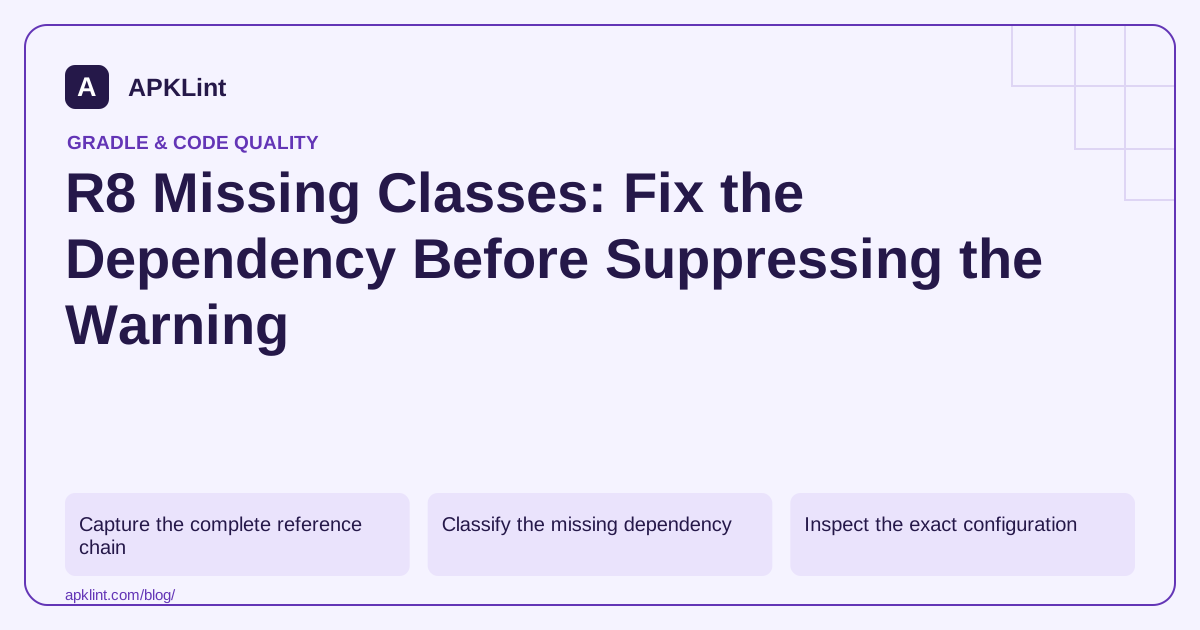
Capture the complete reference chain
Keep the missing type, the referring class and the affected variant. Read the first meaningful optimizer diagnostic rather than only the final failed-task line.
The Android dependency guide and R8 rules reference are the starting points for deciding whether the problem is resolution, optional code or retention.
Classify the missing dependency
| Situation | Likely action |
|---|---|
| Required library omitted | Add the correct dependency and scope |
| Dependency version changed its API | Align compatible versions |
| Compile-only type used at runtime | Correct the runtime dependency model |
| Optional integration never used | Confirm the library's documented suppression |
| Typo or obsolete class reference | Fix the source or generated code |
A keep rule cannot retain a definition that never entered the build.
Inspect the exact configuration
Use the module and variant that failed:
./gradlew :app:dependencies --configuration releaseRuntimeClasspath
Flavor names change configuration names. Compare compile and runtime graphs when a class compiles successfully but is absent from the packaged dependency set.
Treat generated suggestions as evidence
R8 may produce suggested rules or diagnostics. Read them before applying them. A suppression can be correct for a documented optional platform integration, but a blanket -dontwarn ** masks unrelated future defects.
Avoid downloading arbitrary JARs from untrusted mirrors to satisfy a class name. Verify the artifact publisher and supported version.
Reproduce after the fix
Rebuild the same optimized variant and exercise the code path that references the class. Then check the output dependency inventory. APKLint's Build Analyzer or Gradle Dependency Checker can support configuration review, but neither can resolve a private repository or prove that a missing class is truly optional.
Separate a required adapter from an unused optional integration
Imagine that an SDK references a database adapter absent from the release runtime graph. If the application actually uses that database feature, supply a compatible dependency through the proper module and configuration. A warning suppression would let the build proceed without making the adapter available. Exercise the feature after the dependency is added rather than accepting build success alone.
Now consider a different SDK that documents an optional desktop integration the Android application never activates. Its missing classes may justify a narrowly documented suppression, but only after confirming that the relevant code cannot execute in this application. Keep the vendor's explanation and selected version with the decision. These two cases can produce superficially similar diagnostics while needing opposite repairs.
Trace the missing type back to its publisher
Preserve the diagnostic's referring method and class. Inspect the selected library version and compare its required or optional dependencies with the release graph. Gradle's dependency-report documentation explains how to inspect selection paths. Use the configuration from the actual failure, including flavor-specific naming, rather than assuming every project has a plain release configuration.
If a dependency upgrade renamed or removed a type, align the caller and provider versions according to their compatibility contract. If generated source references an obsolete package, regenerate it using the intended toolchain and check the source of the generator setting. Adding an unrelated JAR containing a matching class name can introduce incompatible behavior or duplicate definitions.
After the repair, rebuild with the same optimization settings and review the diagnostics again. An existing broad suppression may conceal a second missing type, so do not infer complete resolution from a quiet console until the relevant configuration has been inspected. Test the required feature with both ordinary and invalid data and verify its expected error handling. Retain the resolved dependency report, the specific rule if one was justified, and the reason the type is optional or present. This evidence gives future maintainers a way to reevaluate the decision when the SDK or application feature set changes.
Sources and further reading
Reference review: 29 September 2026. Examples illustrate the workflow; check your installed versions, release artifact and account-specific Console requirements before applying them. This guide is not a claim that APKLint executed your project or verified your private account.

Android inspection tools and practical release guides. About APKLint · Report a correction