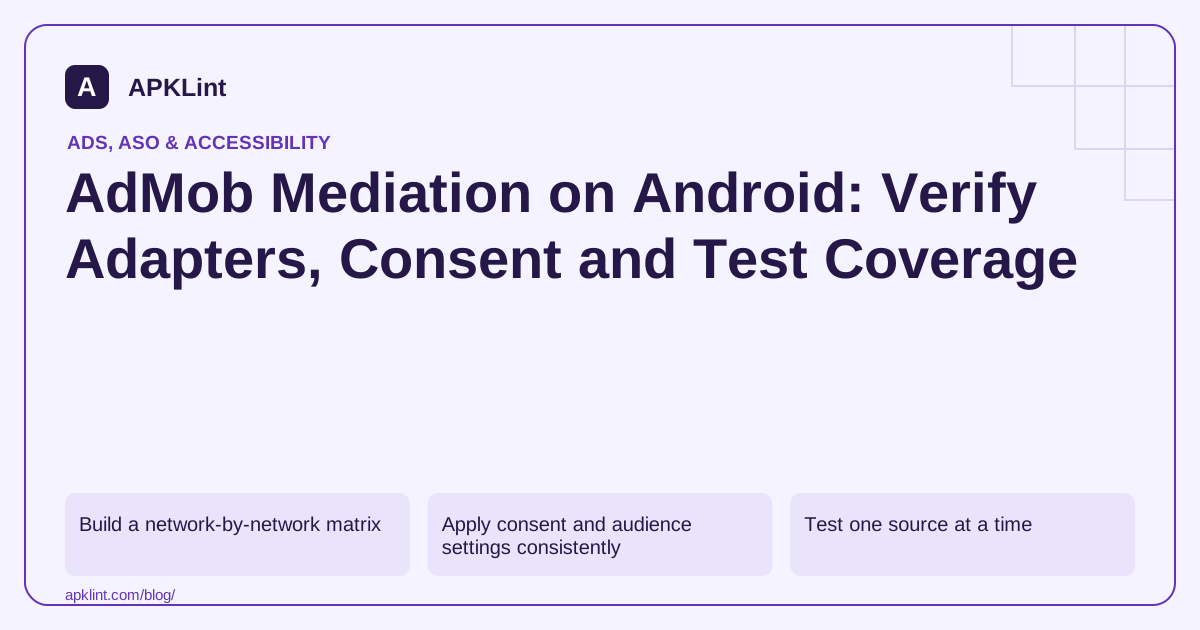
Build a network-by-network matrix
Record the ad source, integration type, adapter version, partner SDK version, app/placement mapping and supported formats. Check whether the network supports the selected legacy or Next-Gen integration path before upgrading the core SDK.
| Layer | Typical failure |
|---|---|
| Dependency | Incompatible adapter or duplicate classes |
| Initialization | Missing partner app configuration |
| Account setup | Incorrect placement mapping or inactive source |
| Privacy | Required consent signal not passed before initialization |
| Ad request | Unsupported format or genuine lack of inventory |
Do not infer that an adapter exists merely because a network appears in an account dashboard.
Apply consent and audience settings consistently
Google UMP integration does not automatically answer every partner-specific question. Read each adapter's privacy section and confirm how the required signals reach the SDK. Check child-directed and age-related controls separately from general consent.
Initialization order matters because partner SDKs may perform work before an ad is requested. Configure the relevant controls before that point.
Test one source at a time
Use supported test mode and Ad Inspector's available diagnostics to isolate individual sources. Record adapter initialization status and the detailed response/error information. Never click live mediated ads to verify revenue or callbacks.
After isolated testing, test the complete mediation configuration under the actual app lifecycle. Check duplicate callbacks, destroyed activities and reward delivery when screens change.
Maintain the inventory
Remove obsolete adapters and review permissions or data flows they introduced. Pin compatible versions and retain the resolved dependency tree with the release.
APKLint's SDK detector can surface some library signals, but a static scan cannot confirm server-side mappings or partner inventory. Use the mediation guide, Ad Inspector and UMP reference for the chosen platform and SDK family.
Treat mediation performance as a measured production outcome after technical validation, not as a guaranteed consequence of adding more networks.
Review each partner against the actual ad format
Create a small integration table with one row per partner and columns for the adapter version, native SDK version, supported format and test configuration. A partner appearing in a dependency list does not establish support for every format used by the app. Verify the specific banner, rewarded or interstitial integration using the partner guide linked from the AdMob mediation documentation.
Use a controlled two-source comparison
Consider an app adding a second source to an existing rewarded placement. Keep a test build with the original source and a second build containing the new adapter. Use documented test modes for both sources. Confirm that the new adapter initializes and that its selected test request can load before interpreting aggregate fill behavior as evidence that the integration works.
Record the request's response information and initialization status. An empty ad result can arise from configuration, eligibility, network conditions or source availability. It should not automatically trigger removal of a correctly installed adapter. Conversely, one successful response from the original source does not prove the newly added partner ever participated.
Trace privacy and audience controls to each partner before initialization. A value supplied to the core SDK is not evidence that every adapter requires no additional setup. Keep those requirements with the adapter's versioned integration instructions, and repeat the relevant privacy branches when the adapter or native dependency changes.
Exercise the reward path independently from ad loading. Associate the reward with the current game or transaction session and grant it through the documented completion callback. Close the ad early, leave the activity and repeat a valid completion. Ensure a late callback from an earlier ad cannot reward a different session or grant the same reward twice.
When removing a partner, update the dependency and account-side configuration together as appropriate, then inspect the rebuilt package. Test the remaining sources and disclosure inventory. A removed dashboard entry does not necessarily remove native code, while deleting a dependency without reviewing source configuration can leave a placement requesting an integration the app no longer contains.
Sources and further reading
Reference review: 29 September 2026. Examples illustrate the workflow; check your installed versions, release artifact and account-specific Console requirements before applying them. This guide is not a claim that APKLint executed your project or verified your private account.

Android inspection tools and practical release guides. About APKLint · Report a correction