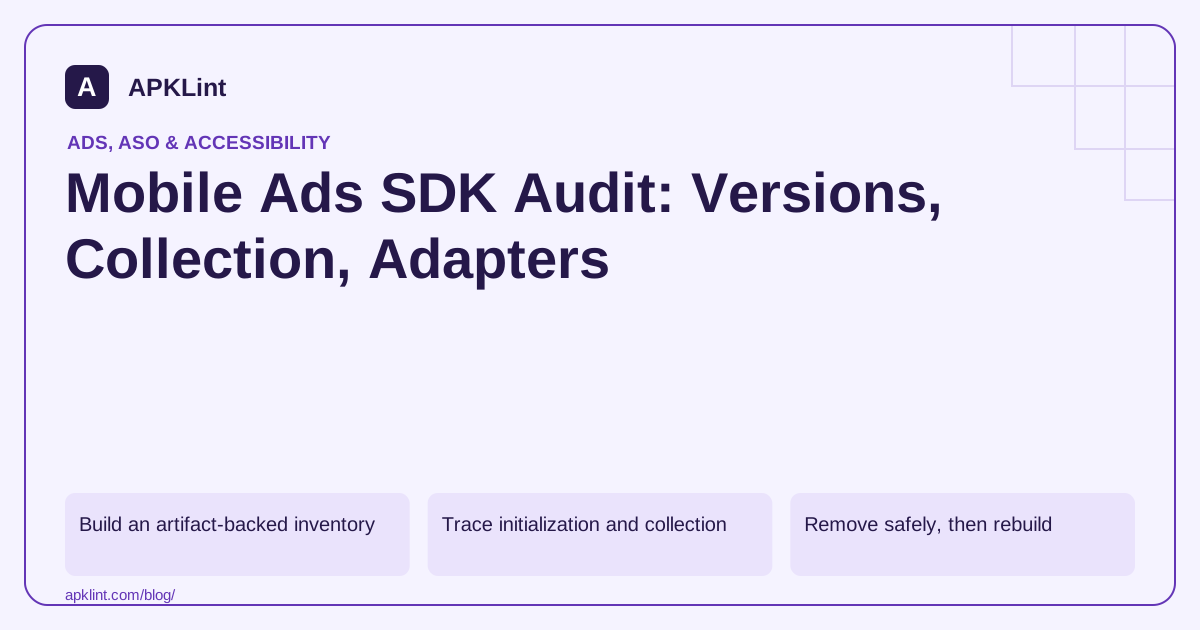
Build an artifact-backed inventory
Compare the release dependency tree, merged manifest and packaged libraries. Record each SDK's version, purpose, owner and supported ad formats. Distinguish active integrations from unused code that still increases app size or contributes declarations.
Do not treat a package-name match as definitive proof of runtime activity. Obfuscation and wrappers can complicate detection, while a detected class may never execute in the tested configuration.
Trace initialization and collection
Identify the first code path that initializes each SDK. Include startup providers, application callbacks, remote configuration and mediation adapters. Check whether consent and audience settings are established before that work.
| Audit question | Evidence |
|---|---|
| What version ships? | Resolved dependency and artifact |
| Why is it included? | Feature owner and ad-source configuration |
| When does it run? | Initialization path and lifecycle trace |
| What data can it process? | Versioned disclosure and actual settings |
| How is it tested? | Test mode, device and response diagnostics |
Keep account-side configuration in the review; static APK inspection cannot see a changed mediation mapping.
Remove safely, then rebuild
For an unused adapter, remove the dependency and associated configuration, rebuild and inspect the result. Test startup and remaining ad sources. Deleting a Java import alone may leave the library included transitively.
Check whether removal changes the manifest, Data Safety answers or privacy policy. A privacy improvement in code should be reflected accurately in documentation, not accompanied by unsupported claims that all collection stopped.
Maintain version compatibility
Review core SDK and adapter compatibility before upgrades. Keep legacy and Next-Gen SDK paths separate, and do not mix a current adapter with an incompatible core merely because both are labelled “latest.”
APKLint's Ad SDK/Tracker Detector provides investigation leads, not a full runtime privacy certification. Combine it with Mobile Ads disclosure, Play Data Safety definitions and mediation documentation to build a release-specific record that another developer can verify.
Prove that an unused adapter actually left the package
Suppose the product no longer uses one mediation partner. Begin with the release dependency graph and locate every path that brings in its adapter or native SDK. Removing the most obvious direct declaration may leave a transitive path through another integration package. Keep the original graph and packaged library inventory for comparison with the rebuilt artifact.
Review the partner's current integration instructions through the mediation reference. Remove only the configuration and dependencies associated with the intended integration. Check shared dependency ownership before deleting a library that another retained adapter still needs.
Pair package evidence with request evidence
After rebuilding, inspect whether the removed adapter's recognizable code and manifest contributions remain. Then run the remaining test placements and capture their response diagnostics. The package comparison answers what ships; the request comparison answers whether the retained advertising paths still function in the exercised configuration. Neither observation replaces the other.
Include cold startup and a return from the background. An obsolete initialization call can survive dependency cleanup and fail only when a delayed feature path is reached. Search the application's integration code and remote feature mappings for the removed source, then exercise those paths with controlled test settings.
Review the relevant disclosure rows after removal. A partner no longer receiving data may justify a change in the inventory, but do not remove a category that is still handled by another retained SDK or by the app itself. The core SDK disclosure has its own version scope and cannot stand in for every partner's behavior.
Store the before-and-after dependency inventory, manifest difference, artifact hashes and tested placement results with the change. This gives a future maintainer enough evidence to distinguish a deliberate removal from an accidental missing adapter. If an account-side setting can re-enable a source, record who owns that setting and keep it aligned with the dependencies actually shipped in the supported application versions.
Sources and further reading
- Google: Mobile Ads SDK data disclosure
- Google Play: Data safety section
- Google: AdMob mediation on Android
- Google Mobile Ads: Next-Gen Android SDK setup
Reference review: 29 September 2026. Examples illustrate the workflow; check your installed versions, release artifact and account-specific Console requirements before applying them. This guide is not a claim that APKLint executed your project or verified your private account.

Android inspection tools and practical release guides. About APKLint · Report a correction