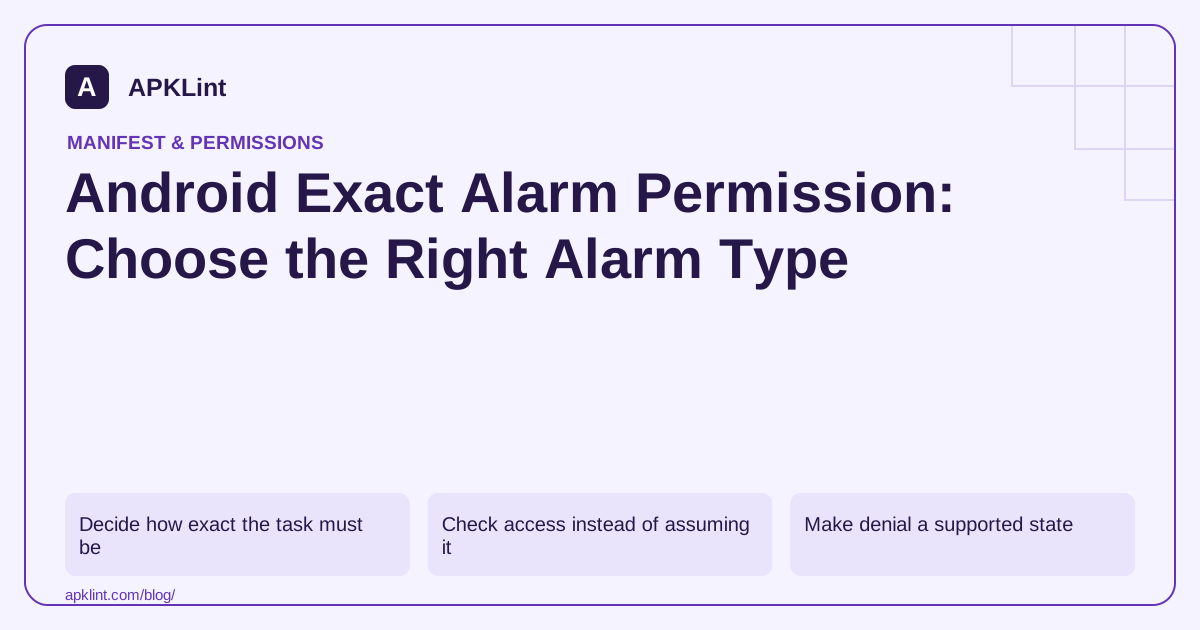
Decide how exact the task must be
| Task | Starting API choice |
|---|---|
| Periodic background synchronization | WorkManager or another appropriate scheduled-work API |
| Reminder with flexible timing | Inexact alarm where suitable |
| User-configured alarm clock | Exact-alarm APIs and applicable access |
| Ongoing visible operation | The appropriate foreground or specialized API |
The alarm documentation explains API behavior and permission differences. SCHEDULE_EXACT_ALARM and USE_EXACT_ALARM are not interchangeable declarations with identical eligibility.
Check access instead of assuming it
For the relevant API/version path, use AlarmManager.canScheduleExactAlarms() before scheduling operations that require special access. If the feature needs a settings flow, explain why and recheck when the user returns.
An app installed through an upgrade path can have a different initial state from a clean installation. Test both rather than relying on a development device's historical grant.
Make denial a supported state
Offer an inexact reminder or clearly describe the unavailable timing guarantee when access is missing. Do not report an exact alarm as scheduled if the call failed, and do not loop through settings without a fresh user action.
Persist the user's intended reminder independently from the platform scheduling state so you can show an accurate status after restart or access changes.
Review Google Play eligibility
Play's permission policy can restrict use of exact-alarm declarations based on the app's core function. Technical success on a phone is not evidence that a distribution use case qualifies.
Keep a feature rationale and review the current policy before choosing the declaration for a release.
Test the complete reminder lifecycle
Test schedule, cancel, edit, device restart, time-zone change and permission revocation. Confirm that duplicate reminders are not created after a retry. APKLint's Manifest Checker can identify the declarations, but it cannot verify timing behavior or store eligibility. The release needs device evidence and a deliberate fallback strategy.
Keep one reminder when the user edits its time
Suppose a user sets an alarm for 07:30 and then changes it to 08:00. Persist the reminder's identity separately from the currently scheduled platform operation. Replace or cancel the old schedule deliberately, and verify that only the new event occurs. A successful second scheduling call does not prove the first pending operation was removed.
The alarm guide explains exact and inexact behavior and access requirements. Choose the appropriate API for the actual timing need. A periodic data refresh that can run within a flexible window should not inherit the exact-alarm design of a user-configured alarm clock simply because both tasks have a timestamp.
Represent a saved reminder whose schedule is unavailable
Test a fresh installation without special access, then save a reminder through the application's intended flow. If scheduling cannot proceed, show the precise limitation and retain the user's intent where appropriate. Do not label the reminder active unless the required scheduling operation actually succeeded. If an inexact fallback is offered, explain its timing behavior before relying on it.
For the applicable special-access path, test granting and revoking access as separate transitions. The platform documentation describes cancellation of future exact alarms when that access is revoked. Reconcile saved reminders with the actual capability when the app returns, rather than assuming a stored scheduled flag remains valid forever.
Include a device restart and a time-zone change in the test plan. Define whether the product means a local wall-clock time or an elapsed interval, because those interpretations can require different handling. A reminder for 08:00 local time is not necessarily equivalent to a fixed number of milliseconds after the previous launch.
Use two reminders with distinct identifiers and edit only one. Verify that cancellation and rescheduling do not collide through an accidentally shared pending-intent identity. Test a repeated tap on Save and a retry after an interrupted screen to catch duplicate scheduling.
Keep the device API, target SDK, selected permission path and observed delivery time with the test. Review store eligibility separately before submission. A correct device implementation can still use a declaration unsuitable for the app's core purpose, while a permitted purpose does not establish that its cancellation and recovery logic works.
Sources and further reading
- Android Developers: Schedule alarms
- Google Play: Permissions and APIs that access sensitive information
Reference review: 29 September 2026. Examples illustrate the workflow; check your installed versions, release artifact and account-specific Console requirements before applying them. This guide is not a claim that APKLint executed your project or verified your private account.

Android inspection tools and practical release guides. About APKLint · Report a correction