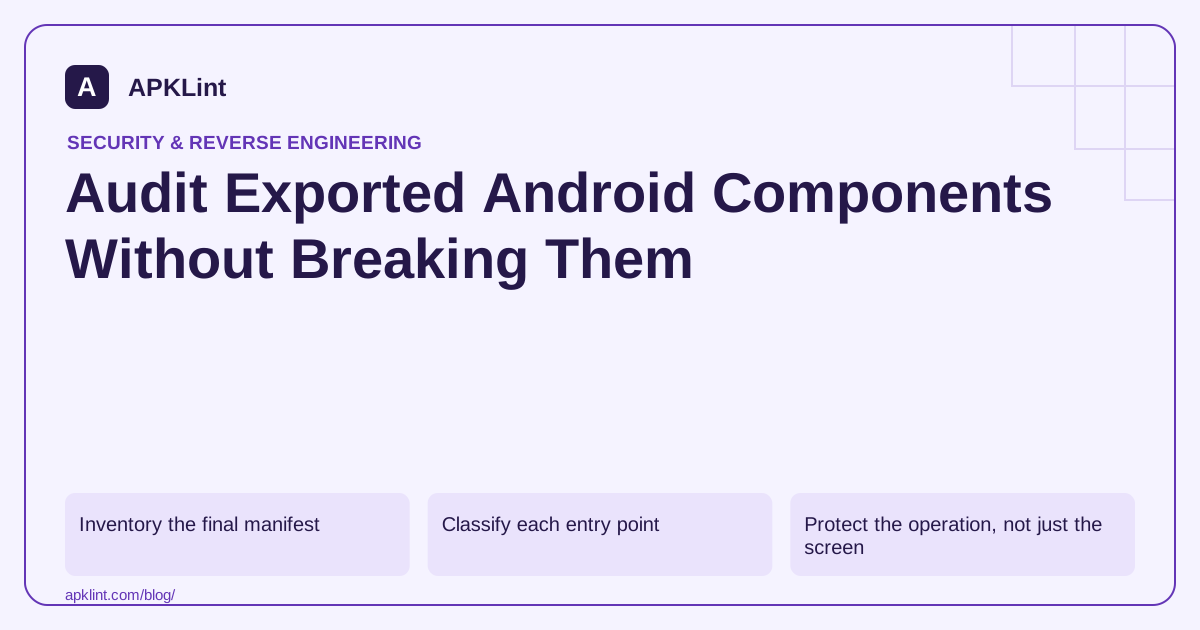
Inventory the final manifest
Review activities, services, receivers and providers in the built release. Record android:exported, intent filters, permissions and the feature that requires external access. Source manifests can be changed by libraries and build variants.
The platform security guidance explains why relying on historical defaults is fragile. Explicit declarations are easier to review across supported versions.
Classify each entry point
| Component purpose | Review direction |
|---|---|
| Launcher activity | External entry is normally intentional |
| Internal settings screen | Keep private unless a documented integration requires access |
| Partner-facing service | Authenticate or permission-protect the caller |
| Content provider | Review read/write permissions and URI-grant scope |
| Link-handling activity | Validate the route and enforce authorization after entry |
An exported activity that merely opens a public help screen is not equivalent to an exported action that changes account security settings.
Protect the operation, not just the screen
Validate incoming intents, extras, URIs and file references as untrusted input. Enforce authentication and authorization at the operation that reads or changes protected data. A previous screen having checked login does not protect a component that can be entered directly.
Do not accept a client-provided “isAdmin” extra as authority. Backend operations must enforce their own access checks regardless of how the Android screen was reached.
Test intended and unintended callers
Use a controlled test application or approved tooling to exercise the interface. Test missing extras, malformed values, unauthorized roles and valid authorized use. Record expected outcomes so tightening a manifest does not silently break a legitimate integration.
A signature-level permission may suit components shared between apps signed by the same trusted identity, but it is not a universal solution for unrelated partners.
Review with APKLint
The Exported Activity Checker can highlight declarations that deserve attention. It cannot determine every business authorization rule or prove that a runtime handler validates its input. Close findings with evidence from the actual release build and the component contract, not with a blanket “set everything false” change.
Trace an exported invoice screen to its data access
Consider a legitimate link handler that opens an invoice by identifier. The activity may need to be exported, but the invoice repository and server still need to verify the current account's access. A check performed only by the app's ordinary navigation screen can be skipped when another application starts the handler directly.
The exported-component guidance explains why declarations should be explicit. Add the intended caller and operation to the review record: public navigation, same-signature integration and partner access have different contracts. Do not infer that every exported component deserves the same permission or the same remediation.
Build a small authorized caller matrix
In a controlled test application, invoke the handler with a known authorized synthetic invoice, a different account's invoice, a missing identifier and a malformed identifier. Check whether protected data is fetched or changed, not only whether the target activity opens. A friendly error screen after an unauthorized server mutation would still be a failed authorization boundary.
Repeat while logged out and after a session expires. The handler should lead through the supported authentication flow or refuse the operation. If authentication resumes the original request, validate the identifier again under the newly authenticated account rather than trusting an earlier screen's cached decision.
For a service or receiver, inspect where caller identity and permissions are checked before work is enqueued. A component that accepts a request and schedules background work must carry the validated operation context forward. A later worker should not reinterpret untrusted extras as an administrator instruction merely because they arrived through an internal queue.
Retest the legitimate external integration after tightening the boundary. If a partner was supposed to retain access, verify its actual signing identity or supported authorization path. Keep the component declaration, test caller identity and operation outcomes together. This demonstrates both that the unintended operation is blocked and that the documented external feature still works.
Sources and further reading
- Android Developers: android:exported
- Android Developers: App manifest overview
- Android Developers: Security best practices
Reference review: 29 September 2026. Examples illustrate the workflow; check your installed versions, release artifact and account-specific Console requirements before applying them. This guide is not a claim that APKLint executed your project or verified your private account.

Android inspection tools and practical release guides. About APKLint · Report a correction