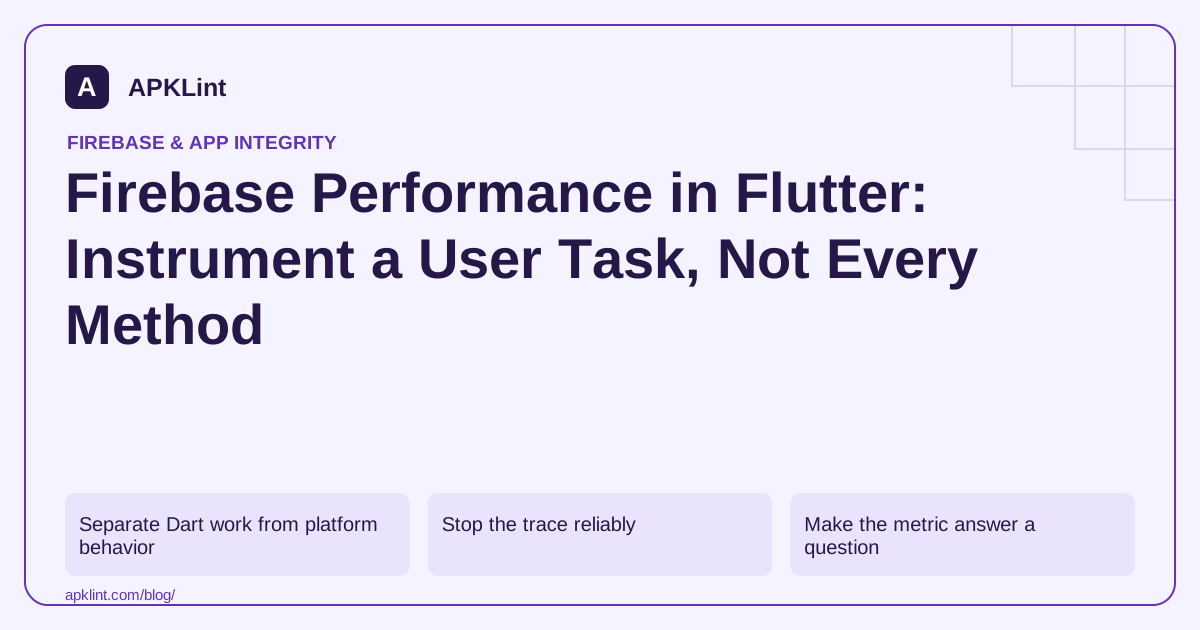
Separate Dart work from platform behavior
Flutter can spend time in Dart computation, platform-channel calls, native networking or rendering. The Flutter Firebase Performance guide describes supported instrumentation; it does not make every Dart or native operation automatically visible.
Choose one task such as loading and displaying an album page, then define its measured boundary.
Stop the trace reliably
Use a try/finally style lifecycle so a thrown exception does not leave a custom trace unfinished. The exact API calls should follow the installed FlutterFire package documentation.
Do not record the document contents, account email or a unique file name as a metric label. A small controlled outcome category is more useful for aggregation and safer for privacy.
Make the metric answer a question
| Trace design | What it can answer |
|---|---|
| Network fetch only | How long the request took |
| Fetch plus decoding | How long data preparation took |
| User action to usable result | How long the complete experience took |
| Repeated per-widget trace | Often too fragmented to explain the experience |
These measurements are not interchangeable. Document the chosen boundary so a later refactor does not silently change the metric's meaning.
Validate outside a debug-only workflow
Use representative profile or release testing for performance interpretation. Development tooling and debug behavior can distort timing. Confirm production patterns with Flutter's own profiling tools when you need frame or allocation detail.
Check the destination and collection controls
Verify the trace in the correct Firebase app and make sure consent or collection settings behave as intended. A trace visible on one test device is not a guarantee of complete production coverage.
APKLint's Flutter APK Analyzer can help inspect package characteristics and the Performance Checker can organize a review. Neither measures Dart execution or reads Firebase traces, so attach actual trace and profiler evidence to the optimization decision.
Time an awaited album preparation operation
The following Dart fragment illustrates a trace around an application-defined asynchronous operation. Firebase is already initialized and loadAndDecodeAlbum is a function supplied by your app. Awaiting it keeps the measured interval attached to completion rather than only to creation of a Future.
final trace = FirebasePerformance.instance.newTrace('album_prepare');
await trace.start();
try {
  await loadAndDecodeAlbum();
} finally {
  await trace.stop();
}
Follow the Flutter custom-trace API for the installed package. This interval covers data preparation. If the product question is when the album becomes usable, define and validate a separate boundary that includes the relevant rendering work. Do not rename the existing metric while silently changing what its duration includes.
Check overlapping requests and widget rebuilds
Trigger two album loads in quick succession and ensure each operation owns its own trace lifecycle. A shared mutable trace variable can cause the first operation's completion to stop the second operation's trace. Also rebuild the widget without starting a new load and verify that no duplicate trace is created merely because the UI rebuilt. Place instrumentation with the operation owner rather than in a frequently repeated rendering callback.
Exercise a failed request and a navigation cancellation. Record an appropriate controlled outcome if needed, while excluding album titles, account identifiers and file contents from attributes. Keep cleanup from obscuring the original application error. An unfinished or duplicated trace can distort aggregate interpretation even when the user-facing feature eventually succeeds.
For performance conclusions, compare equivalent profile or release scenarios using the same synthetic album and representative device class. Use Flutter's profiling tools when the question concerns frames, isolates or allocations; the custom duration alone cannot identify which subsystem consumed time. Confirm the collected trace in the correct Firebase app, retain the instrumentation boundary with the measurement and revisit it after architectural changes. This keeps the metric comparable across releases instead of turning it into a collection of unrelated method timings.
Sources and further reading
Reference review: 29 September 2026. Examples illustrate the workflow; check your installed versions, release artifact and account-specific Console requirements before applying them. This guide is not a claim that APKLint executed your project or verified your private account.

Android inspection tools and practical release guides. About APKLint · Report a correction